
A+ content templates with real examples.
Every template answers a buying question, every style sets the look. like.photo fills both with your product photo and your product data.

Templates
A template is a recipe: what the image shows and which question it answers. It works with any product.
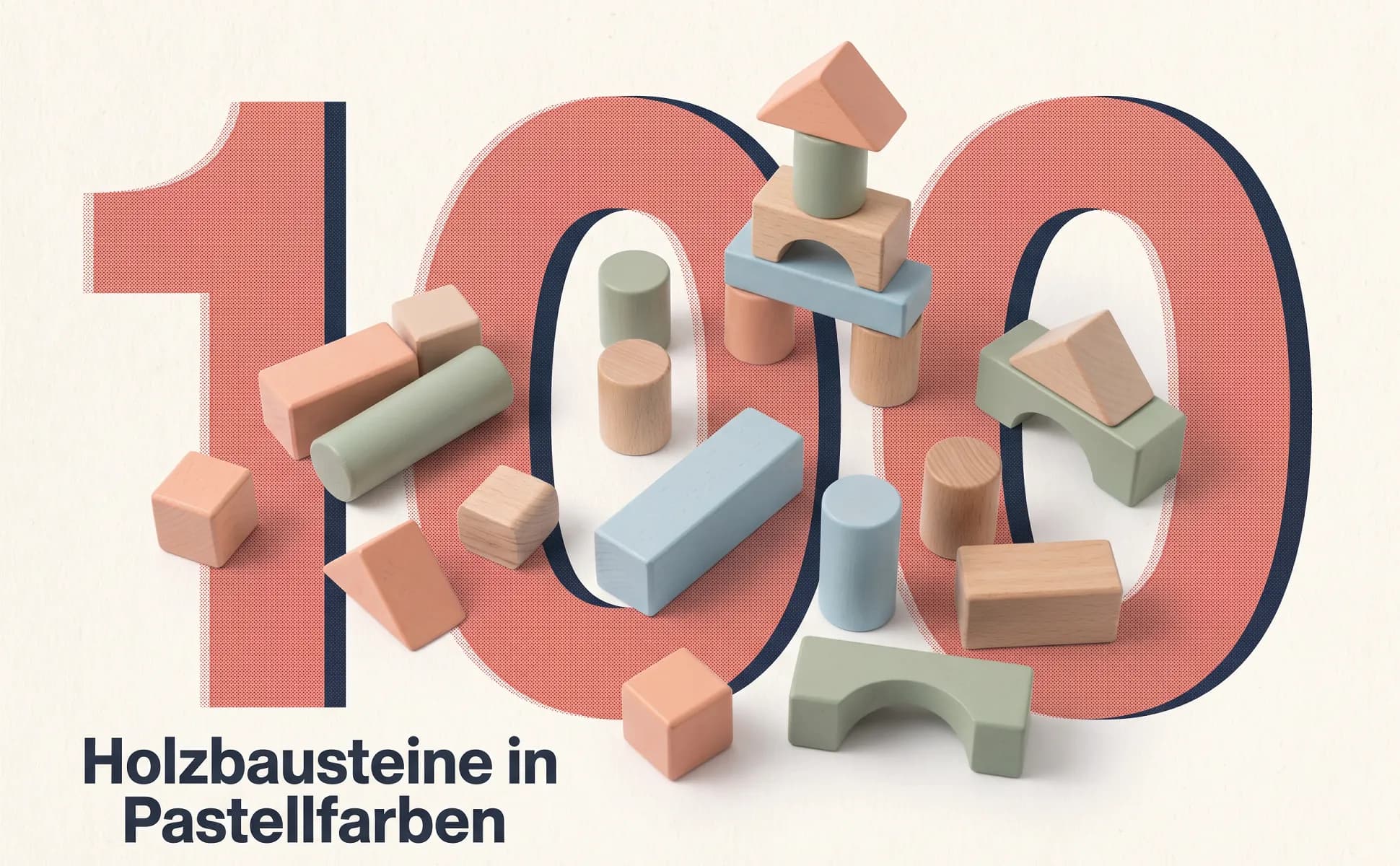
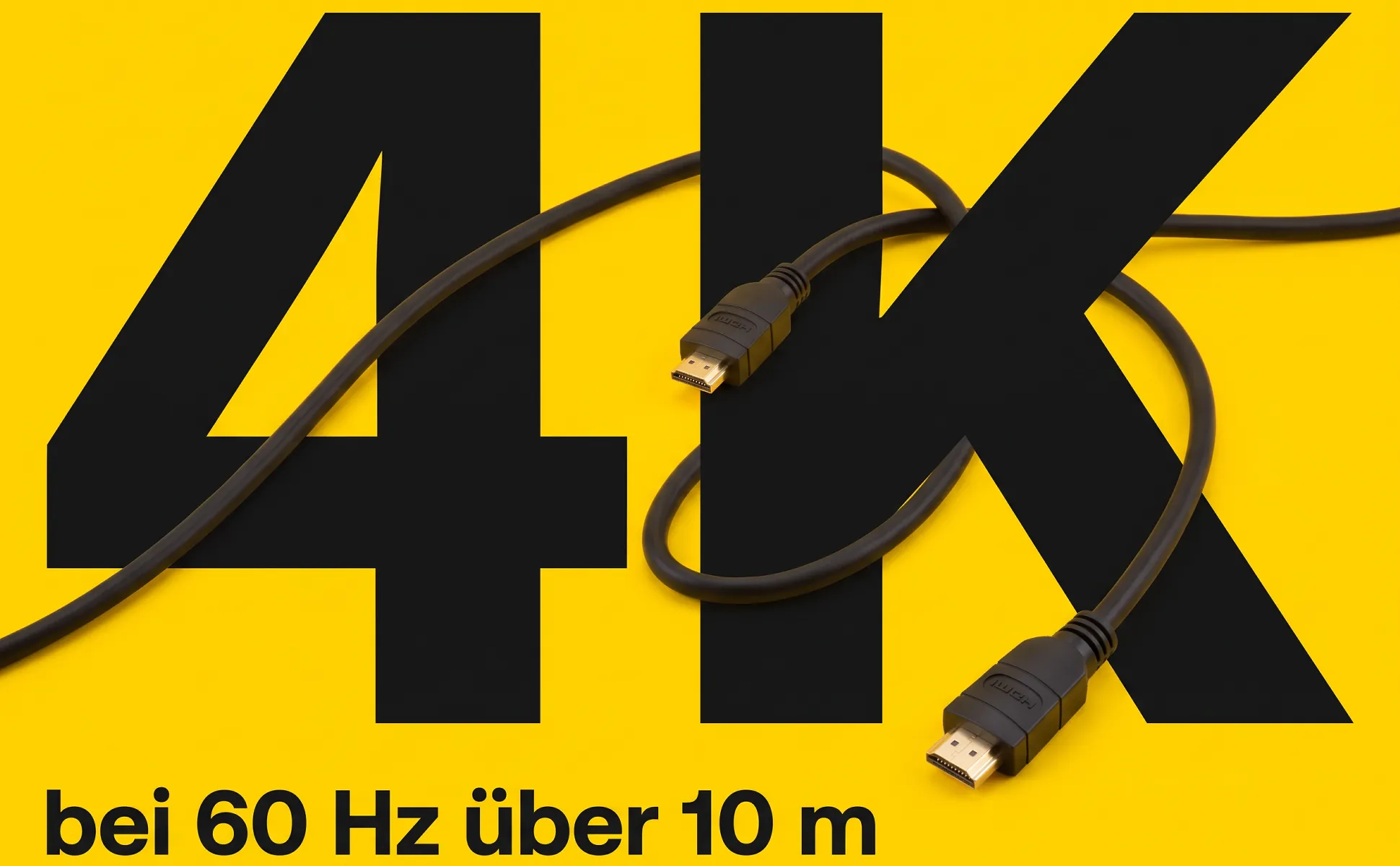
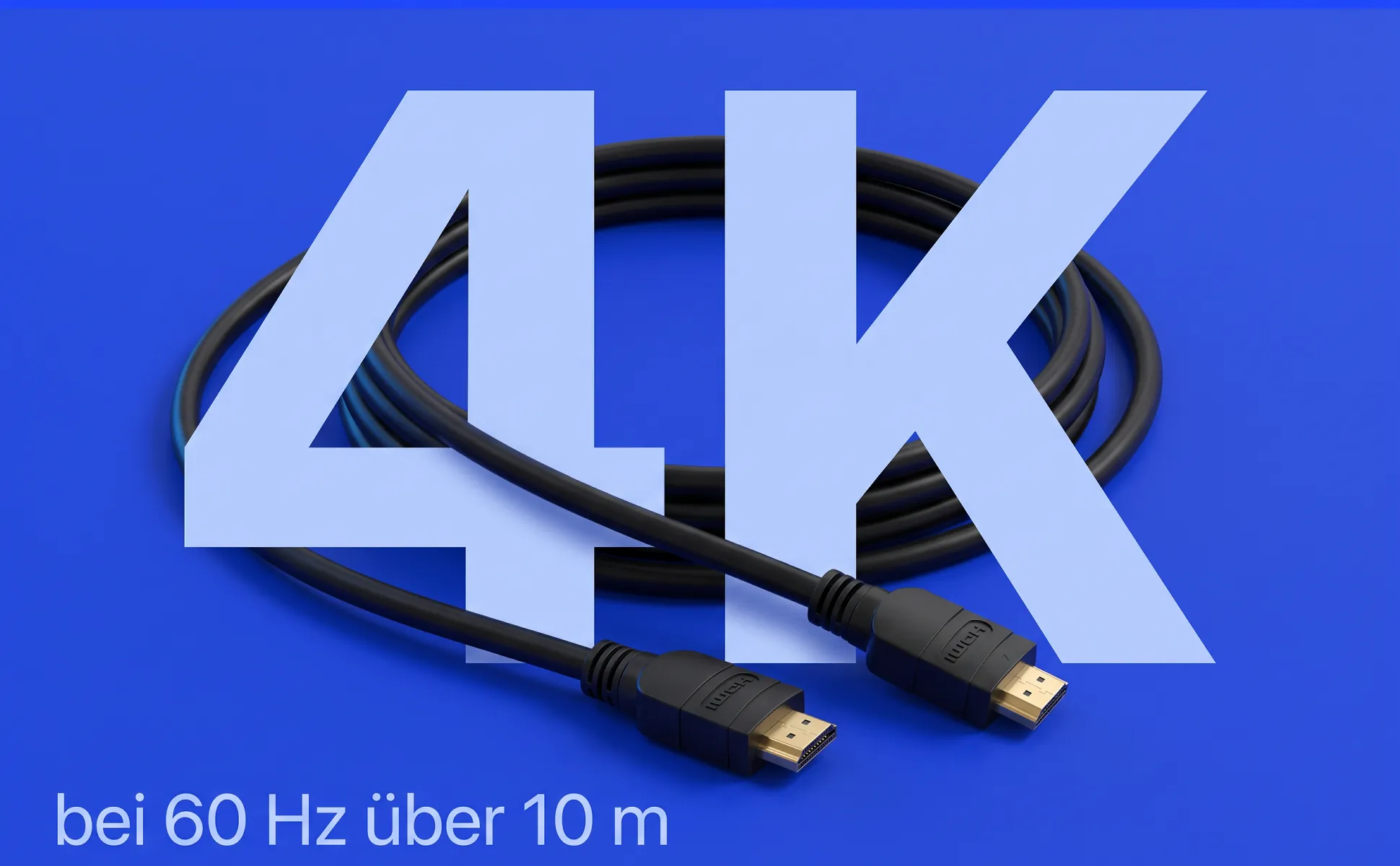
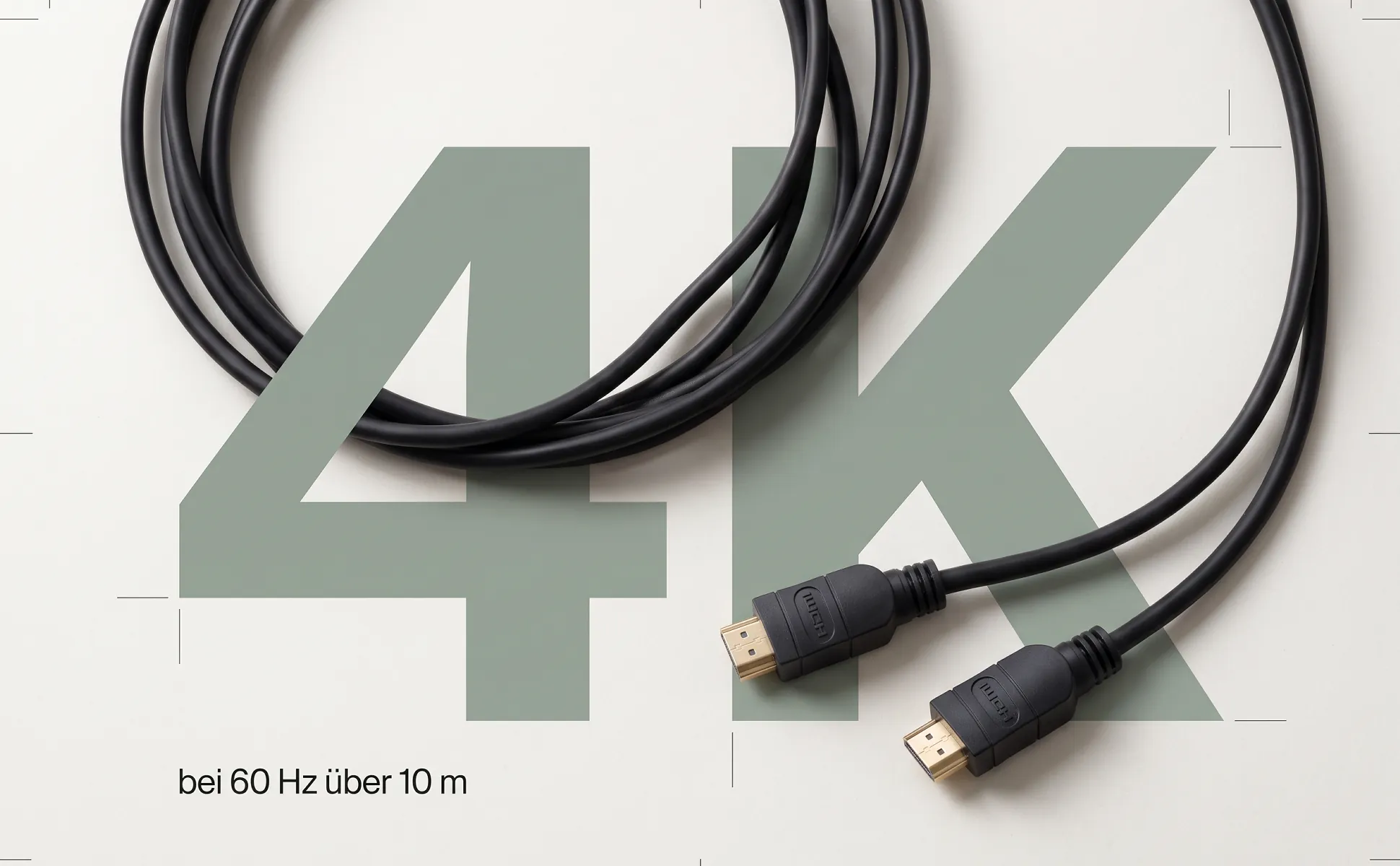
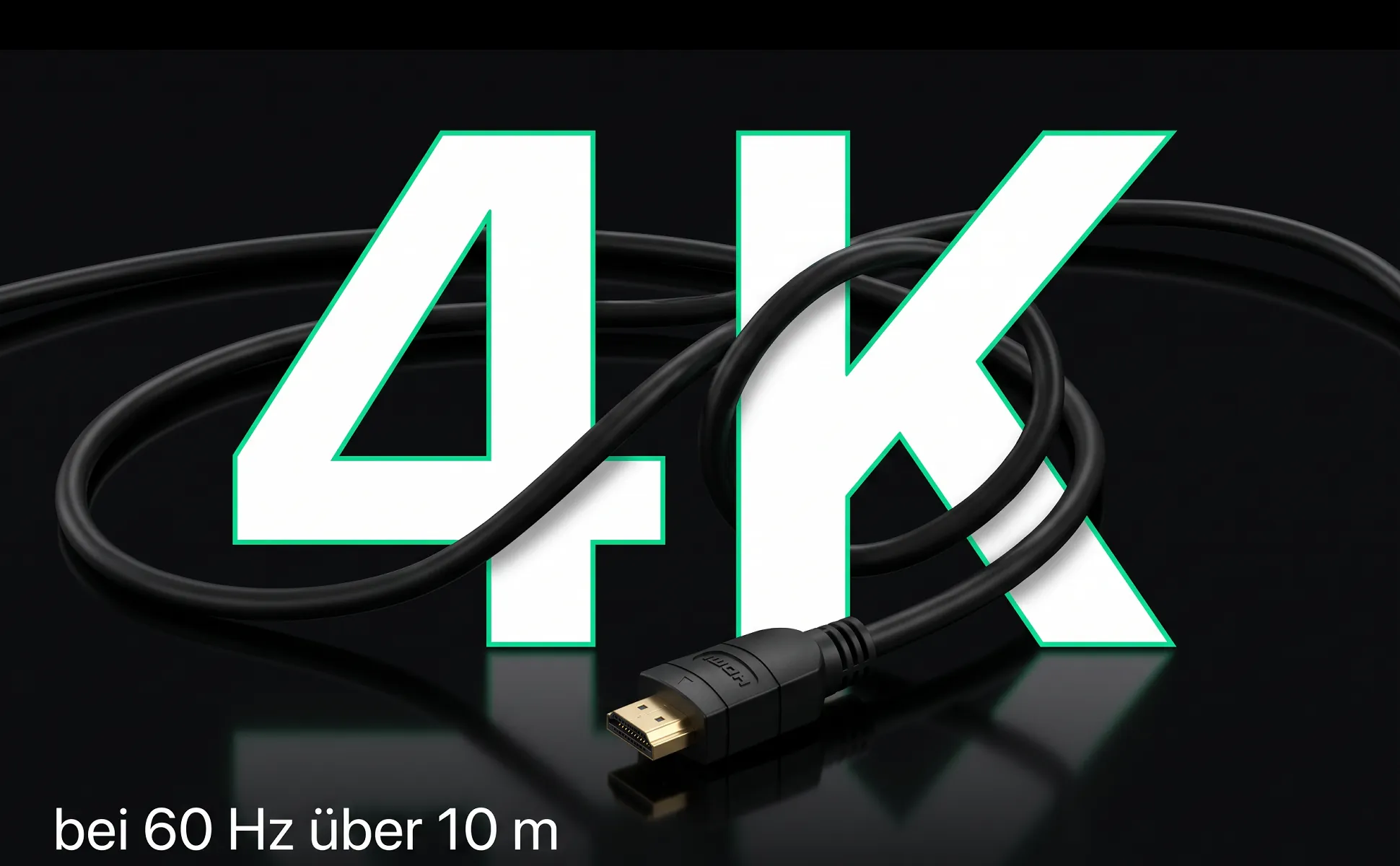
Big number
The key figure fills the frame, with the product lying right inside the type.
Buying question: What does it do?
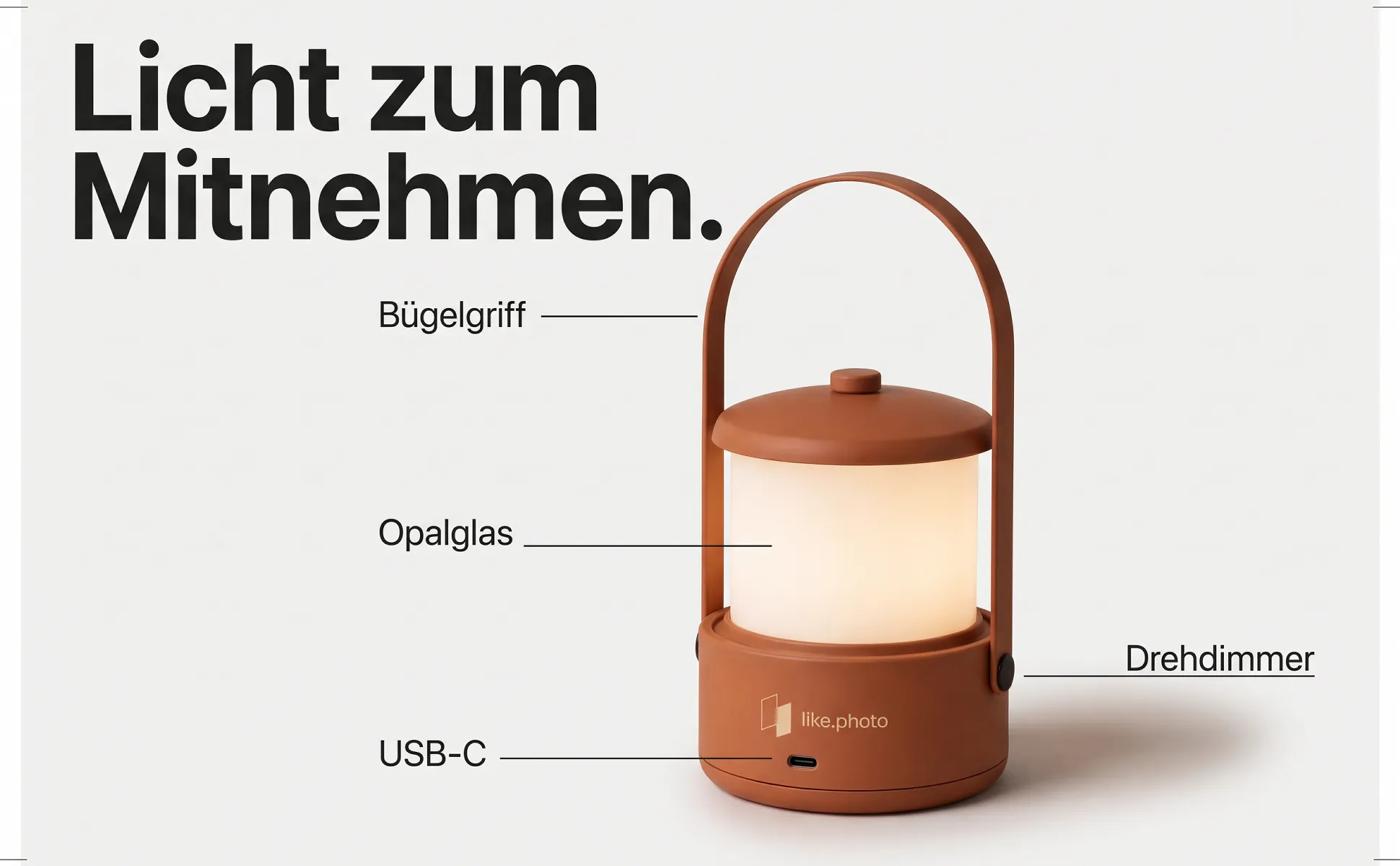
Labeled overview
The whole product in frame, with short labels pointing at the parts buyers look for.
Buying question: What does it have?
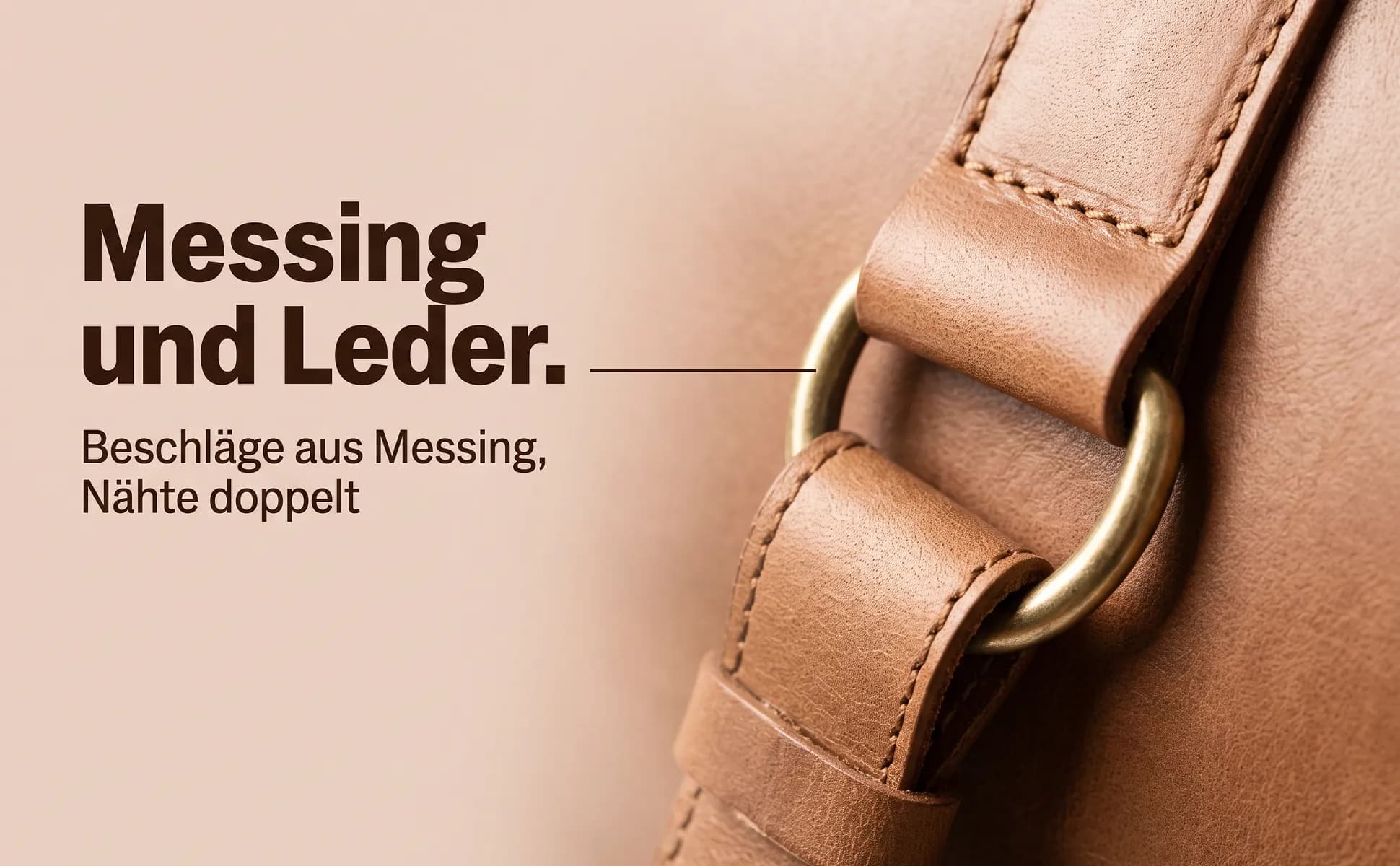
Macro detail
One detail up close, next to a headline that says what this detail is good for.
Buying question: How is it made?
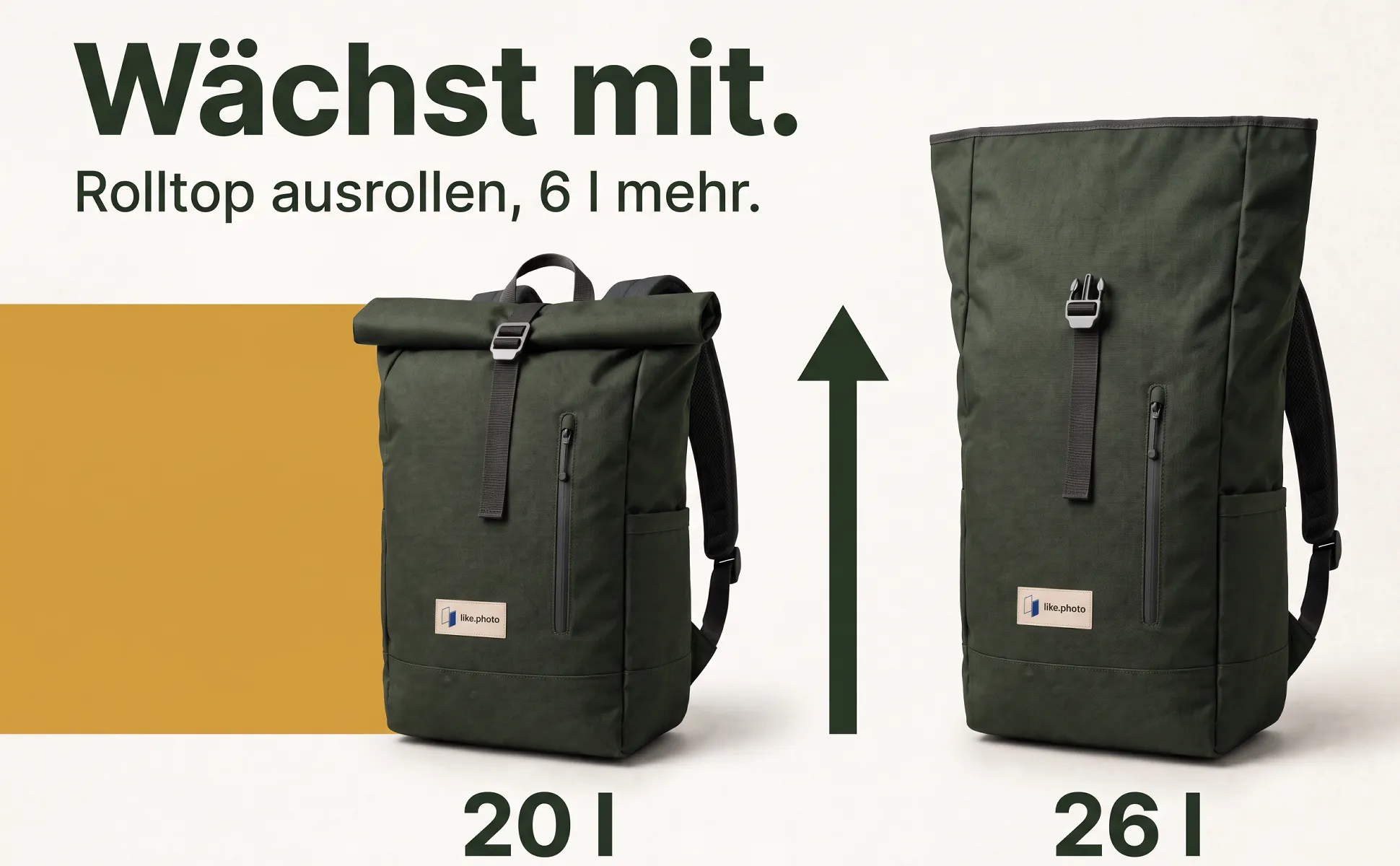
Explainer graphic
A graphic grows out of the product and explains connection, size or handling at a glance.
Buying question: How do I use it?
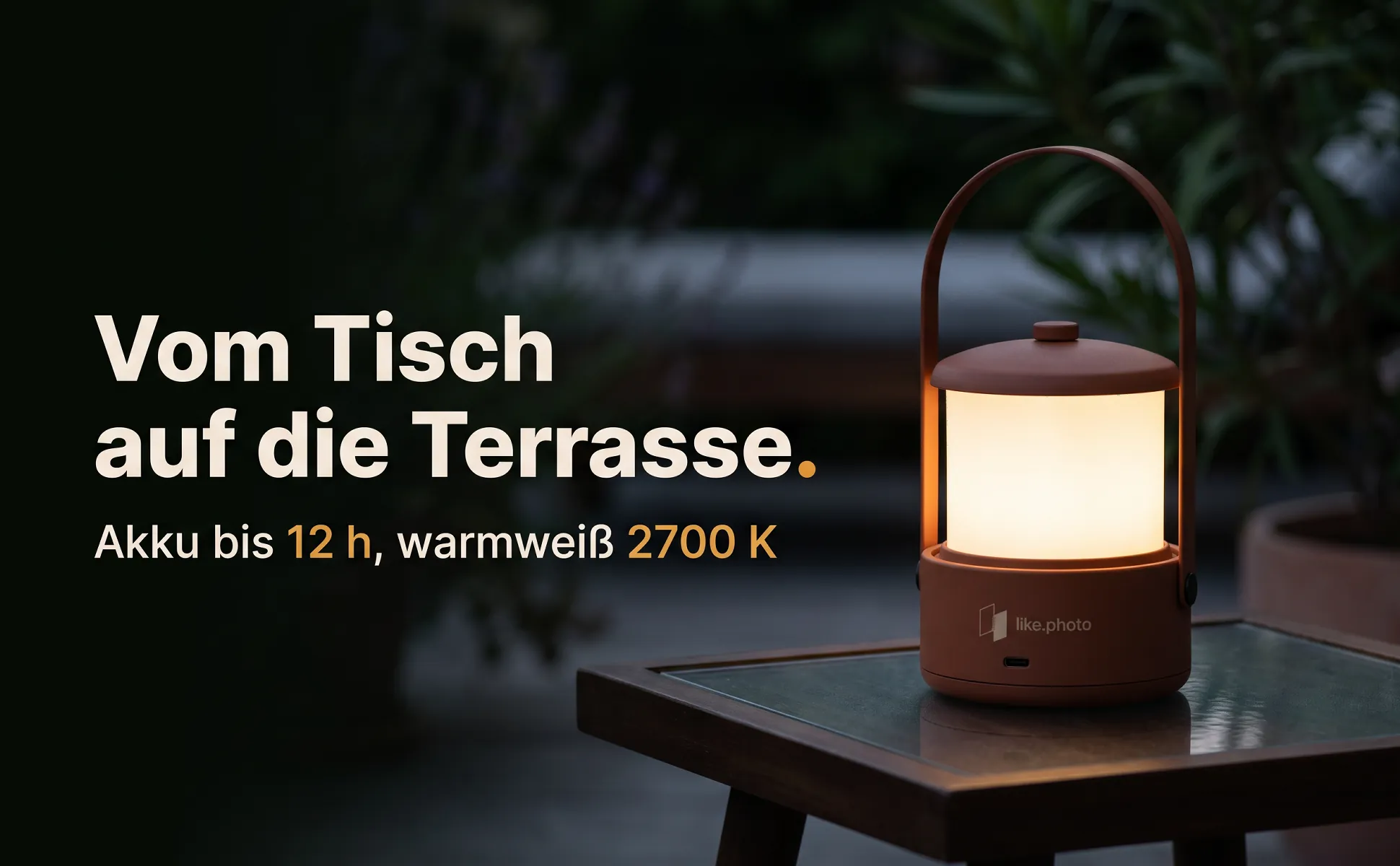
In-use scene
The product where it belongs, with a headline that names the use in a few words.
Buying question: Where do I use it?
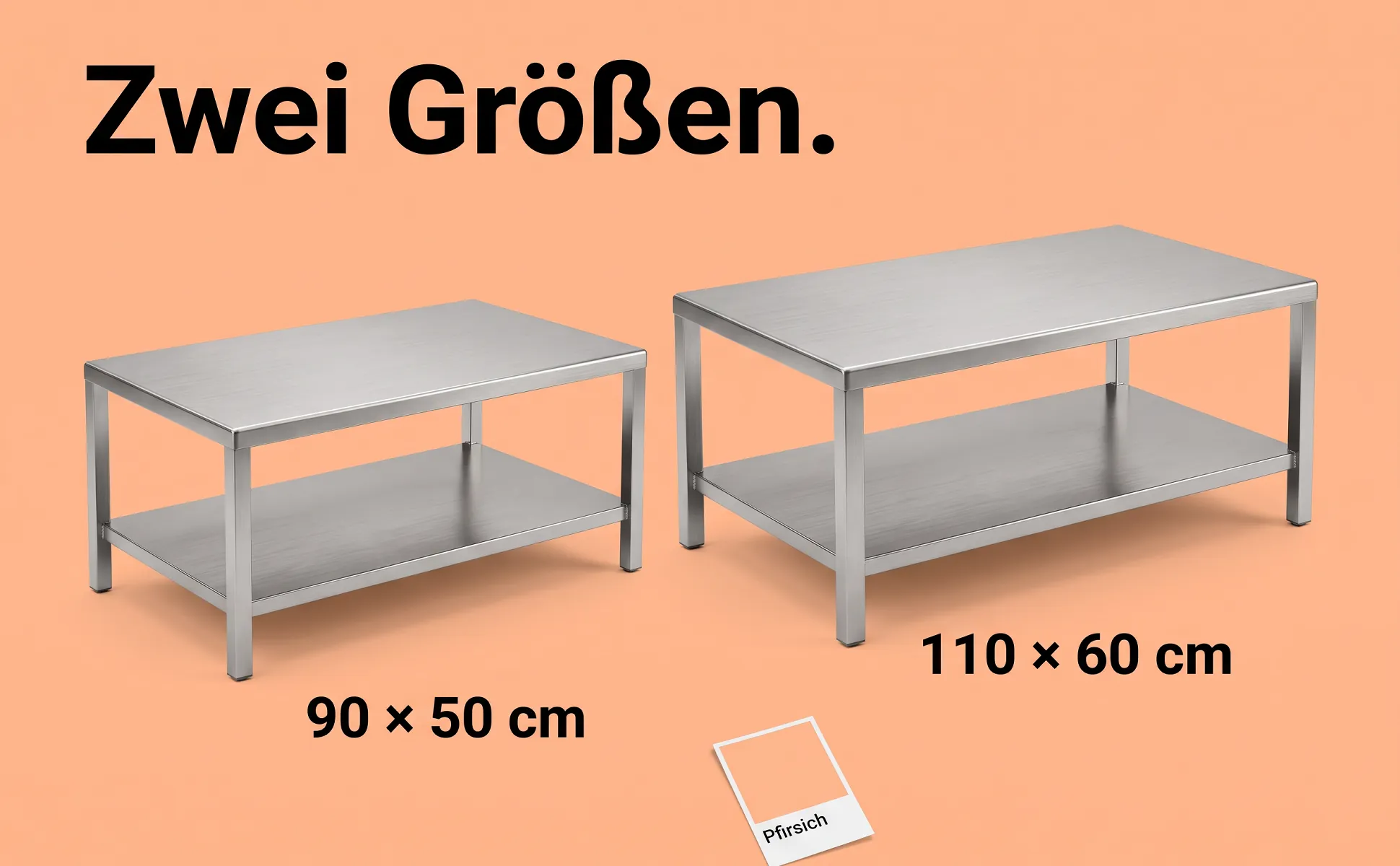
Side-by-side comparison
Two sizes or versions side by side, in the same light, with clear labels.
Buying question: Which variant?
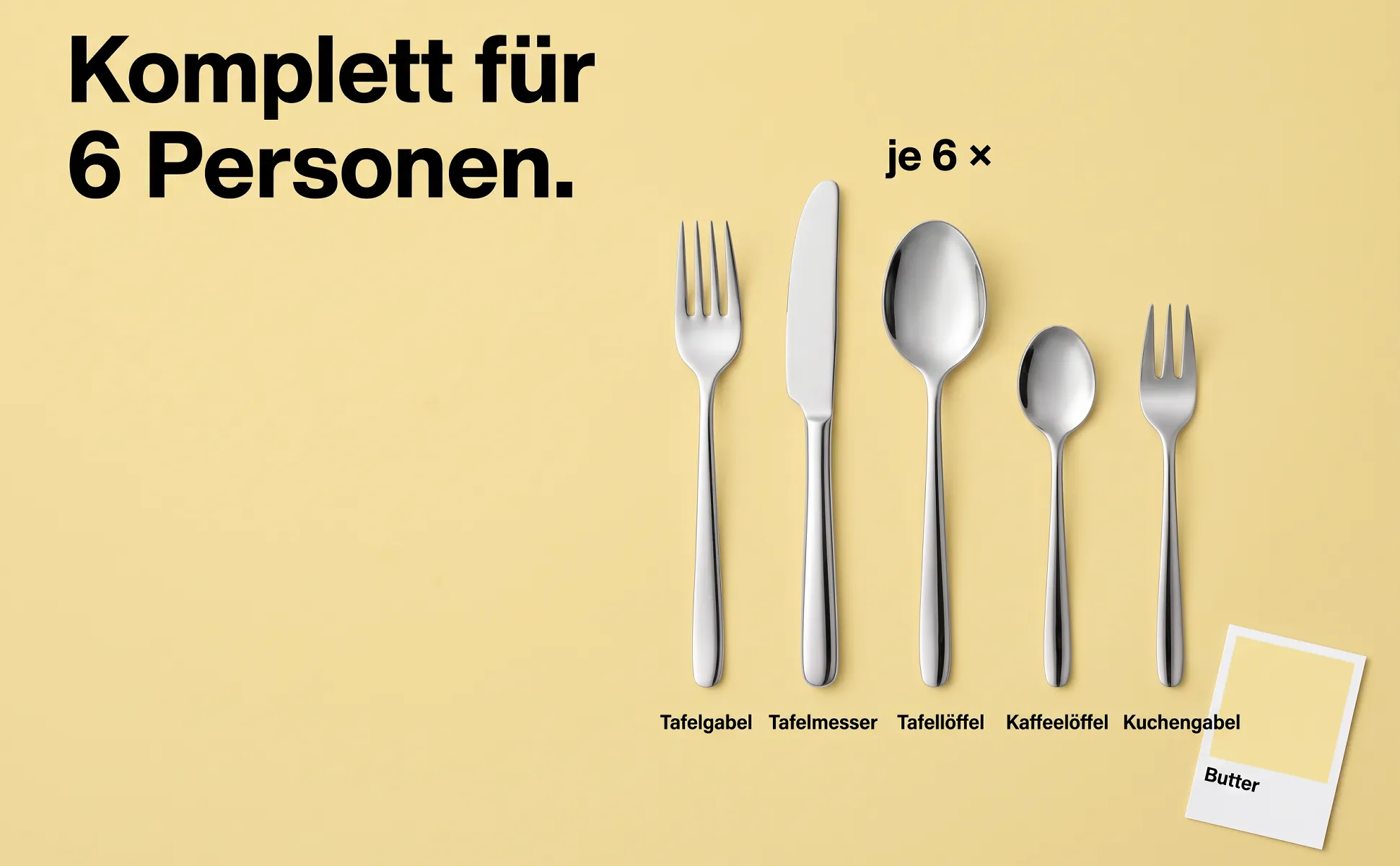
What's included
Every part neatly from above, each with its name, plus the quantity.
Buying question: What do I get?
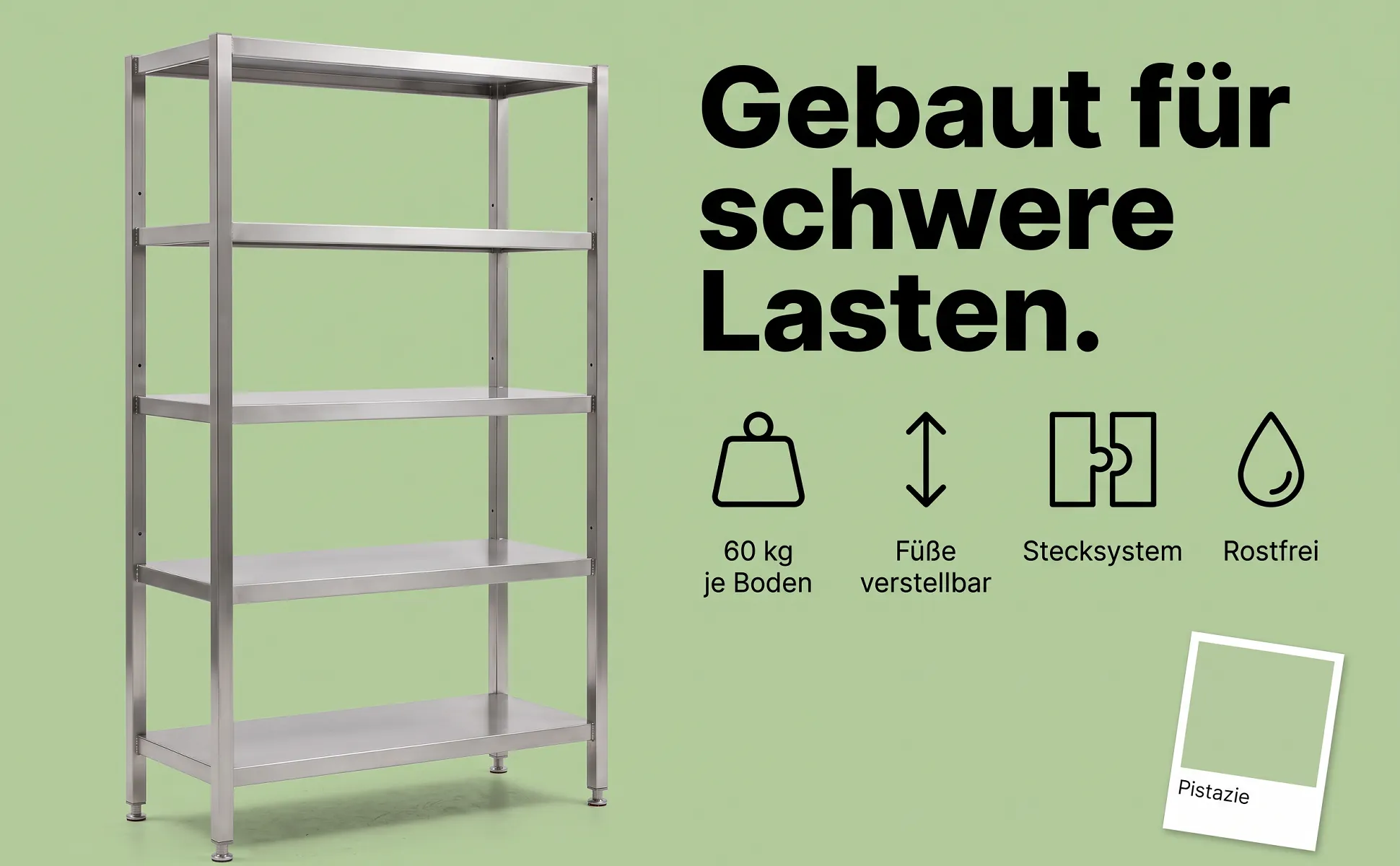
Icon row
The product on one side, three or four benefits as simple icons with labels on the other.
Buying question: Why this one?
Example products
Every product with all the images made from one photo and its product data.
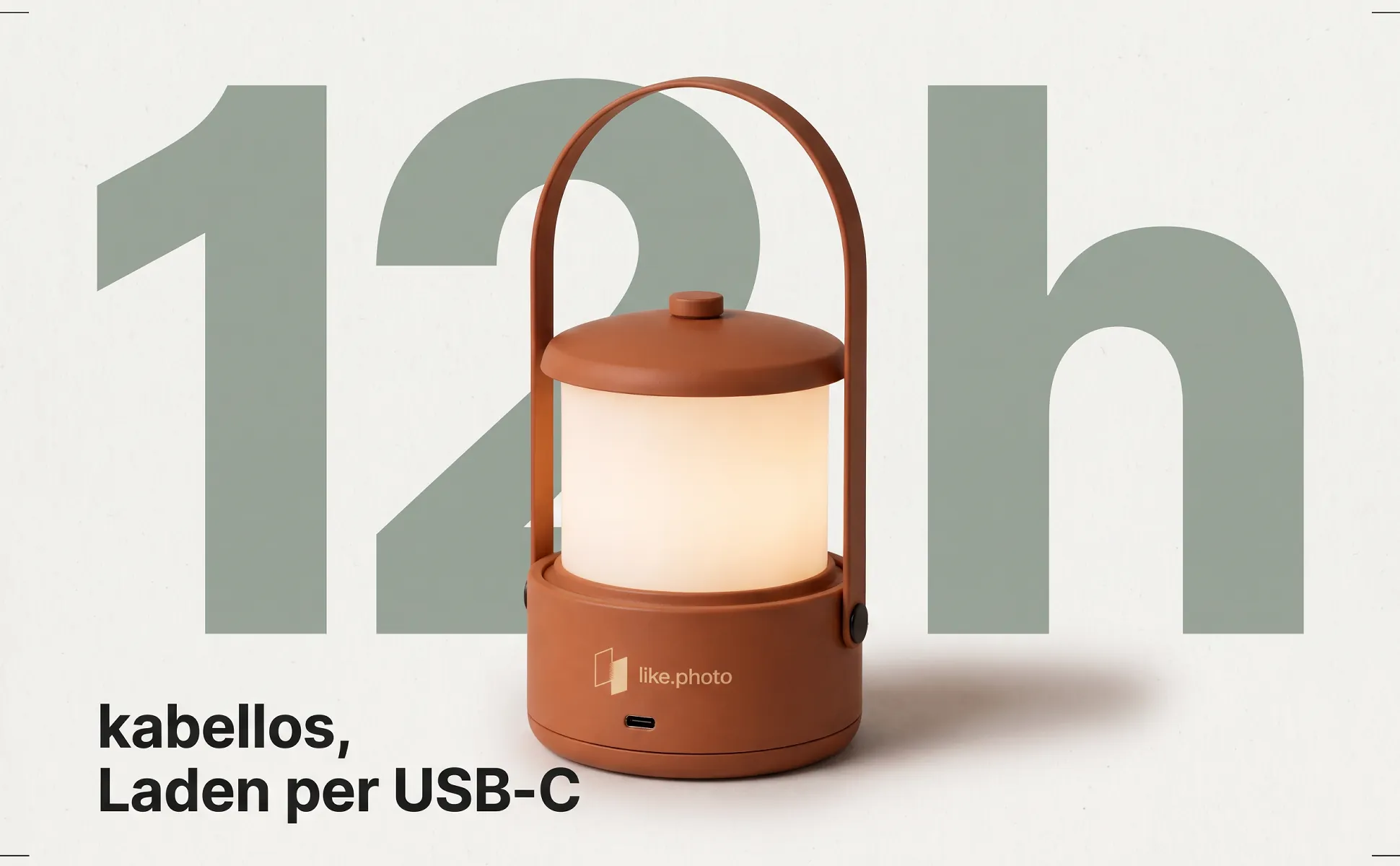
Cordless table lamp
Lighting · 10 images
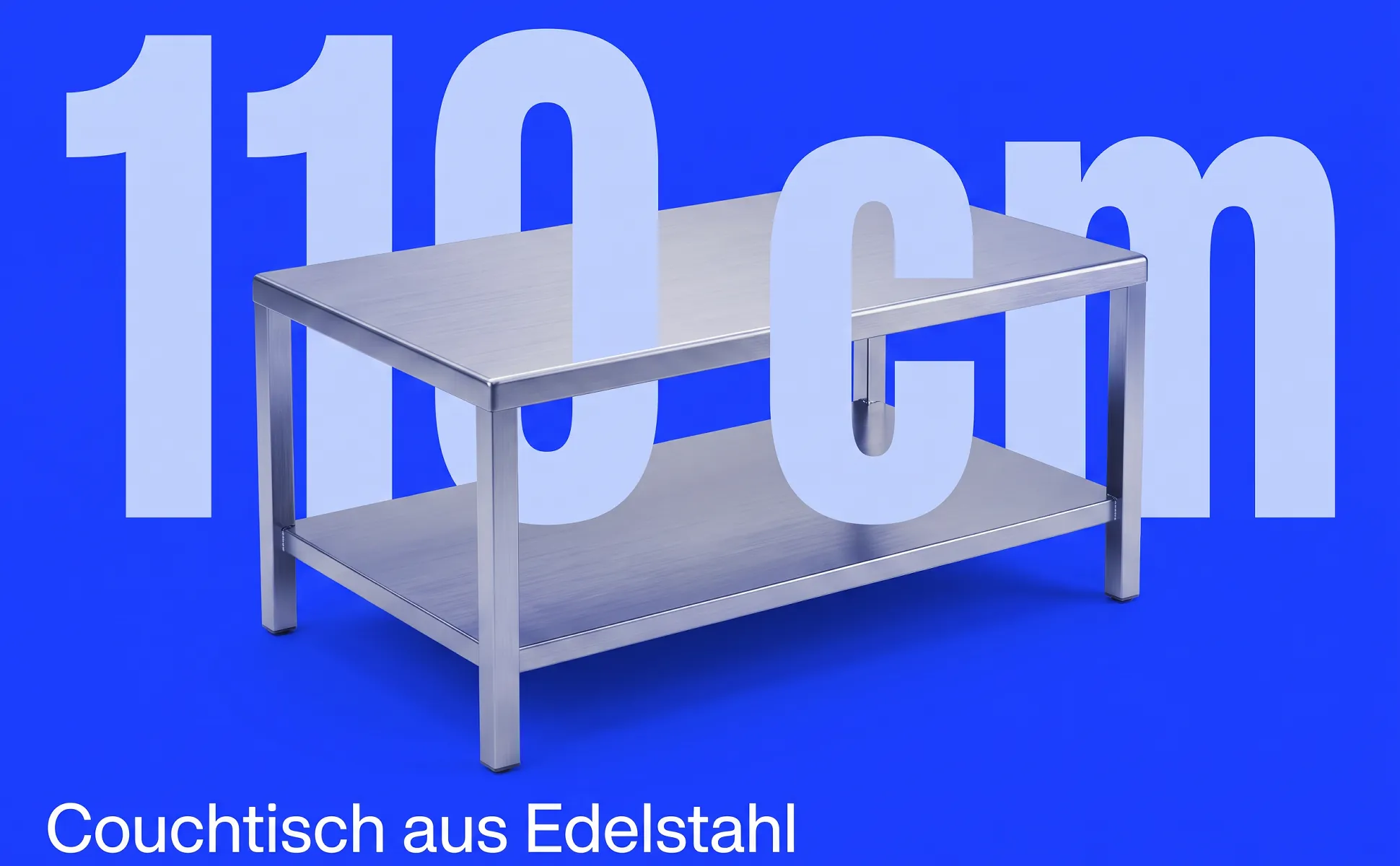
Stainless steel coffee table
Furniture · 12 images
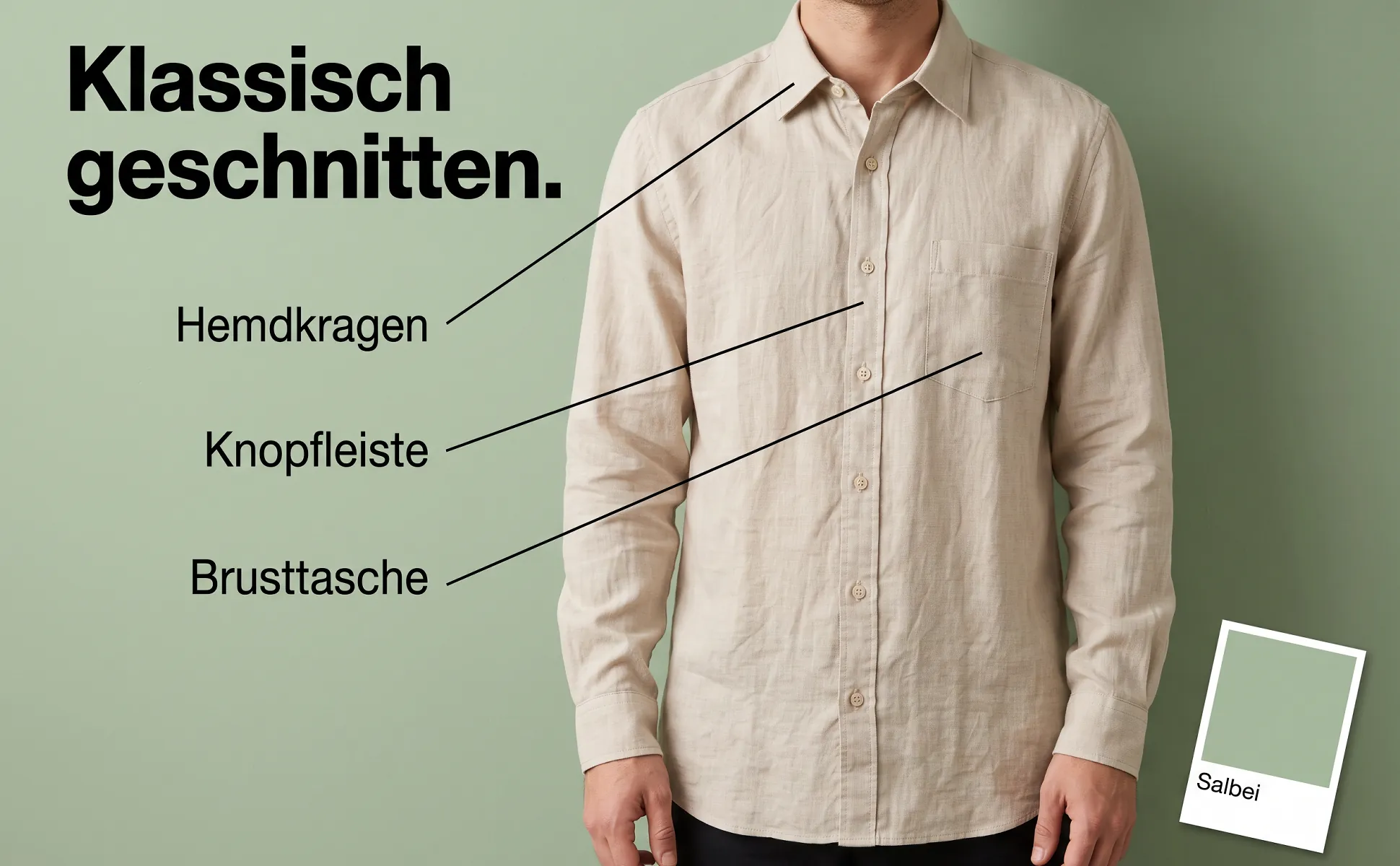
Linen shirt
Fashion · 14 images

Cat 6A patch cable, 0.25 m
Electronics · 23 images
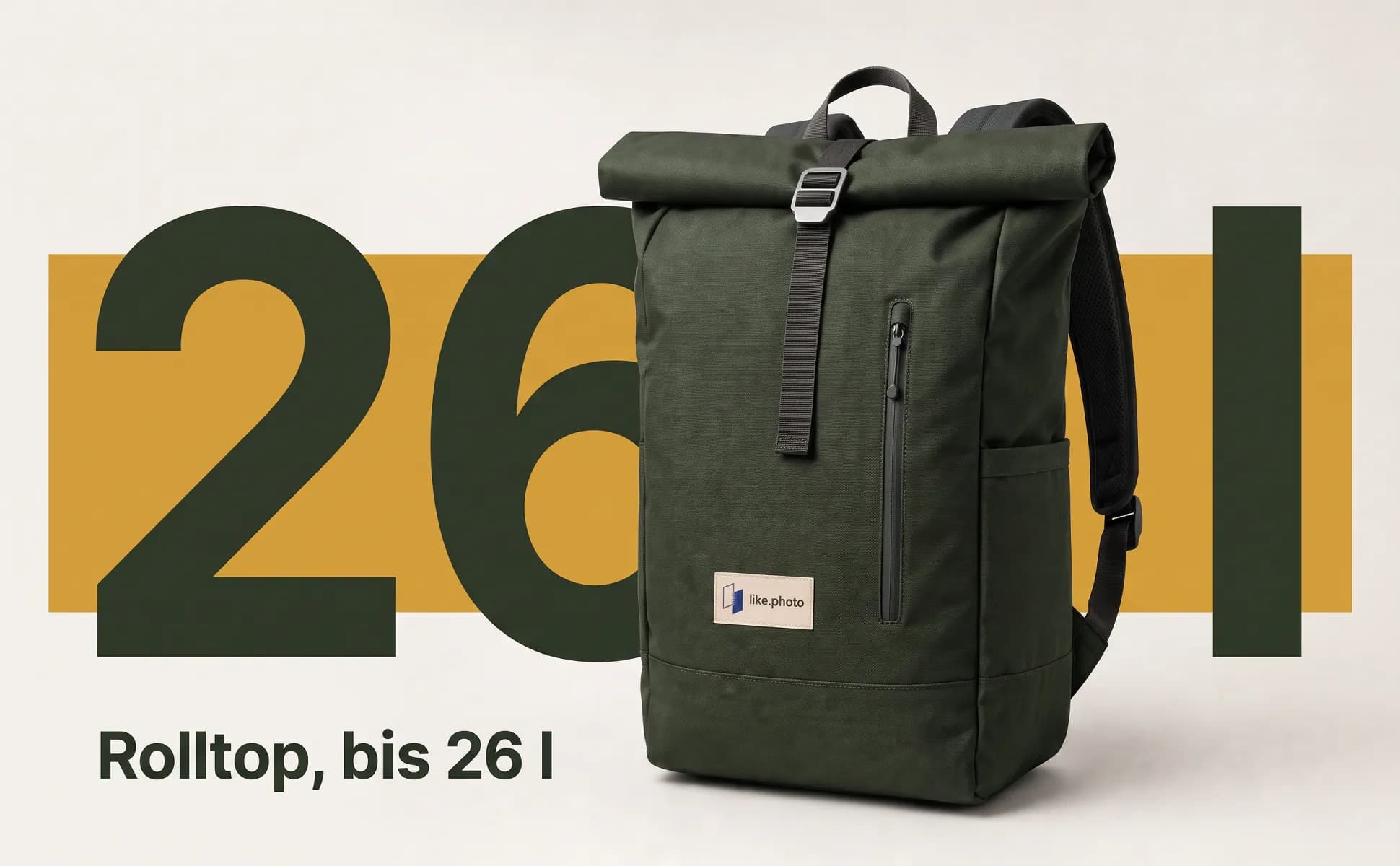
Roll-top backpack, 26 l
Bags · 10 images
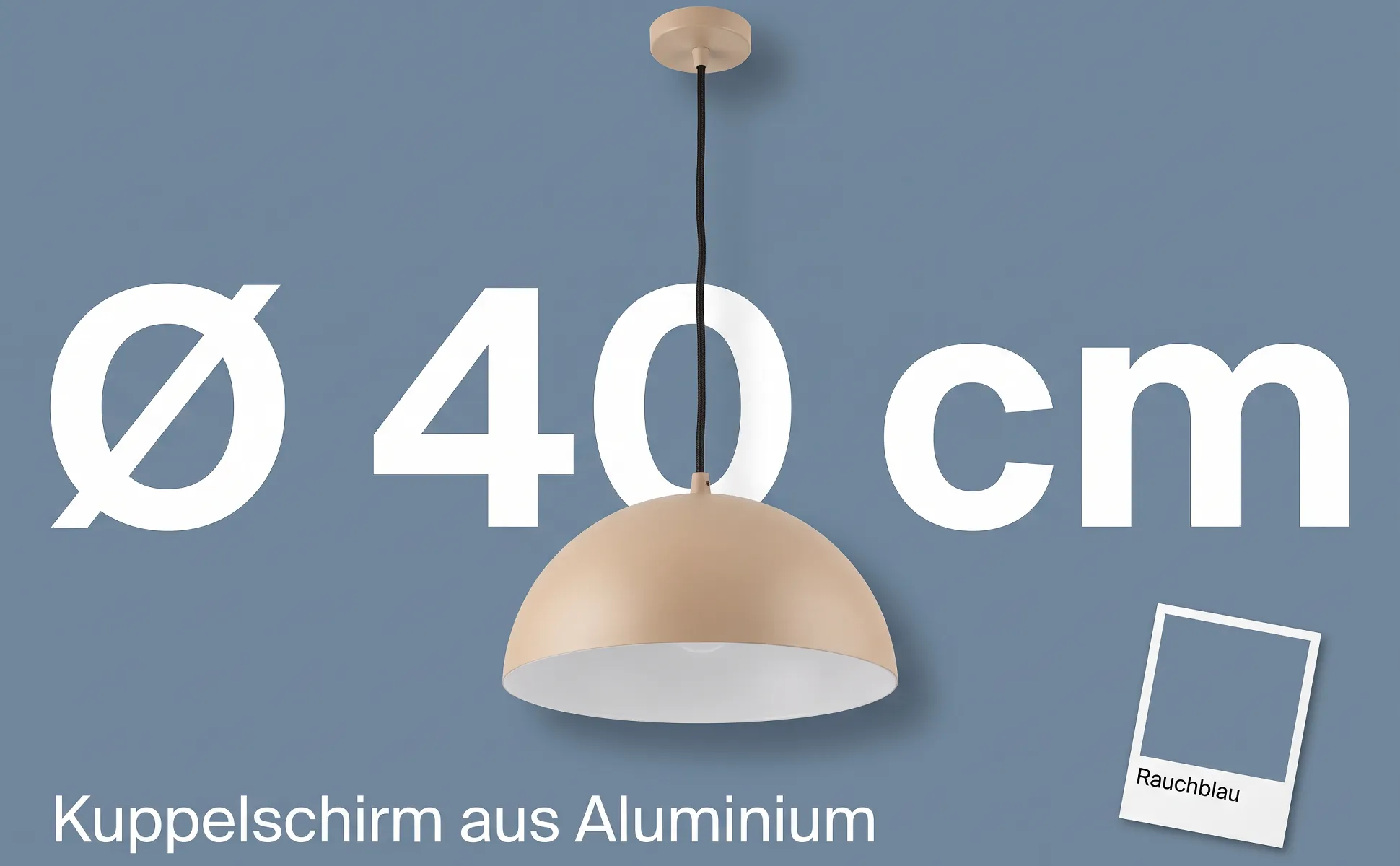
Pendant lamp, 40 cm
Lighting · 10 images
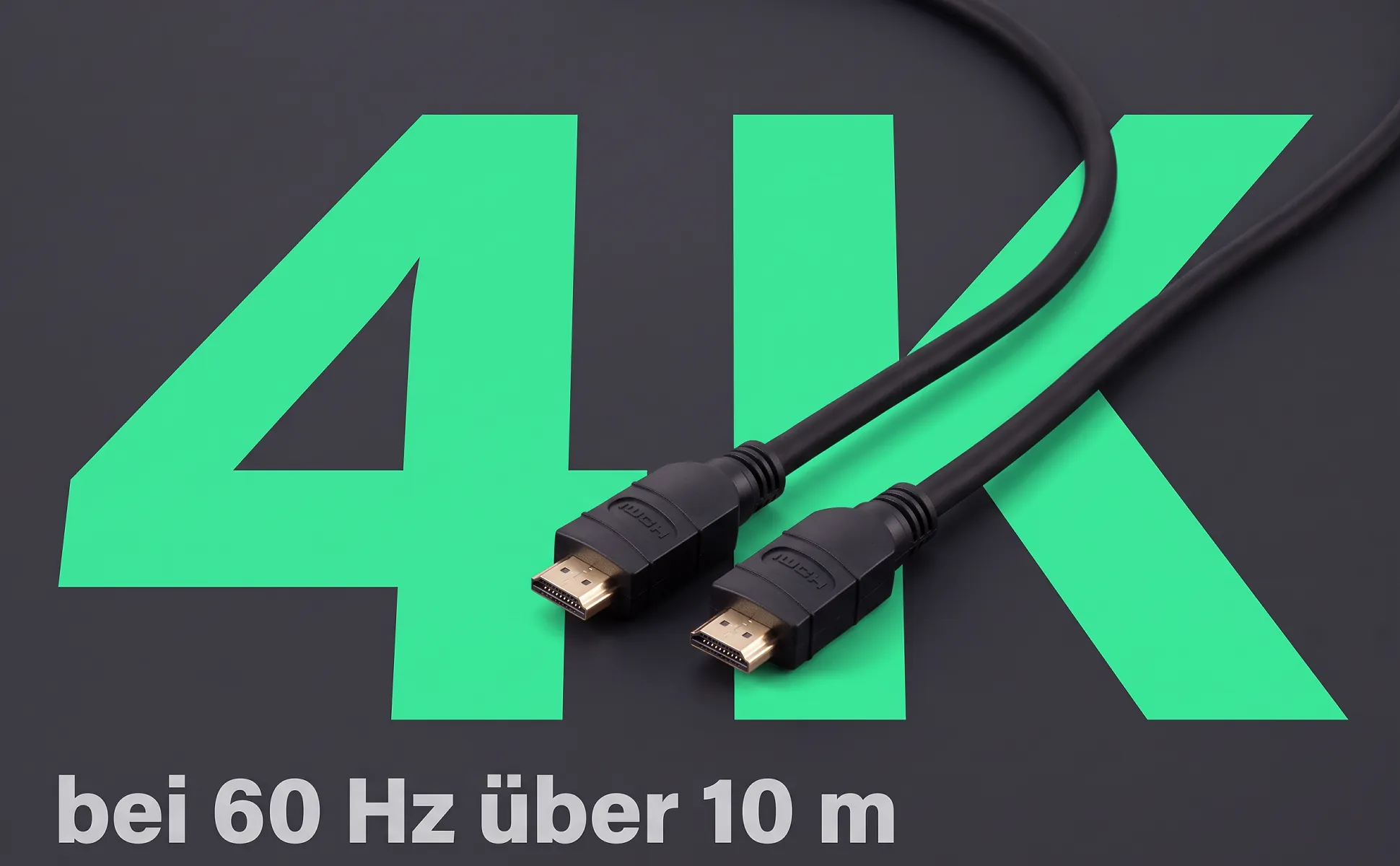
HDMI cable, 10 m
Electronics · 22 images
Wooden blocks, 100 pieces
Toys · 9 images
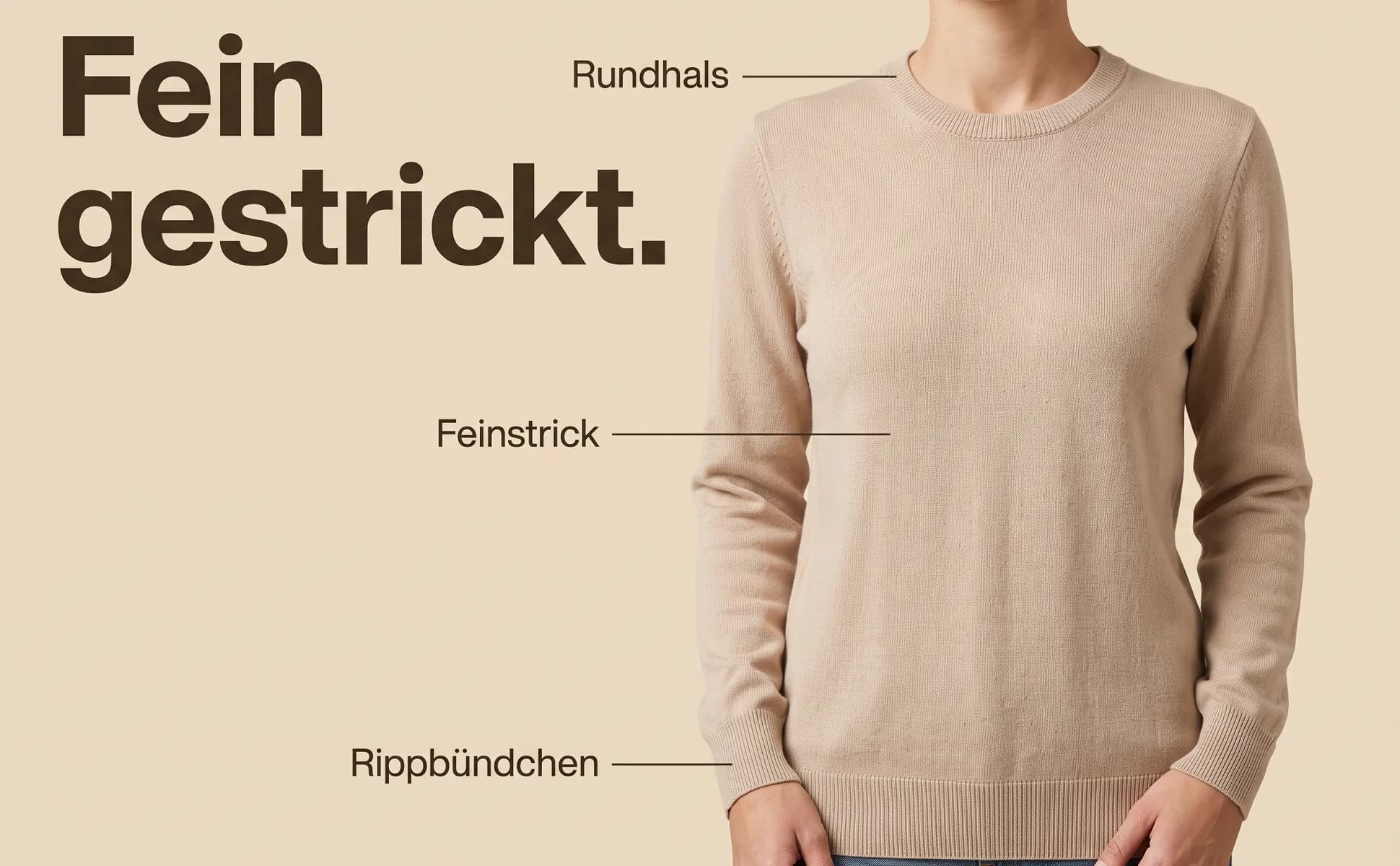
Merino knit sweater
Fashion · 12 images
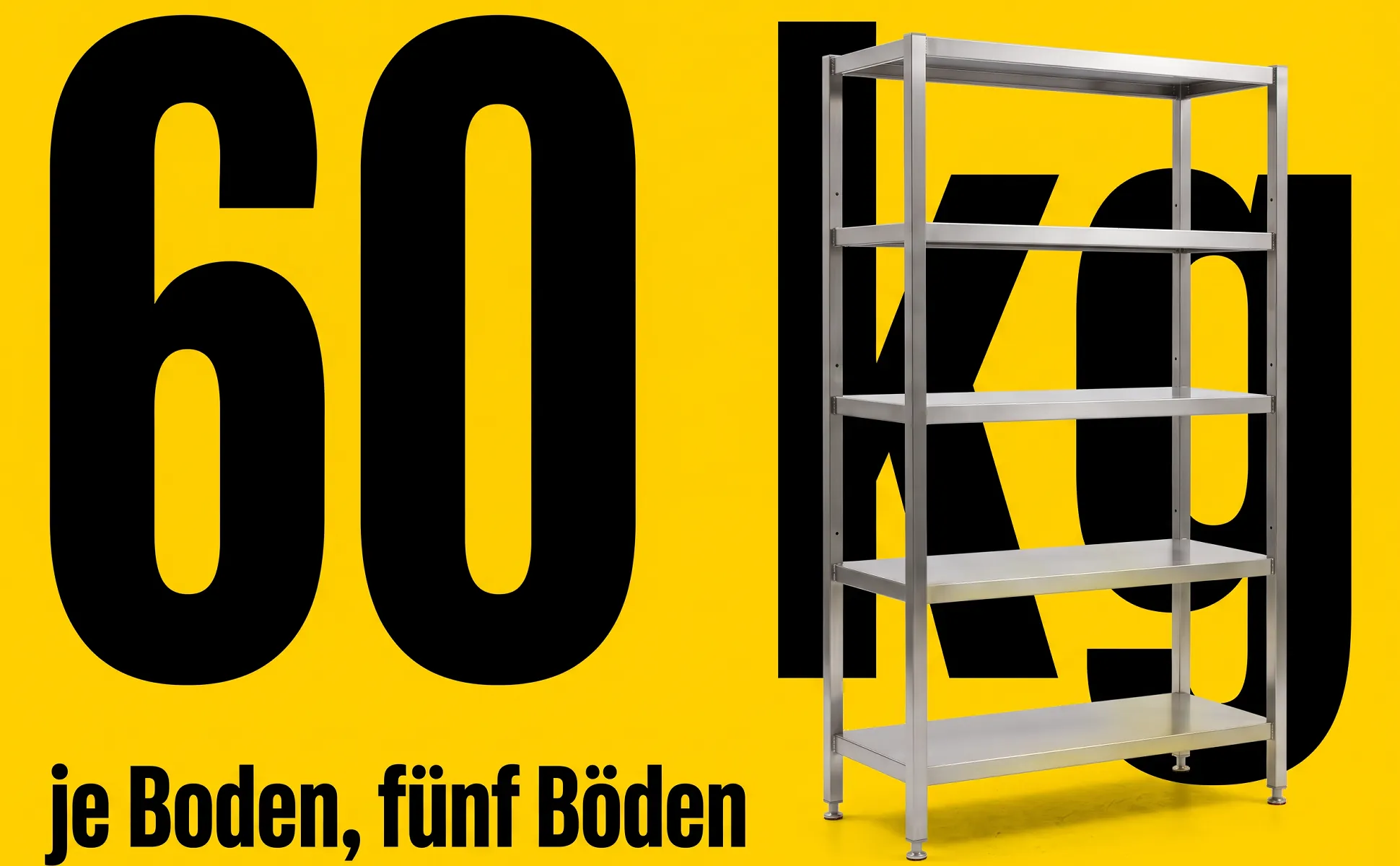
Stainless steel shelving unit
Furniture · 11 images
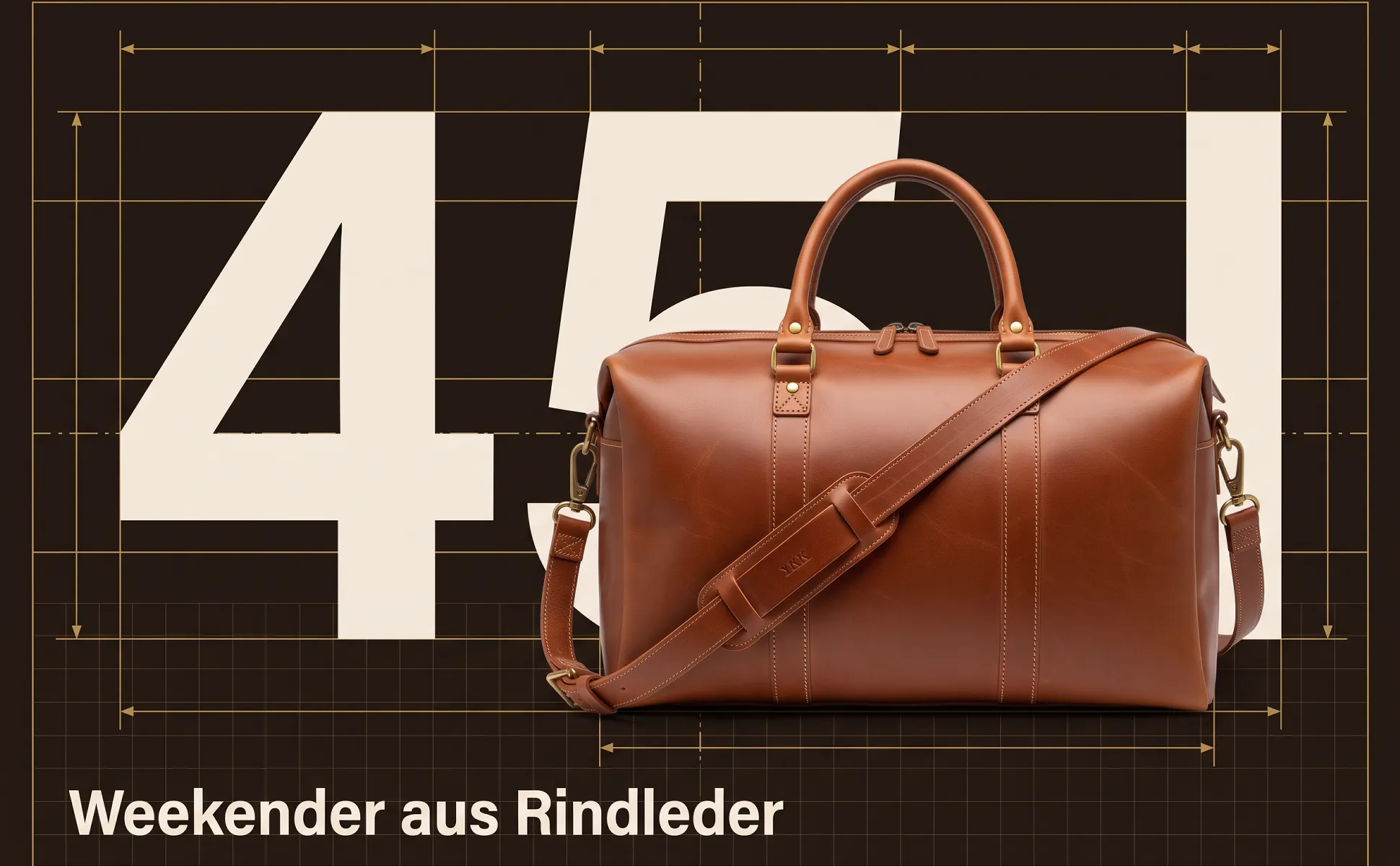
Leather weekender, 45 l
Bags · 8 images
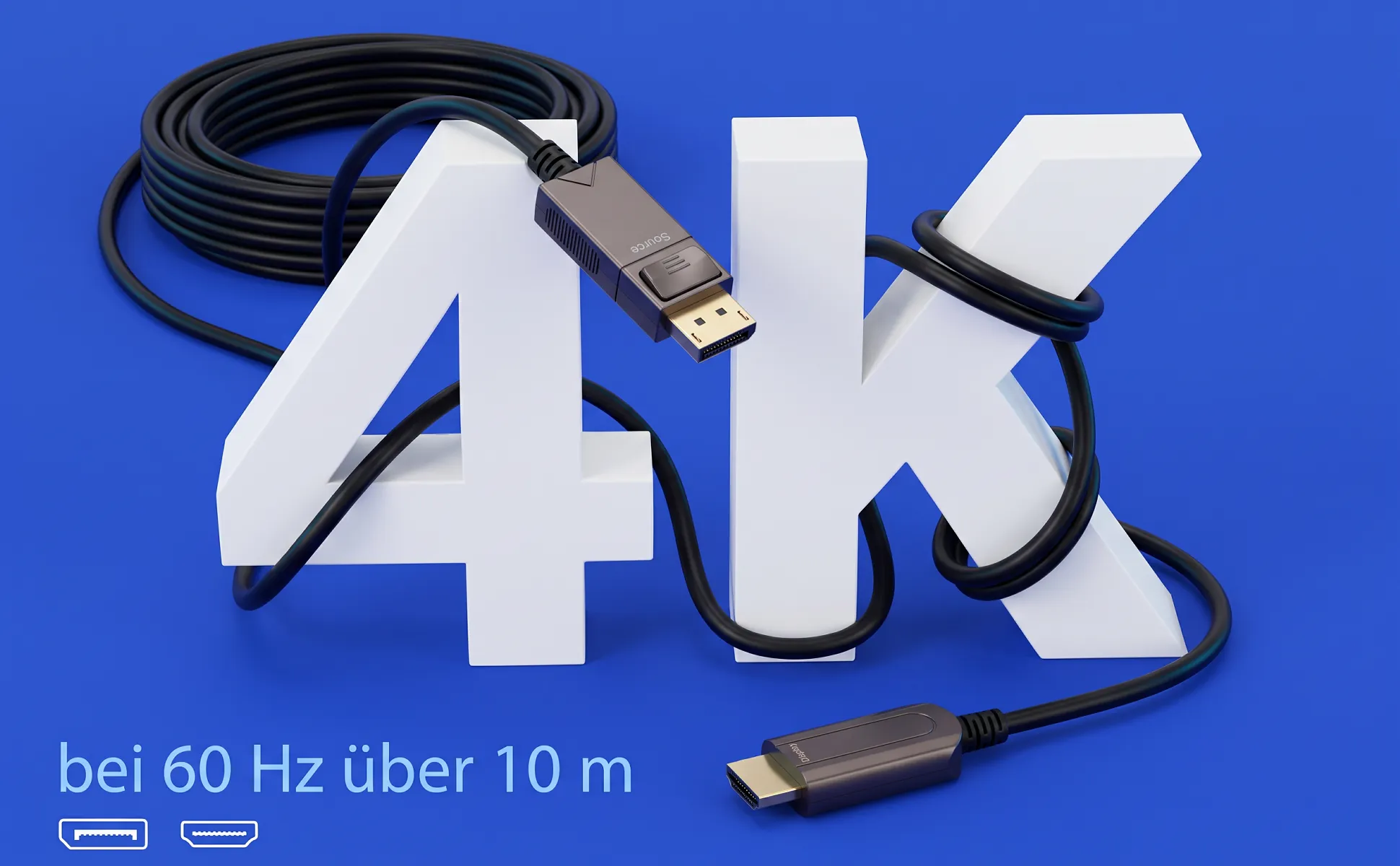
DisplayPort to HDMI cable, 10 m
Electronics · 5 images
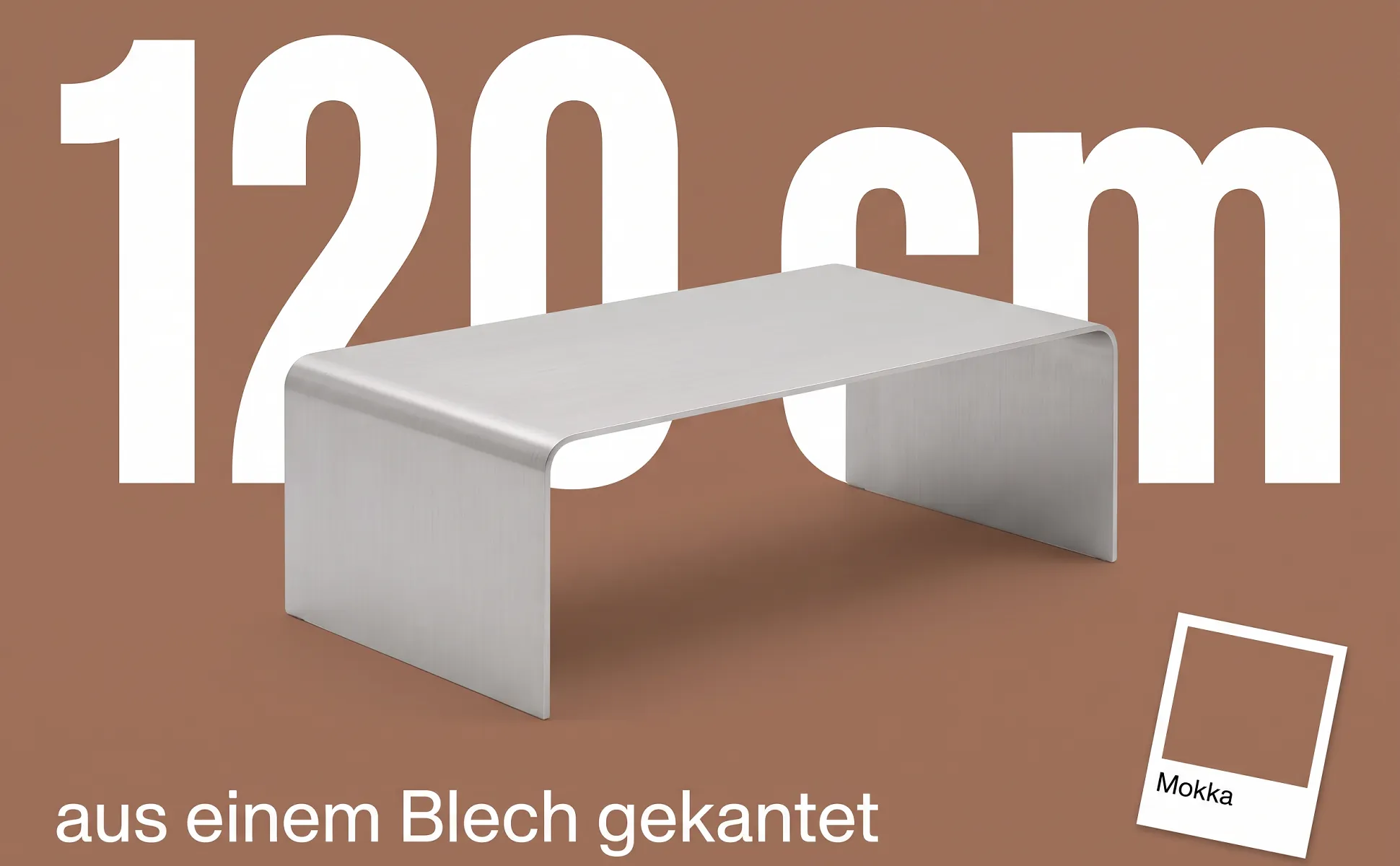
Folded aluminium coffee table
Furniture · 12 images
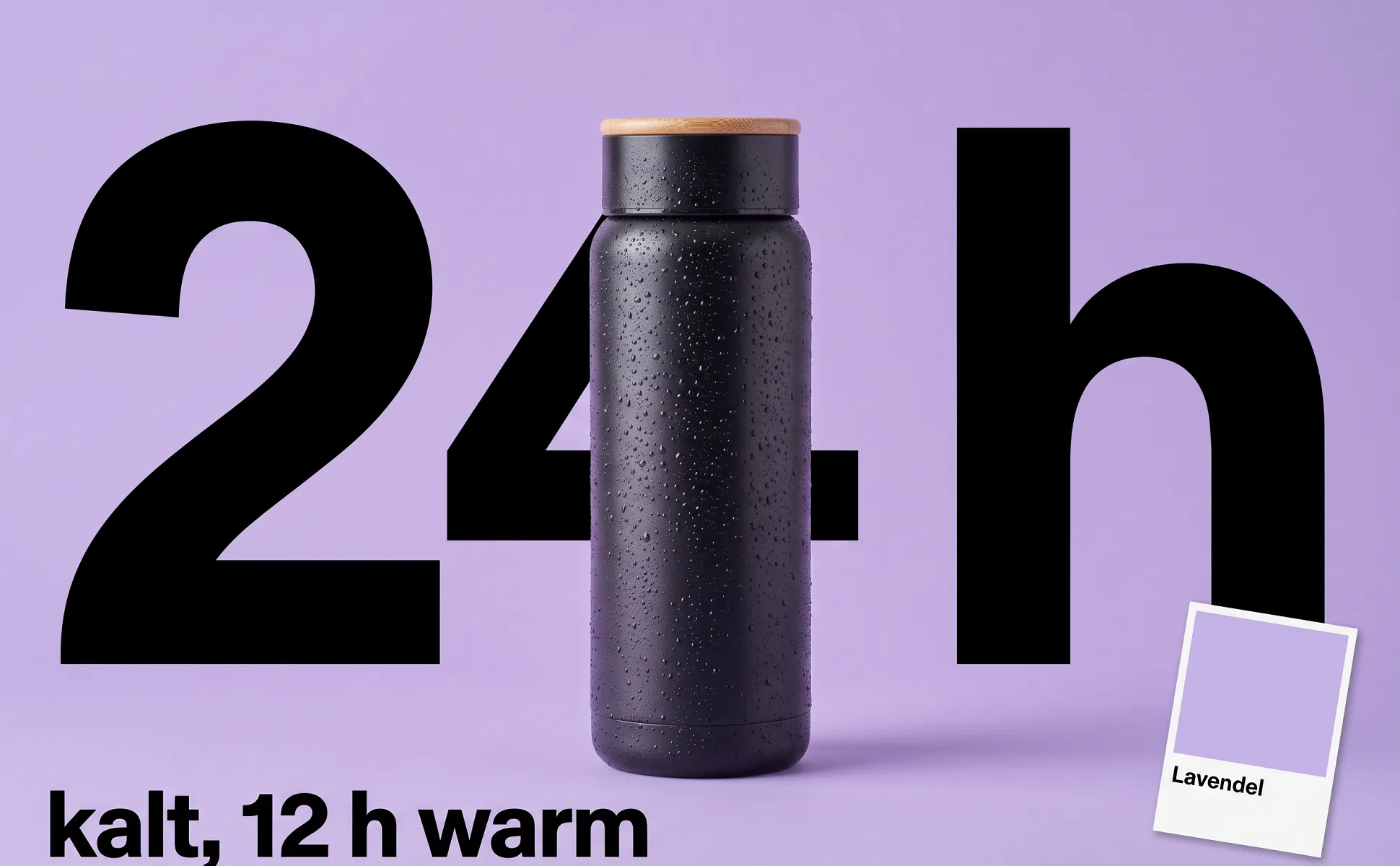
Insulated bottle, 750 ml
Kitchen · 12 images
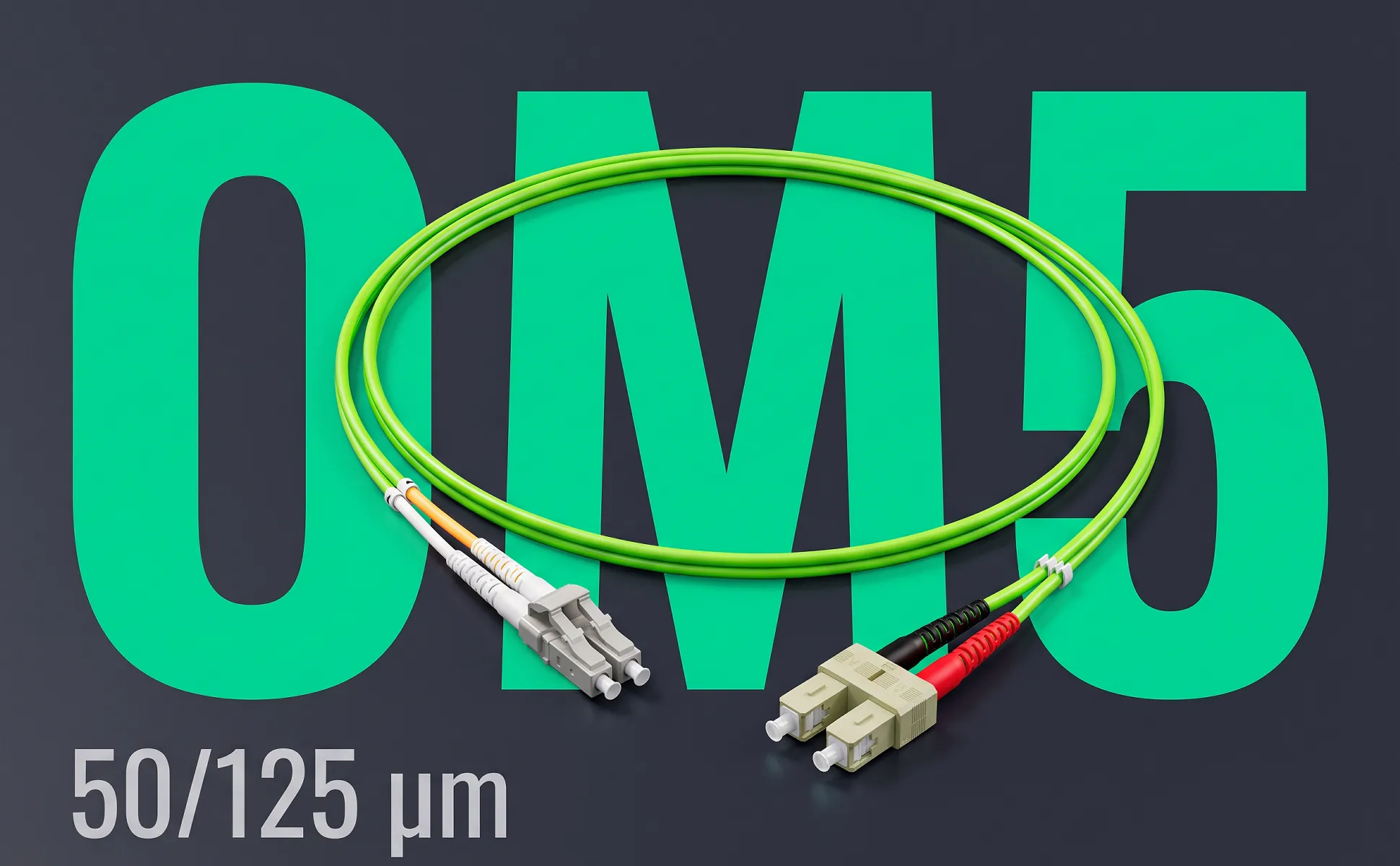
Fibre patch cable LC/SC, 0.5 m
Electronics · 7 images
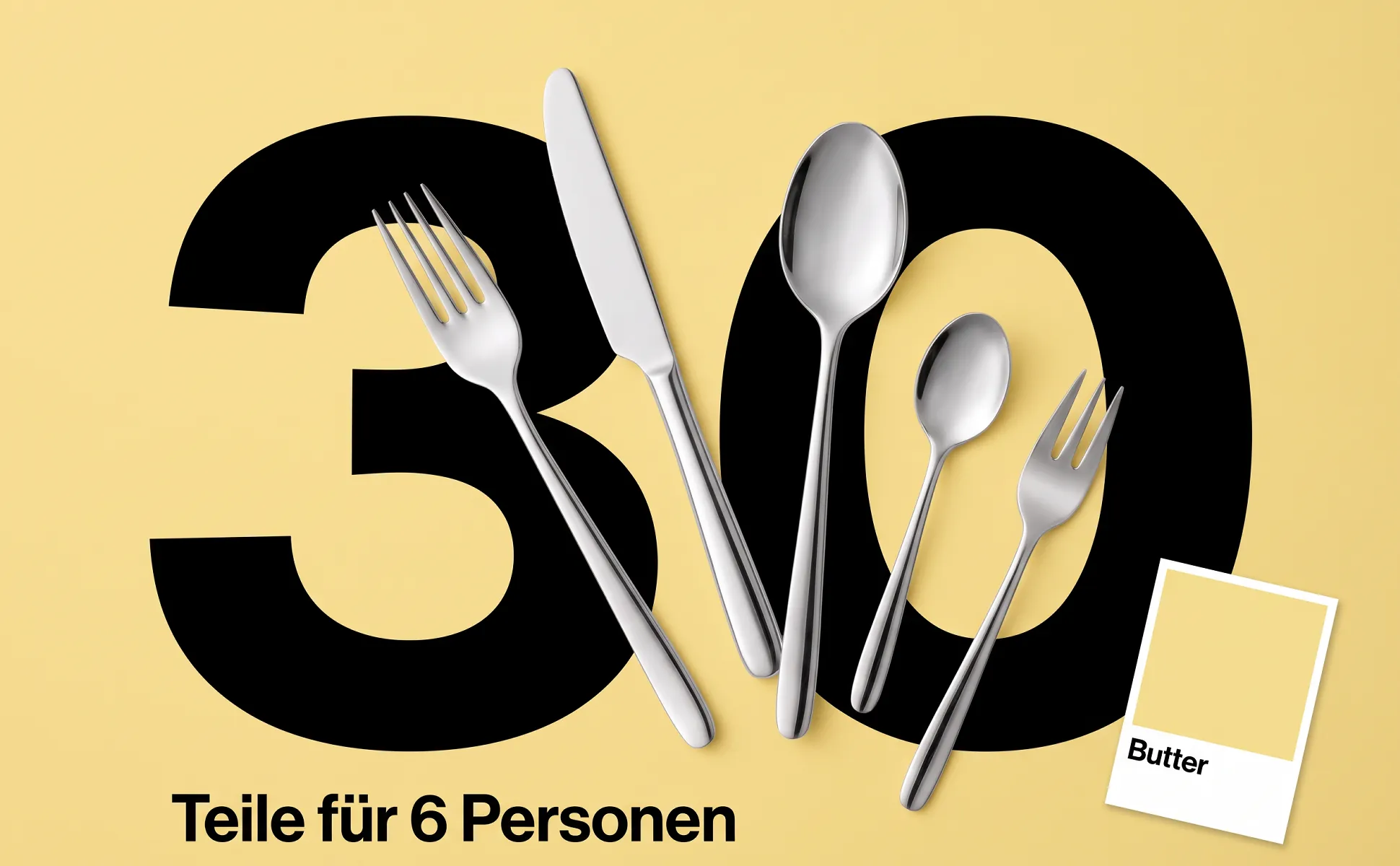
Cutlery set, 30 pieces
Kitchen · 10 images
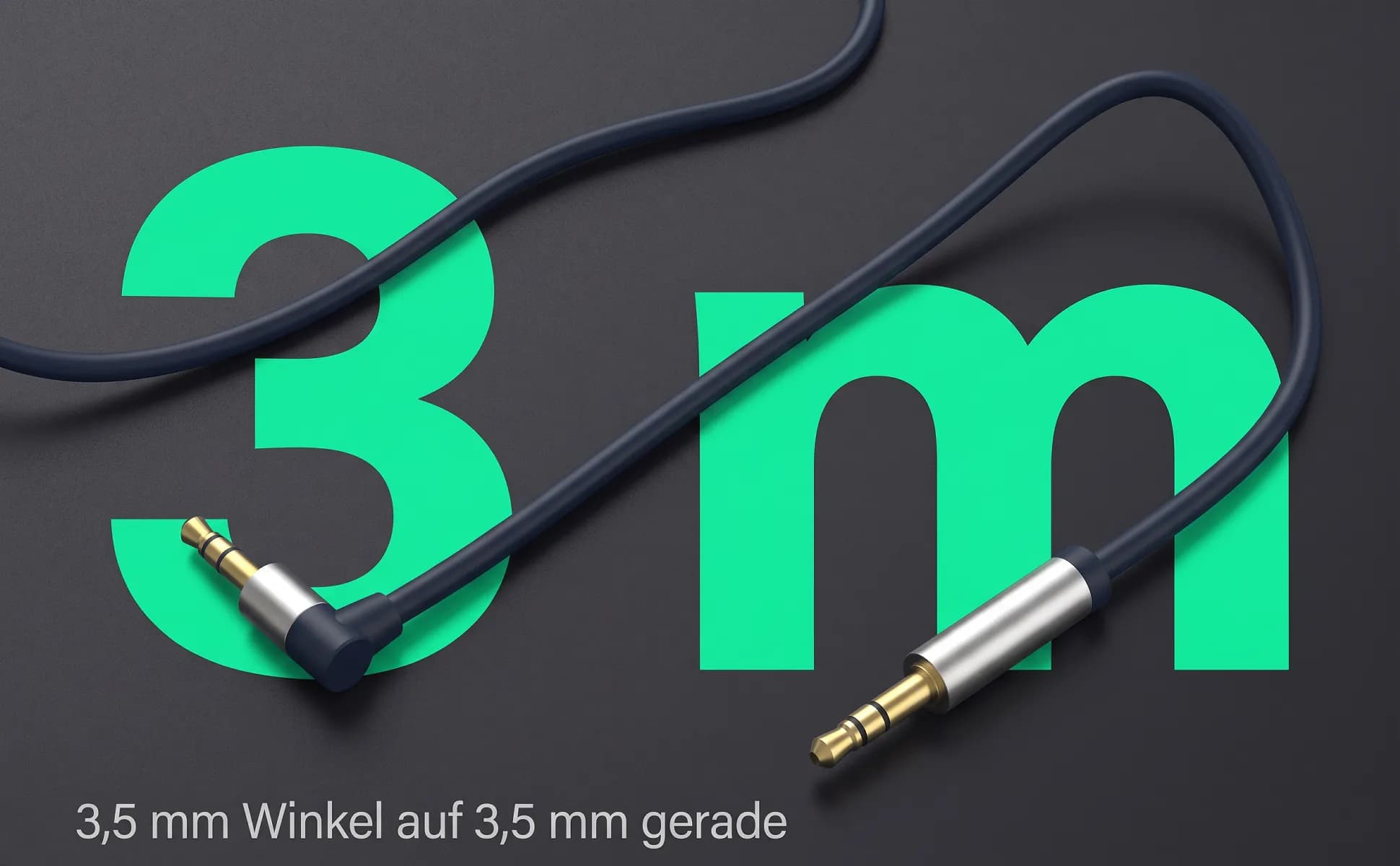
3.5 mm audio cable, 3 m
Electronics · 9 images
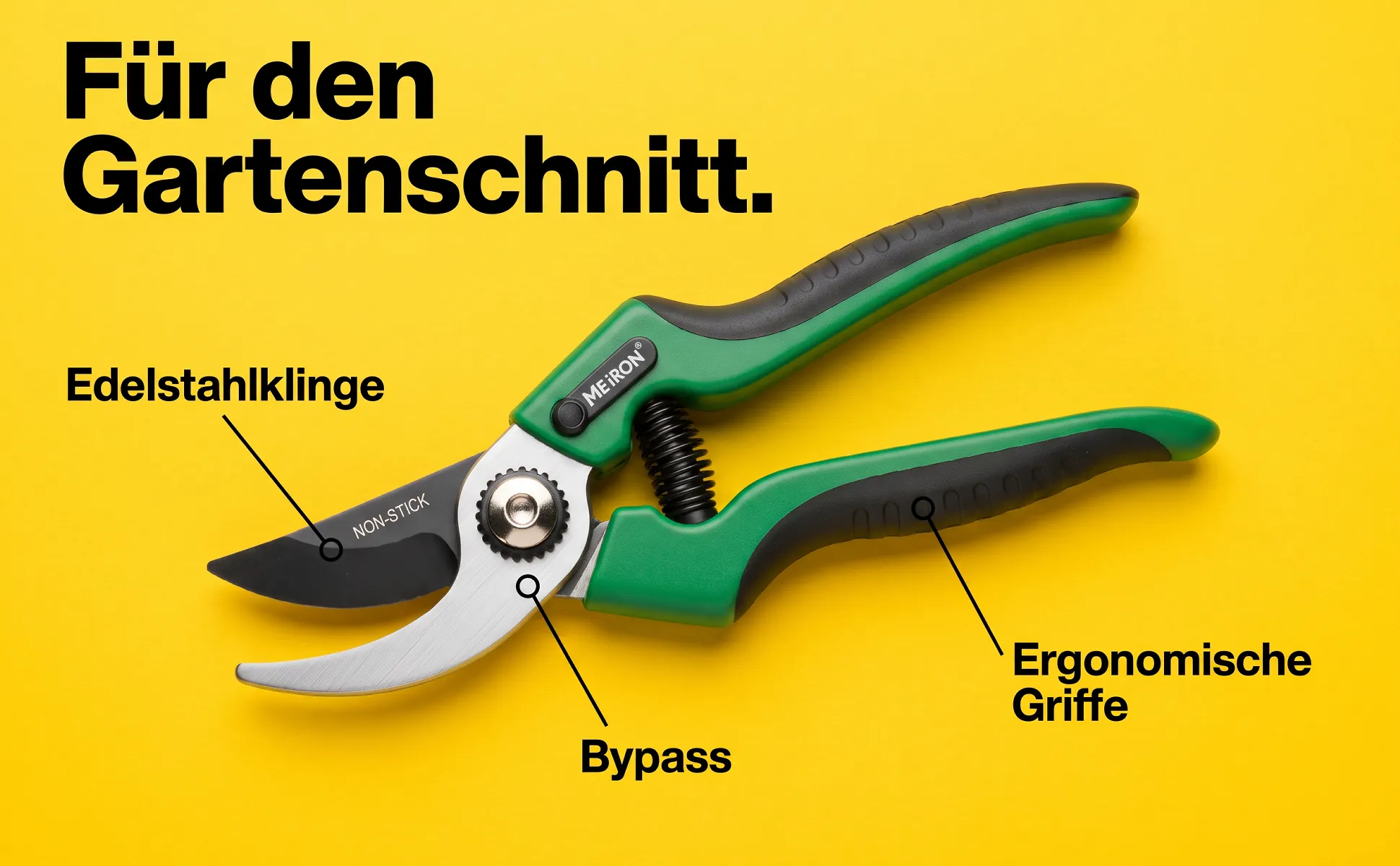
Garden shears, 200 mm
Garden · 1 images
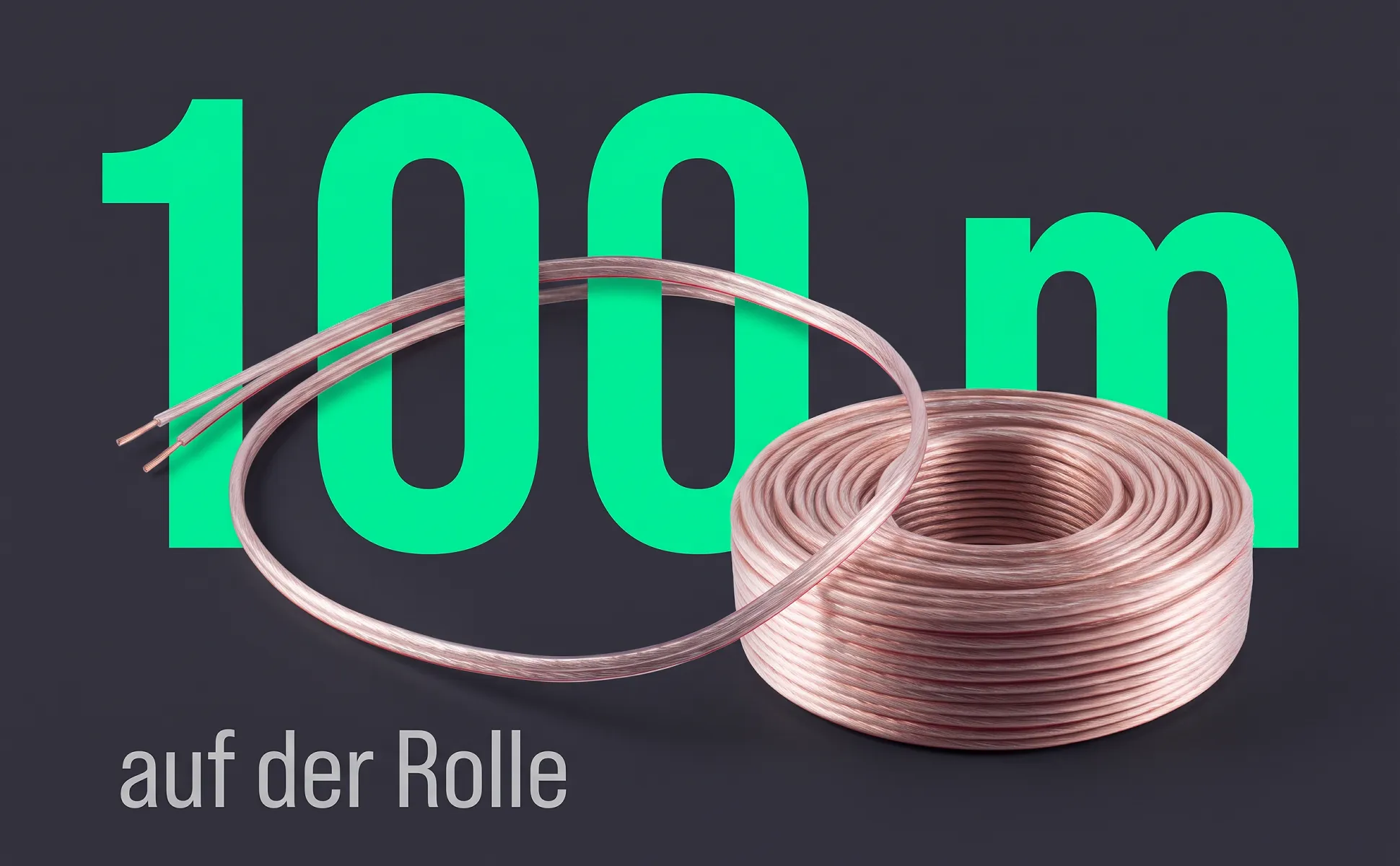
Speaker cable, 100 m
Electronics · 7 images
Same template, four styles.
Product, figure and layout stay the same. Only the look changes.
Styles
A style sets surface, type, accent colour and staging. Your brand colours can take over the colour roles.
Colour chip
One rich trend colour as the surface, plus the colour name like on a colour fan. Makes metal and glass glow.
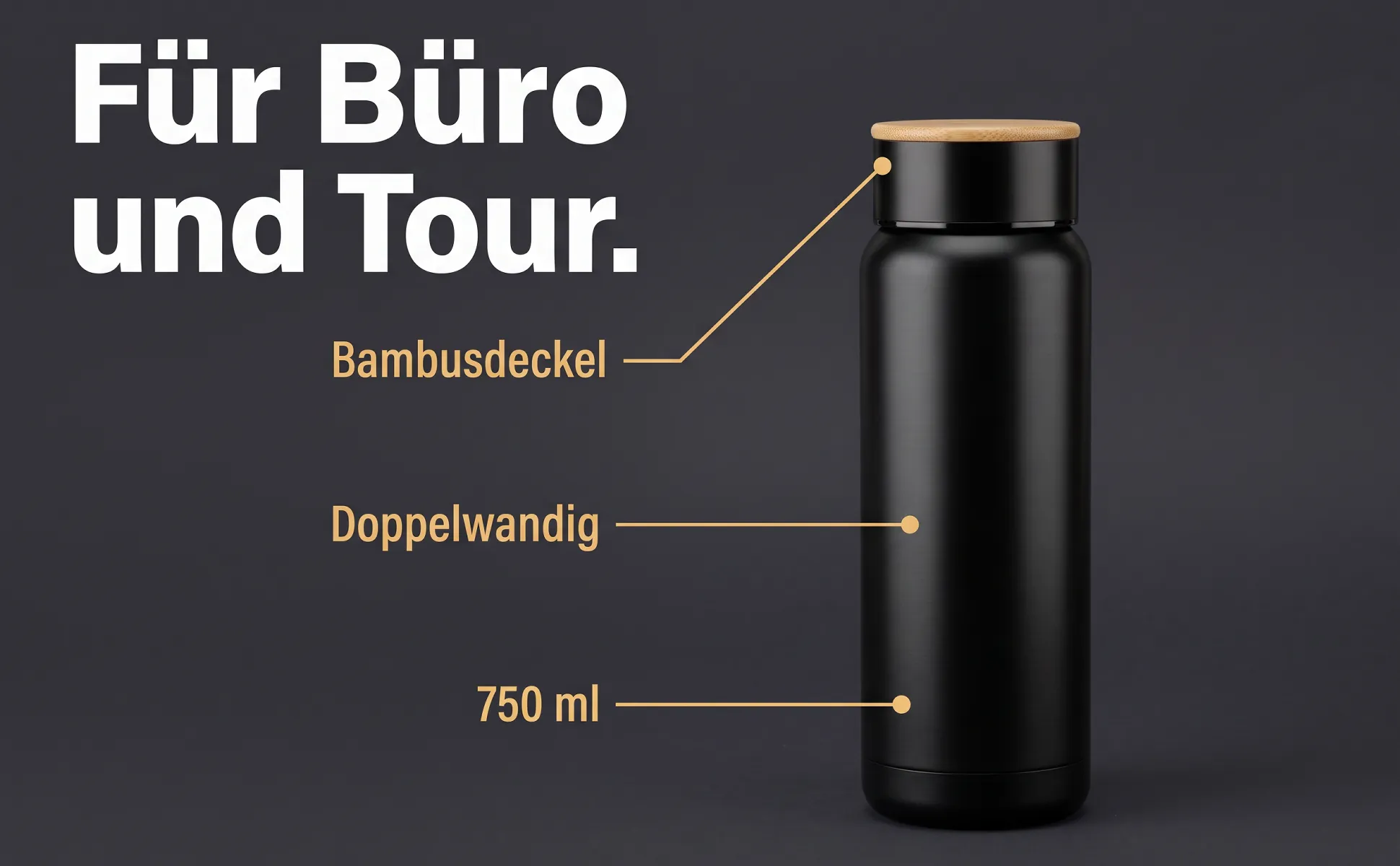
Graphite poster
A dark graphite surface, one strong accent colour, figures and headlines like on a poster.
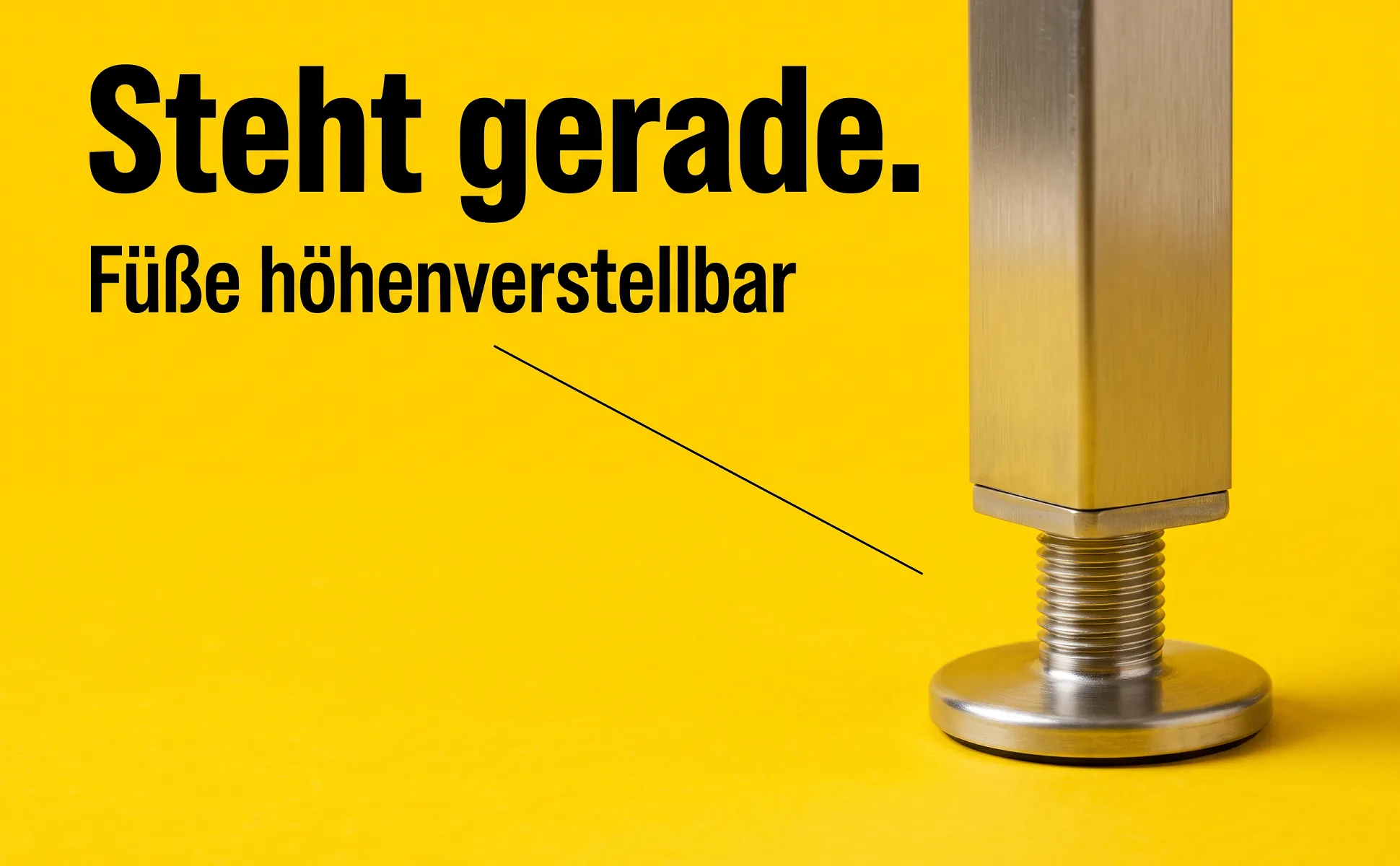
Signal poster
A signal-yellow surface with black type. Stands out in search results and on the product page.
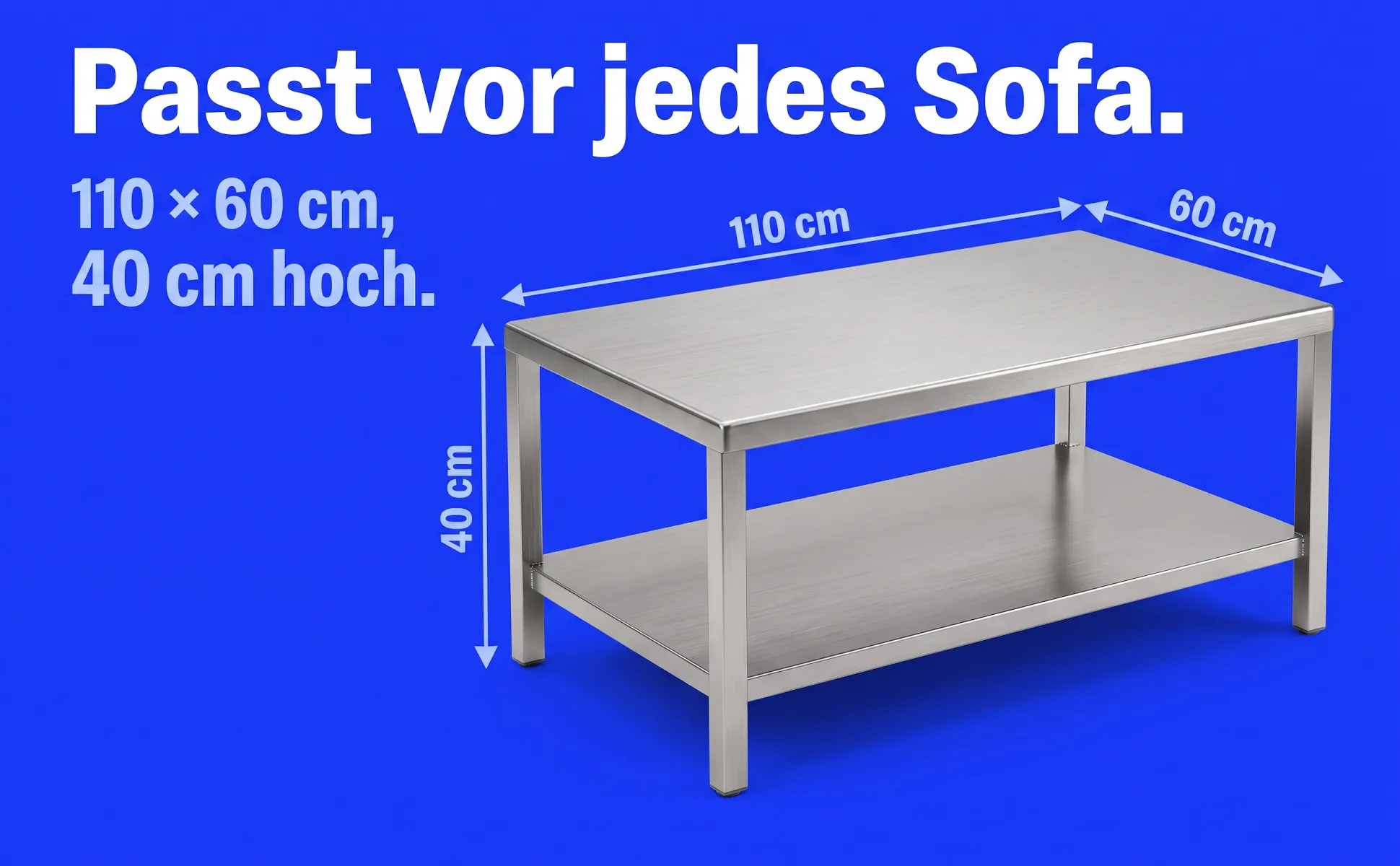
Cobalt poster
A cobalt surface, white type, light blue lines and icons. Cool, clear and technical.
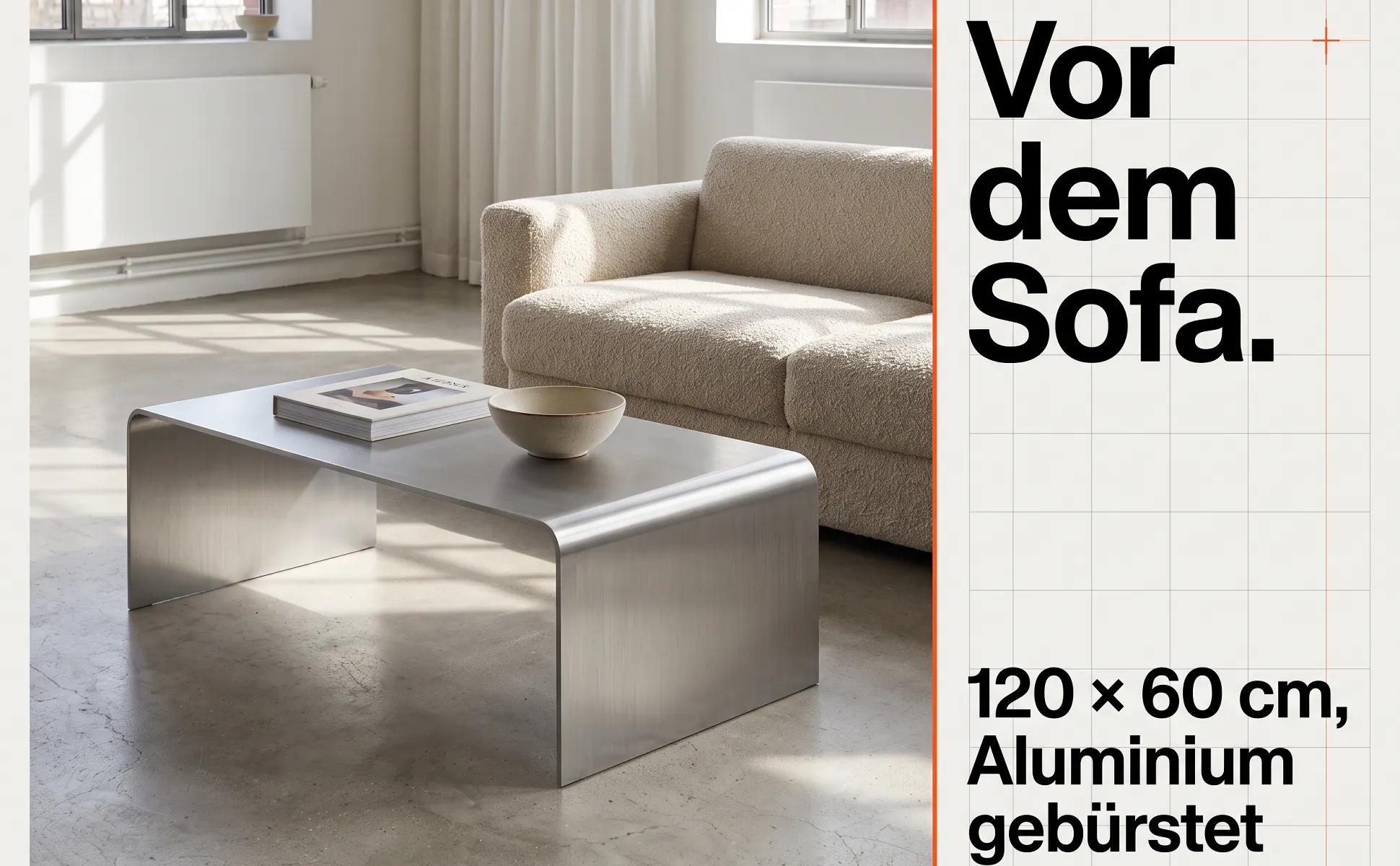
Swiss poster
Paper white, black grotesque, one accent colour for figure and lines. A strict grid with plenty of air.
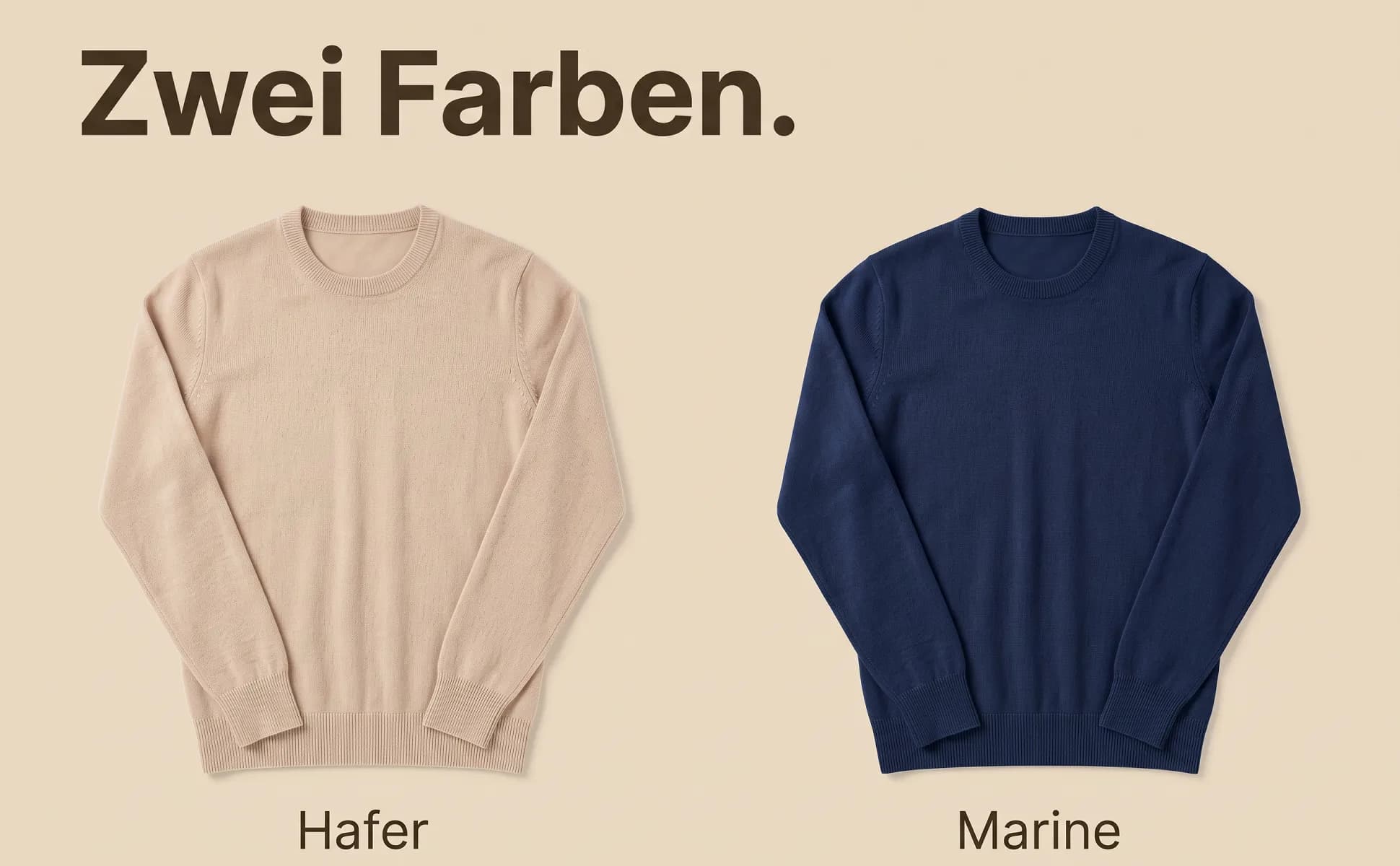
Duotone in product colour
The surface takes a light tone of the product colour; type and lines a very dark shade of it.

Graphite 3D
The key figure stands as solid 3D letters in the studio, with the product lying on and around it.
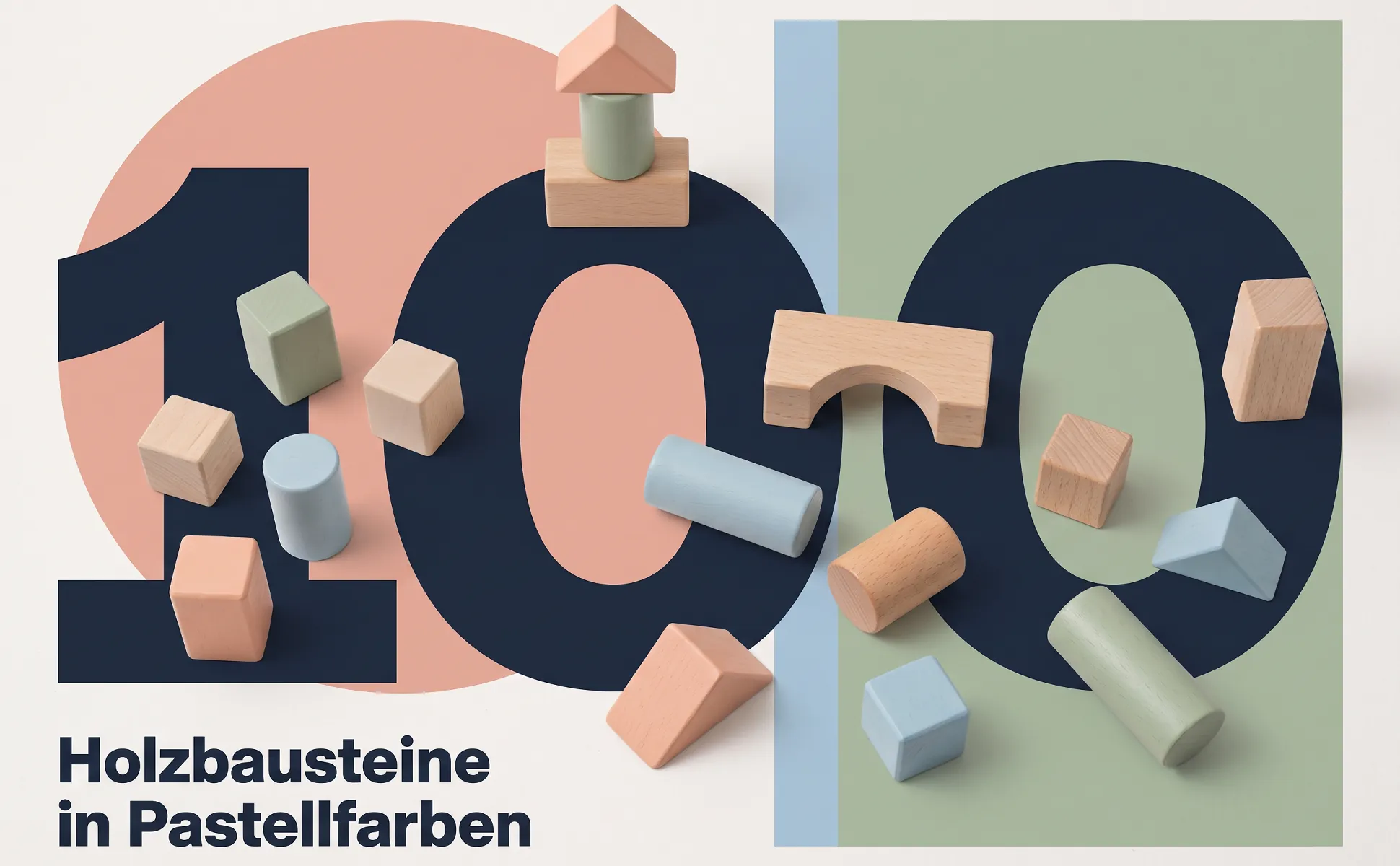
Bauhaus
Circle, bars and planes as a stage for the product. Geometric, clear and a little playful.
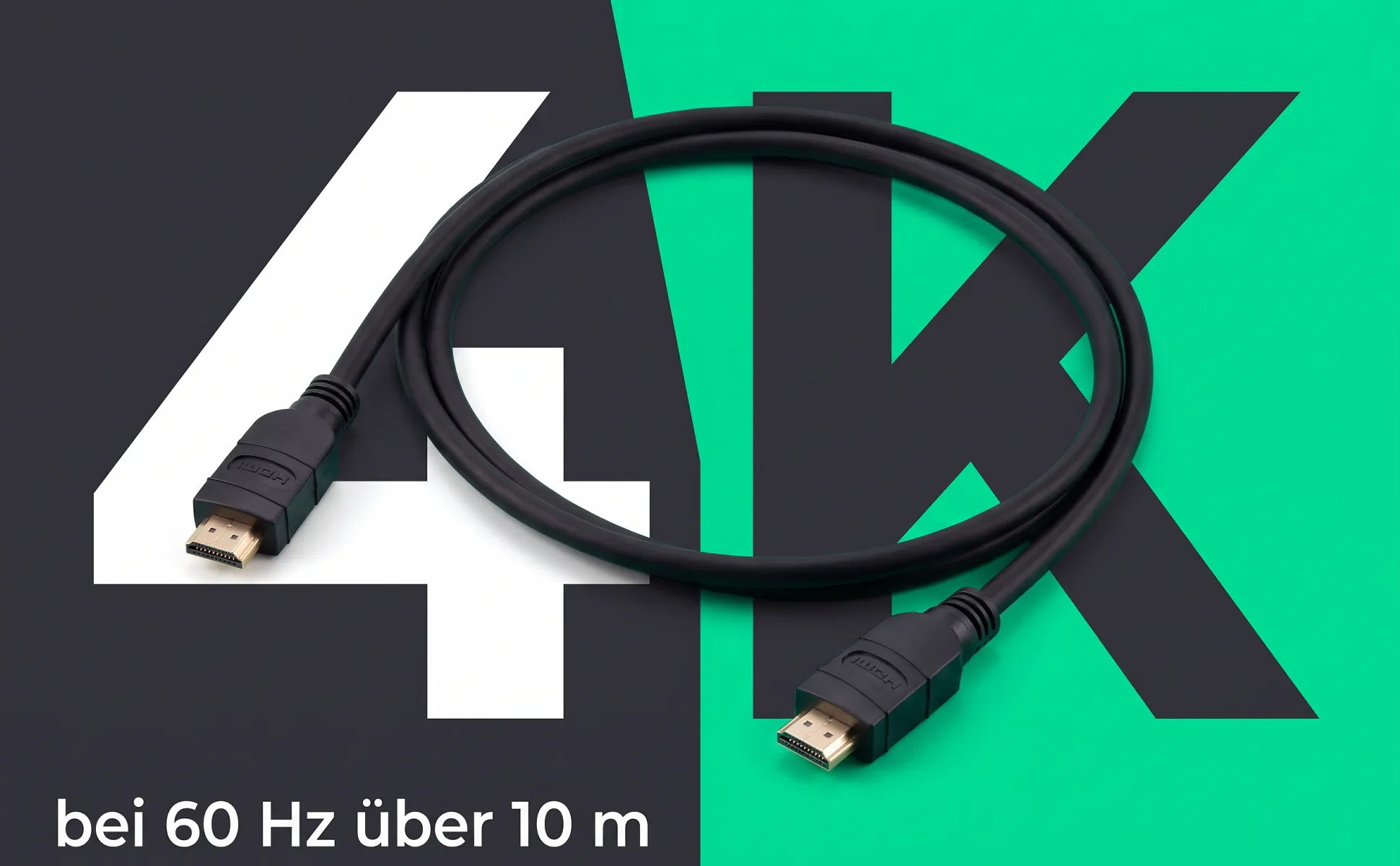
Split screen
The surface is split diagonally into two colours, with the product right on the edge.
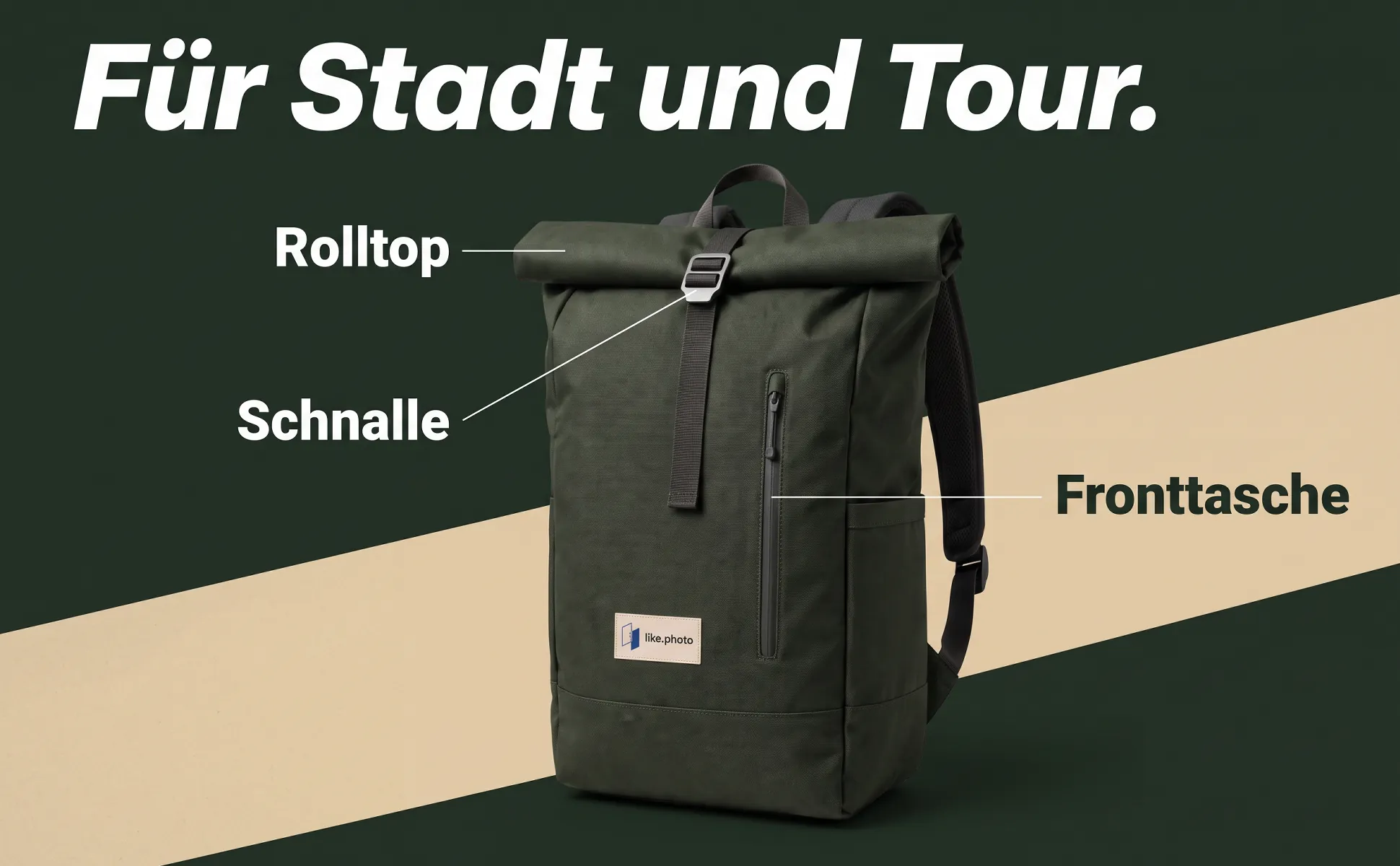
Dynamic
Slanted colour bands and italic headlines. The image feels in motion.
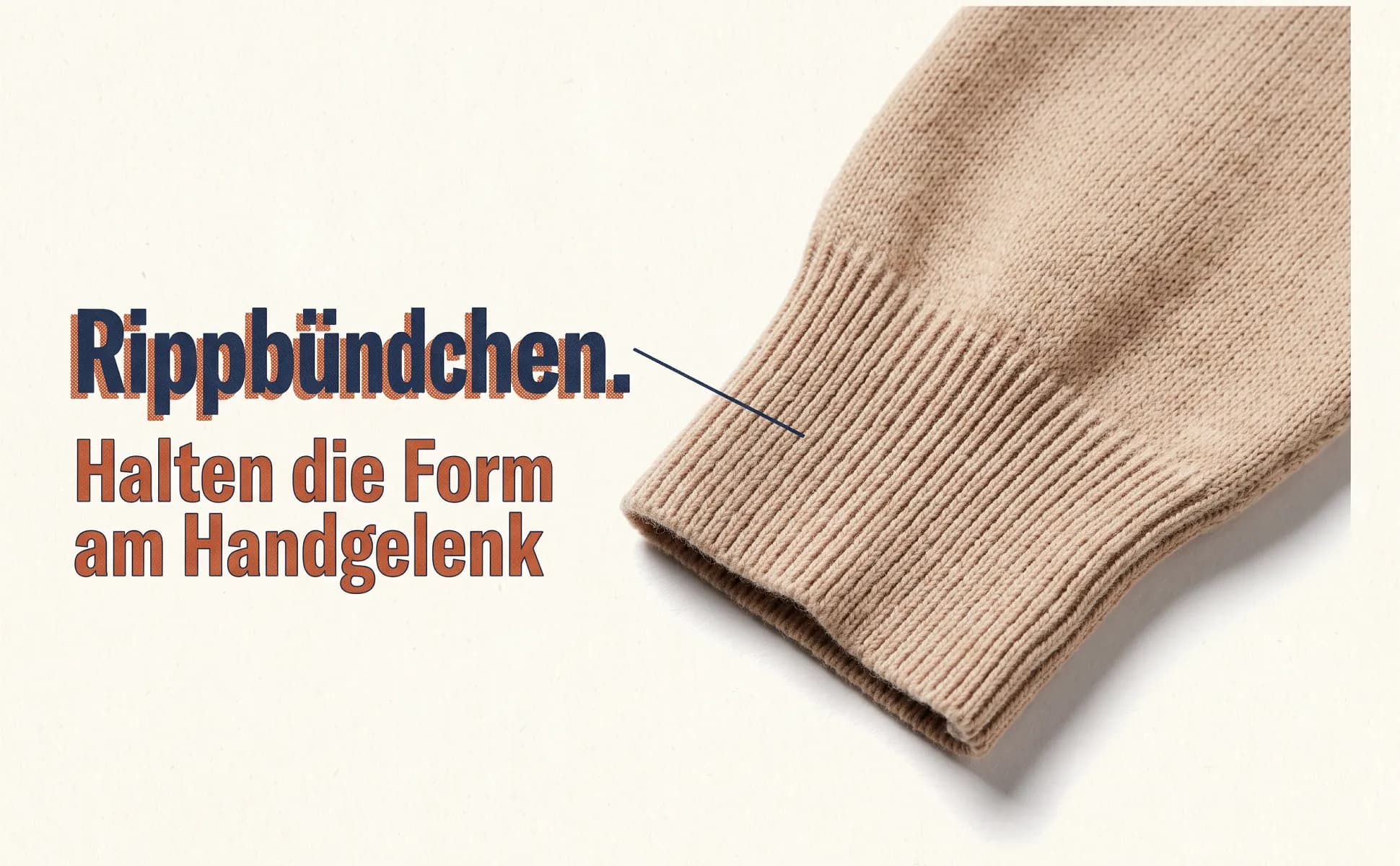
Risograph print
Paper texture and ink like a risograph print. Feels made, not rendered.
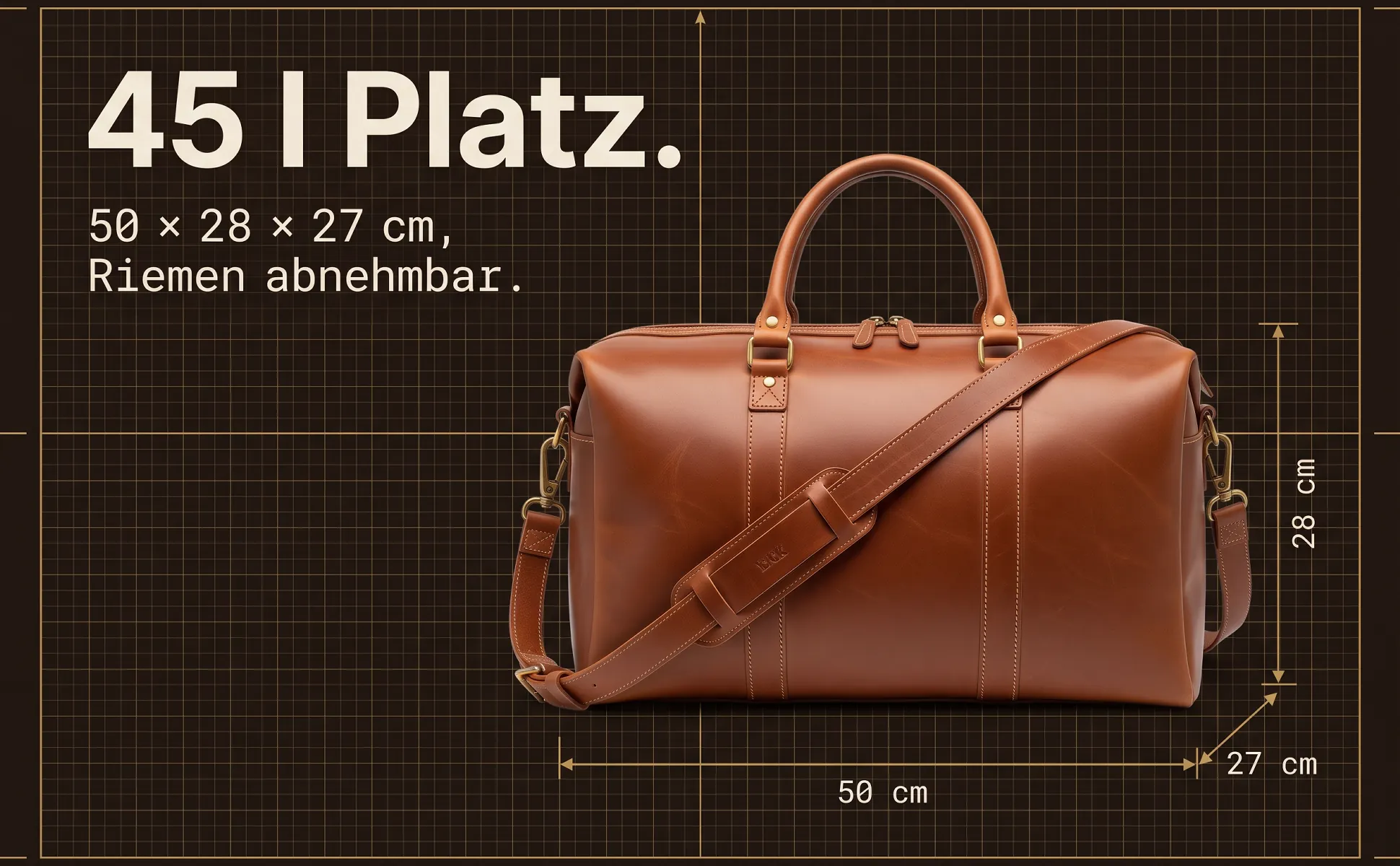
Technical drawing
Grid, dimension lines and construction strokes around the real product. Reads like a data sheet.
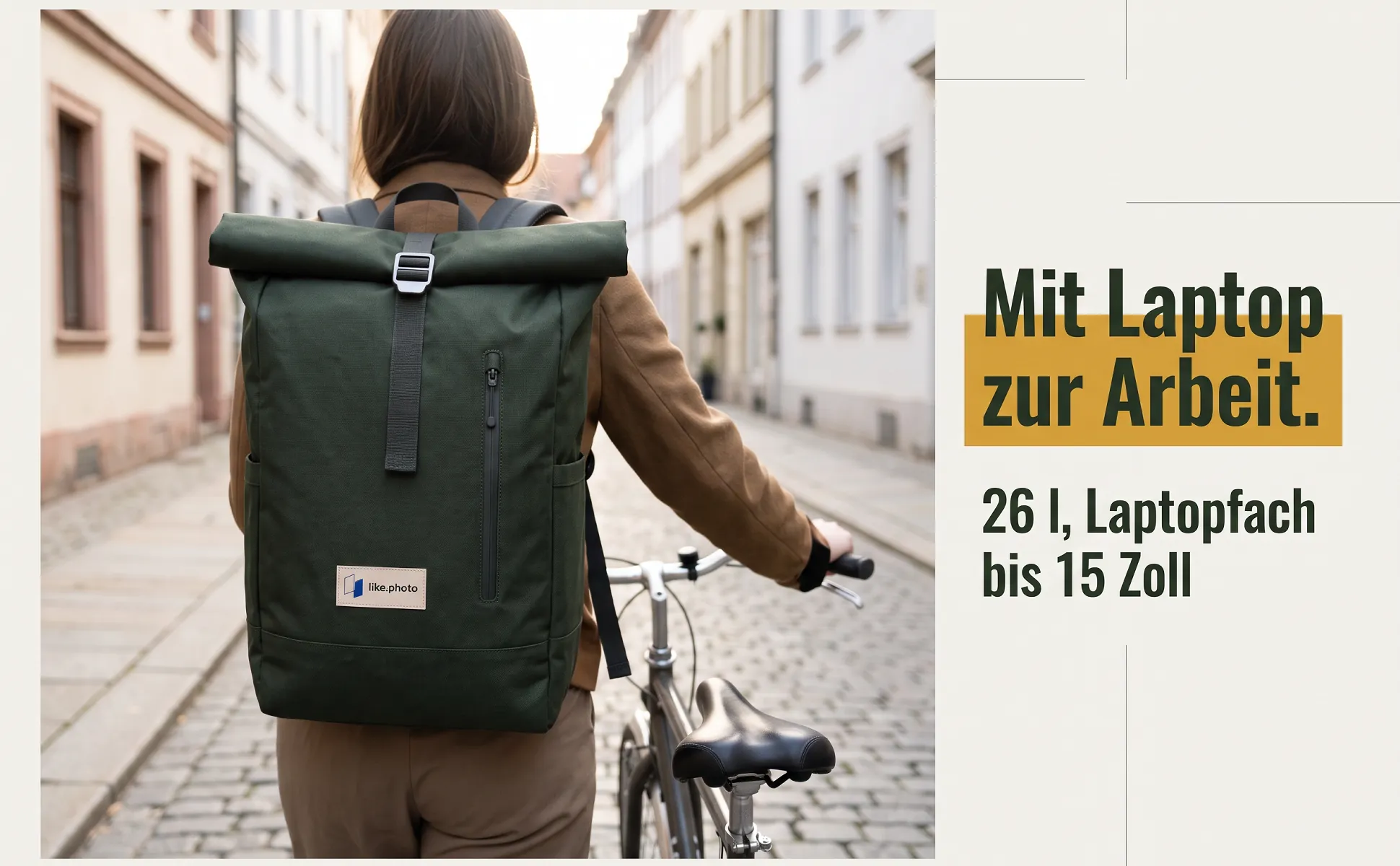
Light with colour block
Light grey with a strong colour block behind headline or product. Friendly and easy to read.
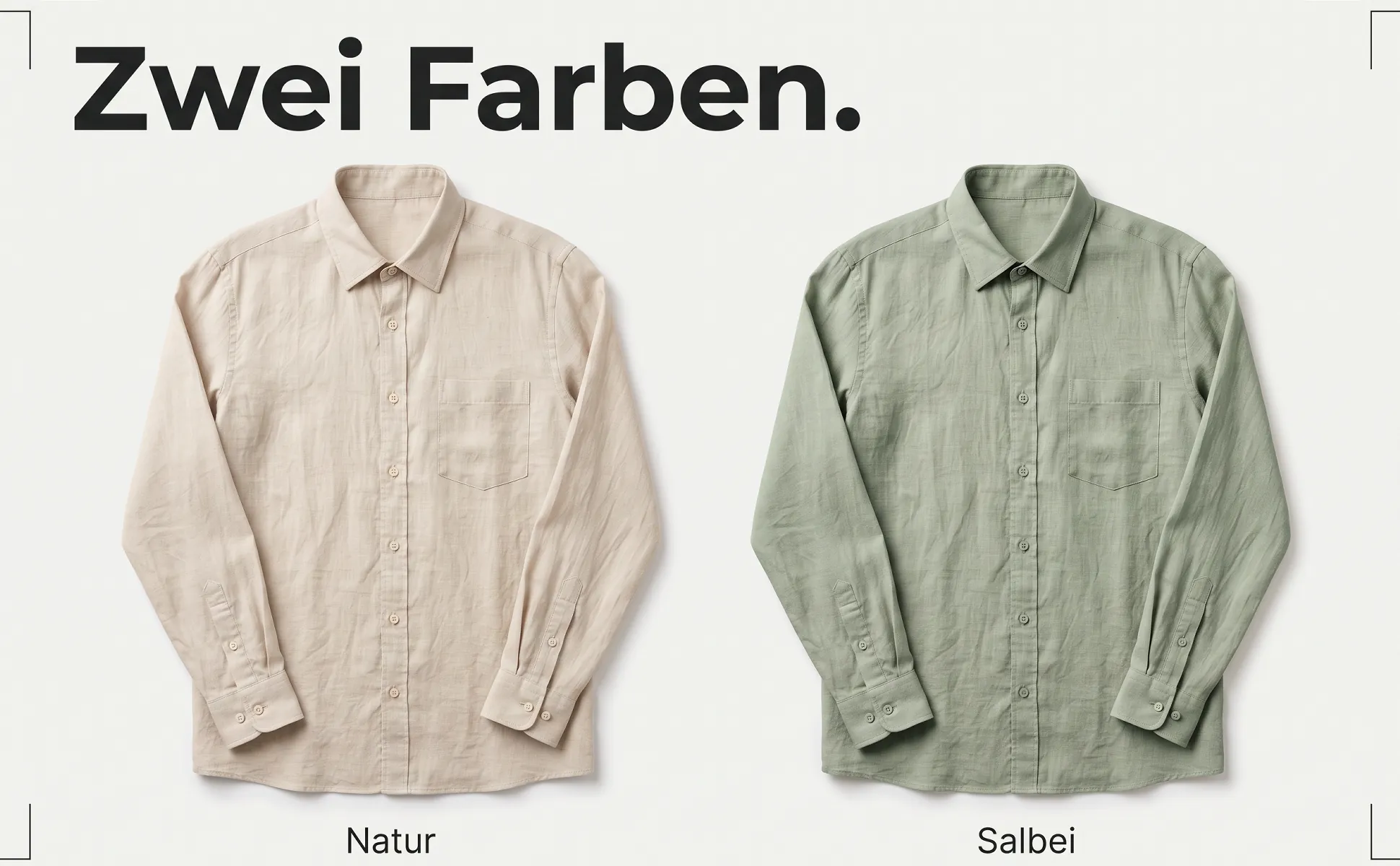
Editorial
Light paper, muted colours, small type. Like a page from a magazine.
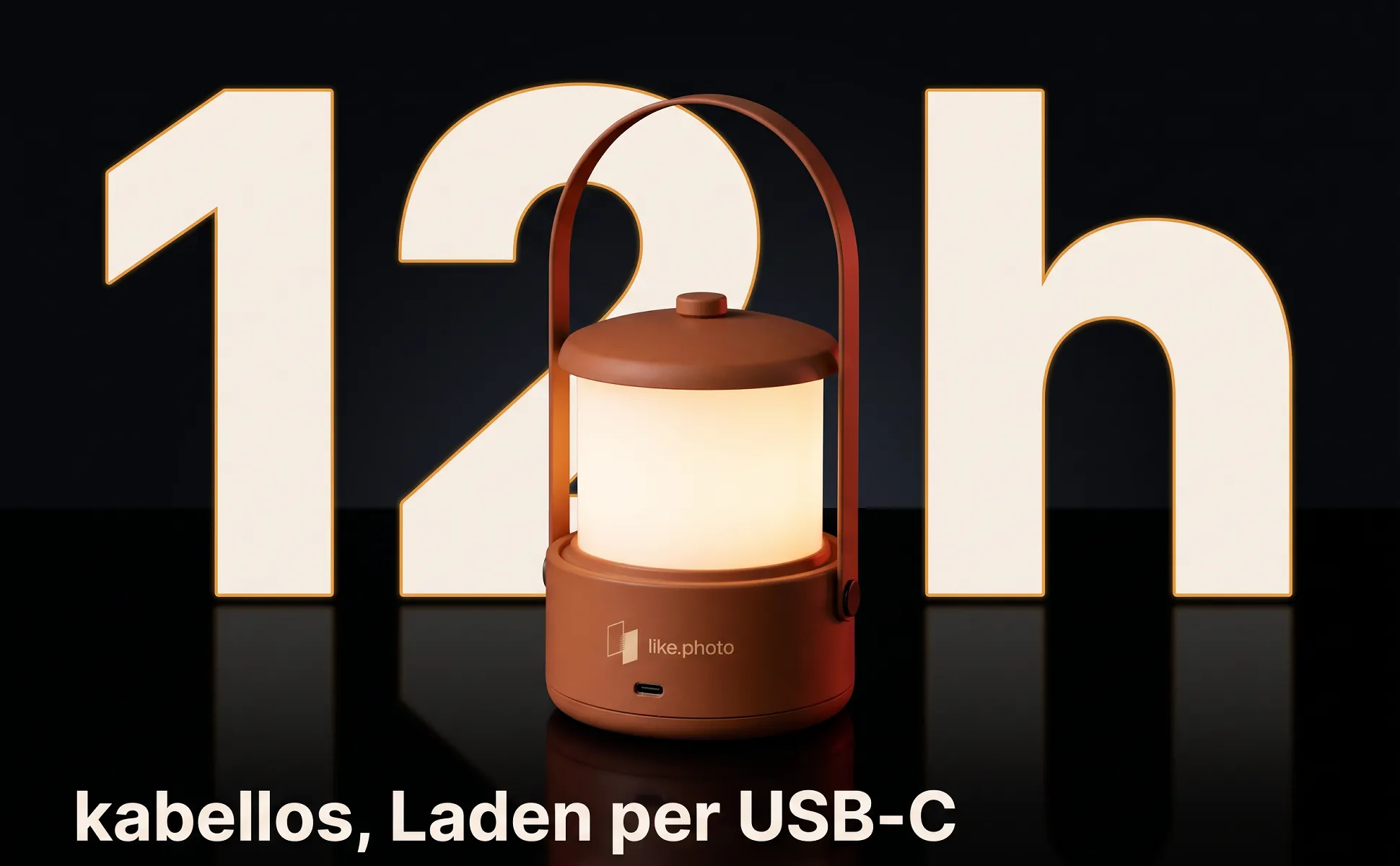
Dark premium
Deep black, reflections, white type with a fine outline. For high-end tech.
All examples were made with like.photo from one product photo and the product data: cables from our own shop wirelex and demo products from home, kitchen, fashion and leisure. The text is German because the images were made for amazon.de.
Amazon formats
Text inside the image only makes sense where it stays legible on a phone.
- A+ image header with text970 × 600
- The only A+ module where a headline inside the image stays legible. All examples here use this format.
- A+ image with text overlay970 × 300
- Wide banner. Amazon places its own text box on top, so one third stays calm.
- A+ single image and three-image module300 × 300
- Tiny on a phone. These images work without text; the copy goes into the module's text fields.
- Amazon gallery, secondary image1600 × 1600
- The same template in a square frame, zoomable from 1600 px. Not in slot 1: the main image stays text-free on white.
How an image is made
- 01
Add your product
Upload a product photo or bring products in from JTL or Shopify. The facts come from your product data.
- 02
Generate the image
like.photo writes headline and figure from the data and places your product on the surface.
- 03
Review and accept
You see every image before you take it. Only what you accept counts.
Frequently asked questions
What is Amazon A+ content?
A+ content is the section below the bullet points of an Amazon product page where brand owners show images and text in fixed modules. It is open to sellers with Brand Registry. Amazon cites up to 8% more sales for Basic A+.
What image size does A+ content need?
The image header with text is at least 970 × 600 pixels, the overlay banner 970 × 300, single images 300 × 300. Larger images in the exact aspect ratio are accepted. Files as JPG or PNG under 2 MB.
Can A+ images contain text?
Yes, but without prices, discounts, guarantees, "new" or comparisons with competitors. In small modules text is unreadable on a phone, so only the large header image carries a headline in our sets.
Do the templates work with any product?
The templates are product-neutral. The same big number shows "4K" for a cable and "200 mm" for garden shears. The text always comes from your product data.
What size are Premium A+ images?
Premium A+ uses 1464 × 600 pixels on desktop and 600 × 450 on mobile. It requires a Brand Story on all brand ASINs and at least five approved A+ pages within twelve months. like.photo currently creates Basic A+.
Are the templates available for Canva?
No. The templates are not files to design yourself: like.photo creates the finished image from your product photo and product data, without a design tool.
Can I use my brand colours?
Yes. Every style has colour roles for surface, type and accent. Your brand colours can take over these roles without a design of your own.