
Labeled overview: A+ template for product parts
The whole product in frame, with short labels pointing at the parts buyers look for.
Buying question: What does it have?
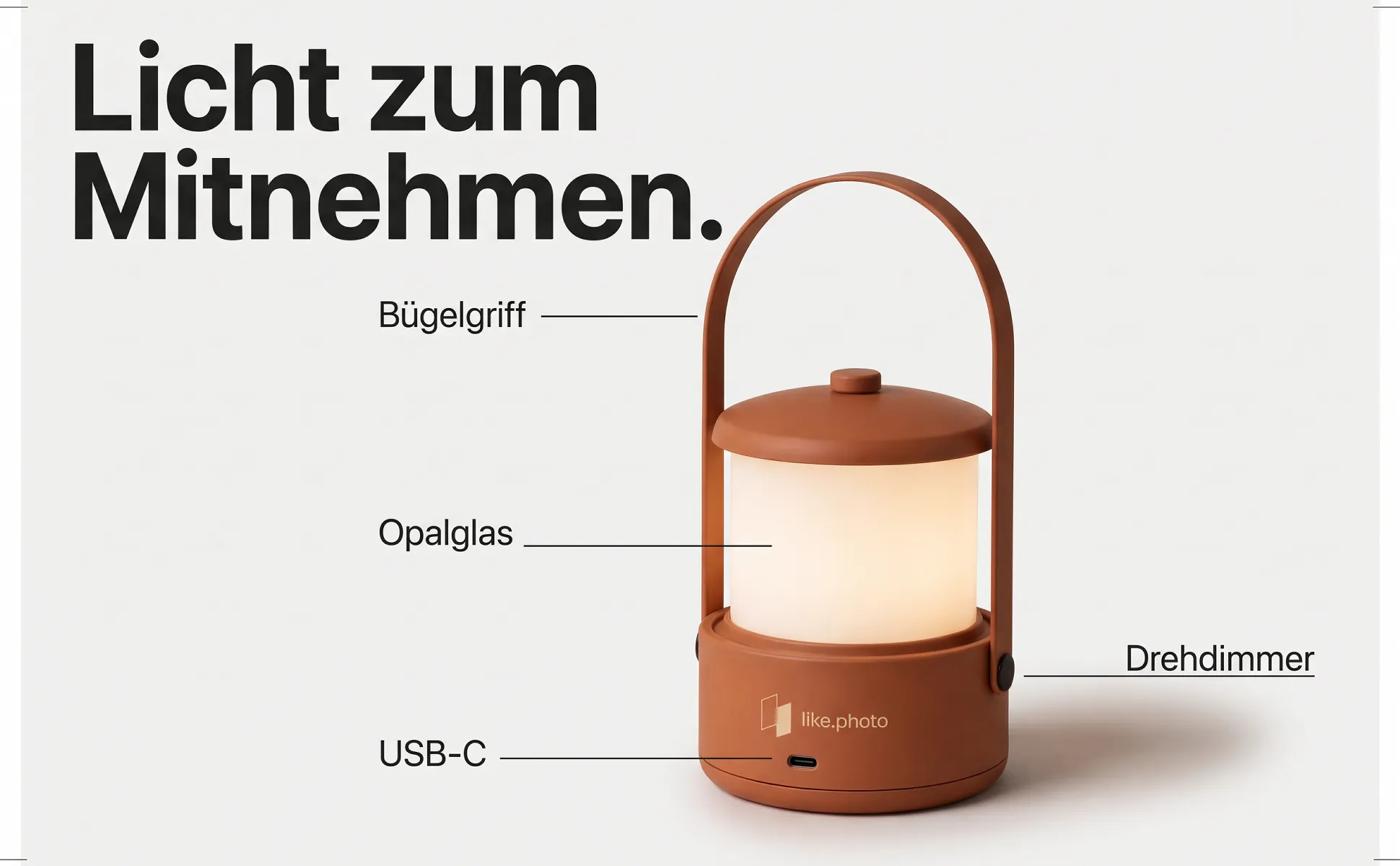
What the image shows
The product sits fully in frame, usually from above. Two to four labels with fine lines name connectors, materials or controls. A headline says what it is for.
Good for
- Products with several parts or two different ends
- Cables, adapters, tools, household appliances
- Questions buyers would otherwise ask in the reviews
What like.photo fills in from your data
- Headline
- Two to four labels, each on a visible part
Examples
43 images with this template, in different styles and for different products.
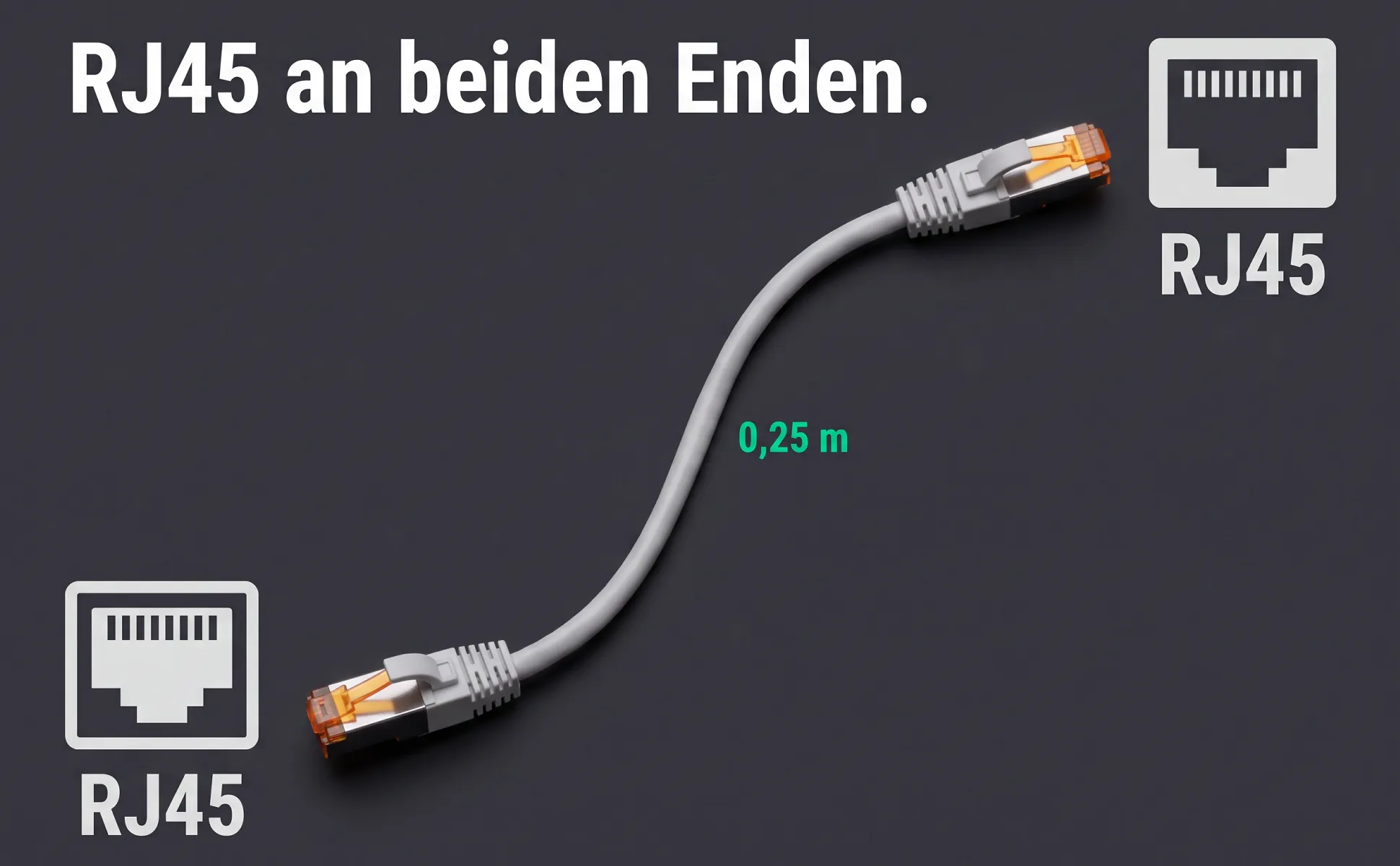
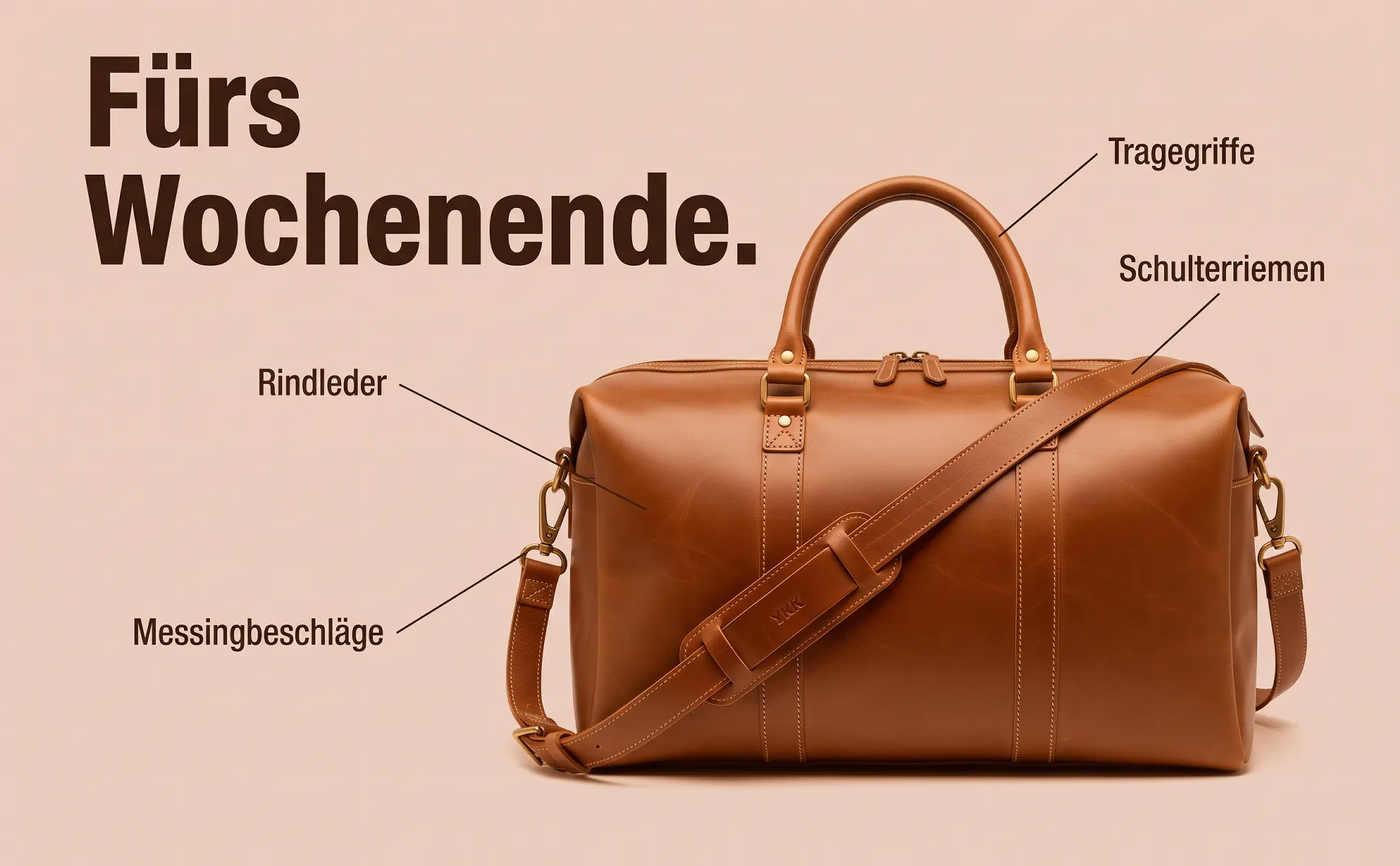
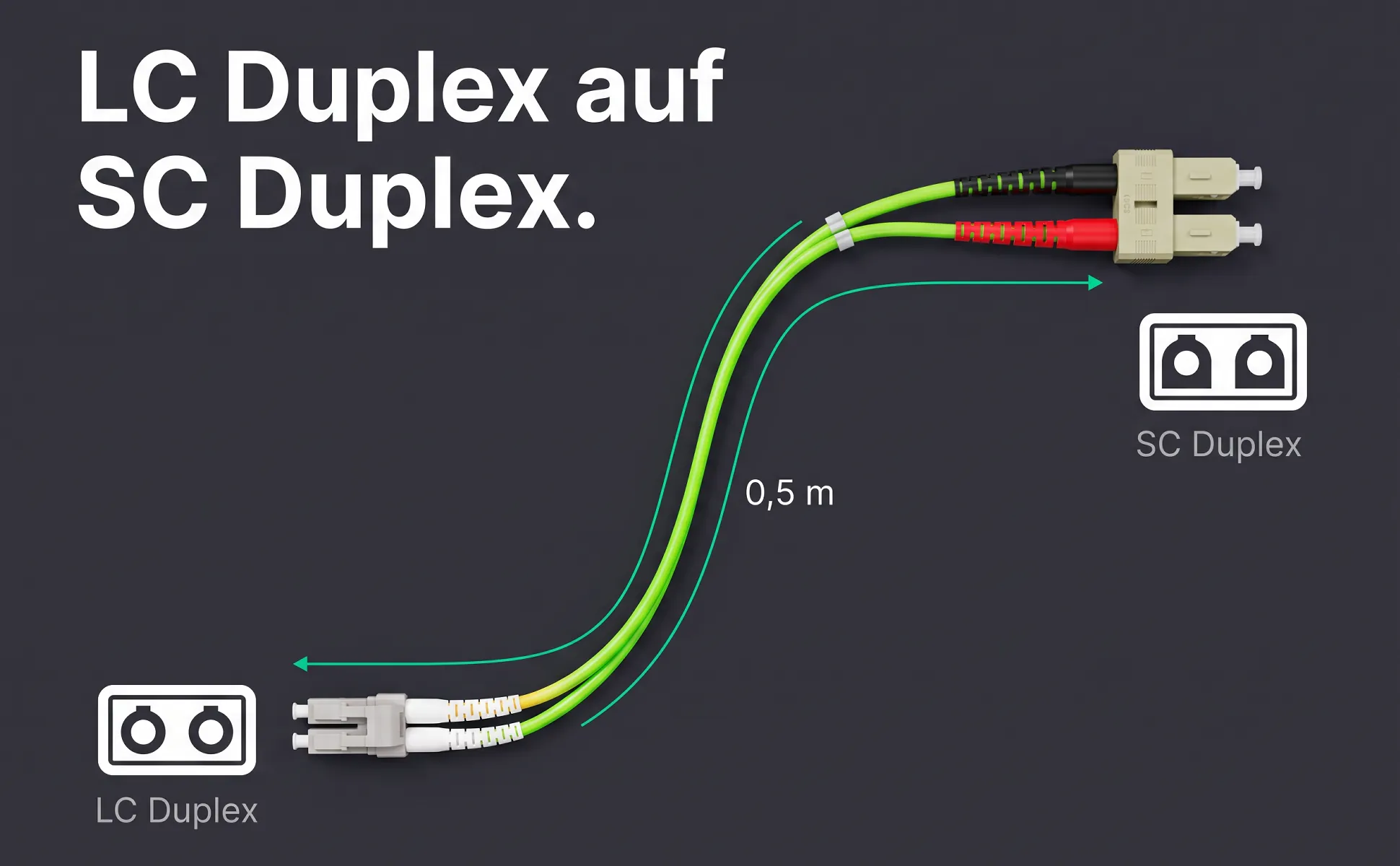
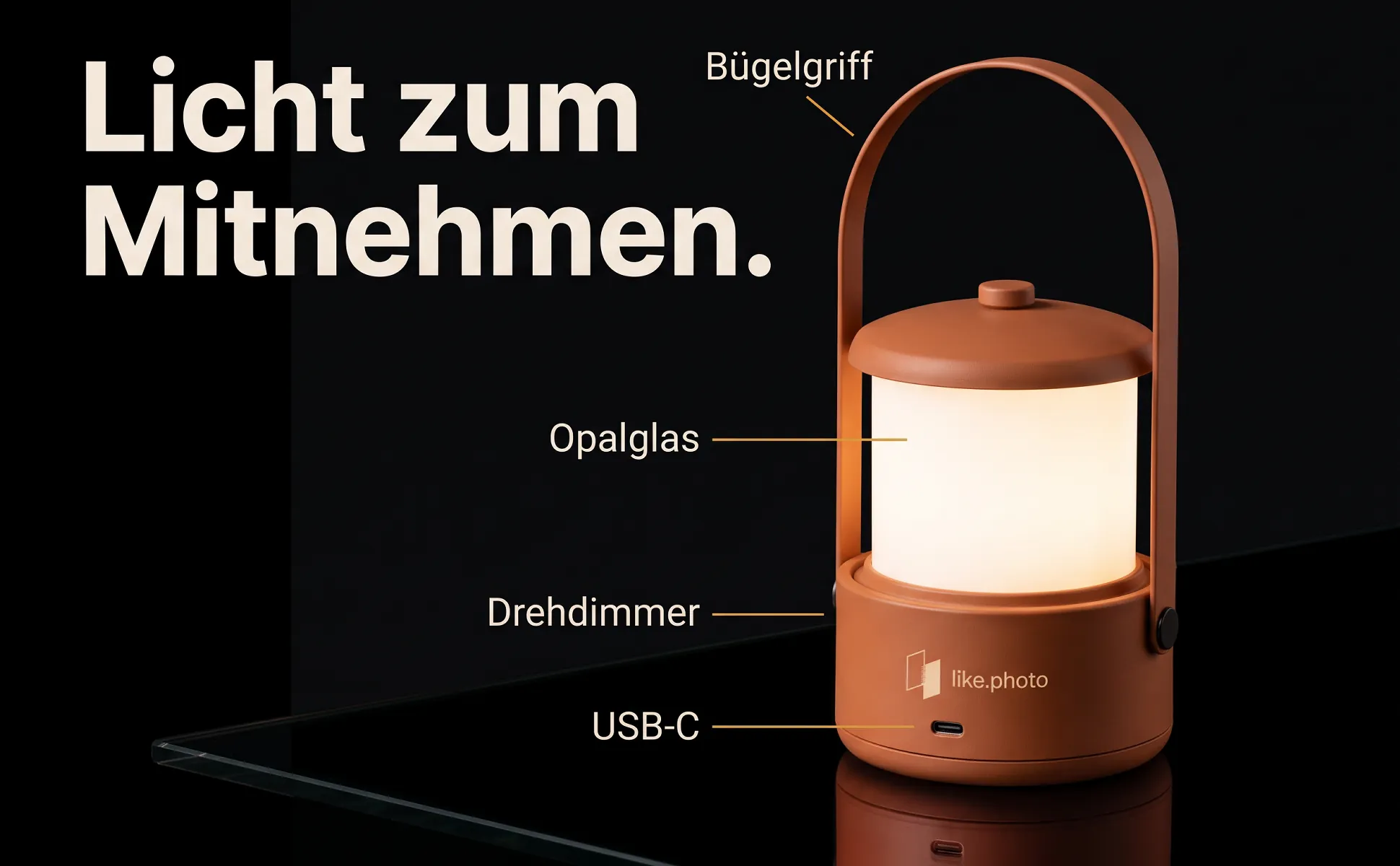
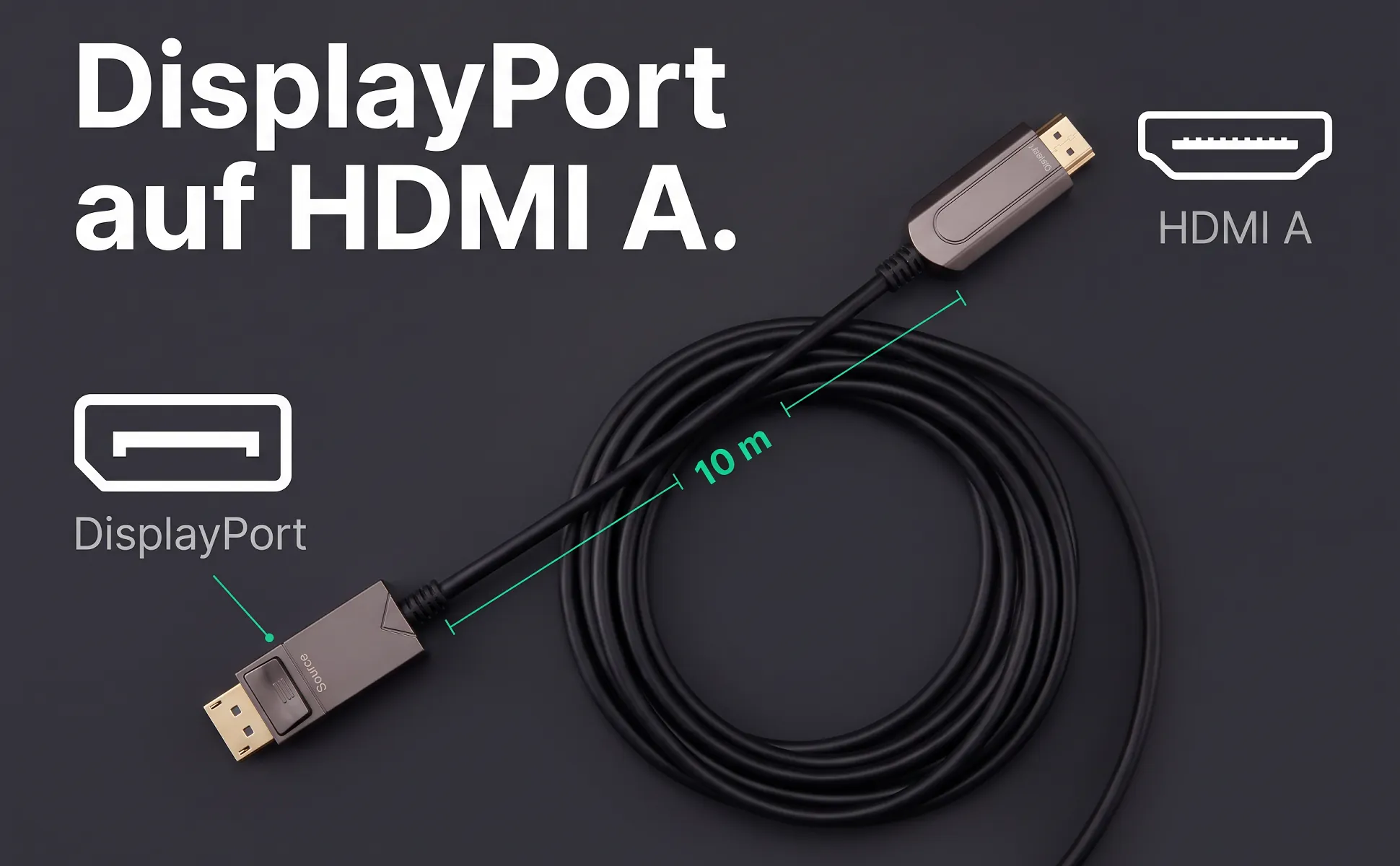
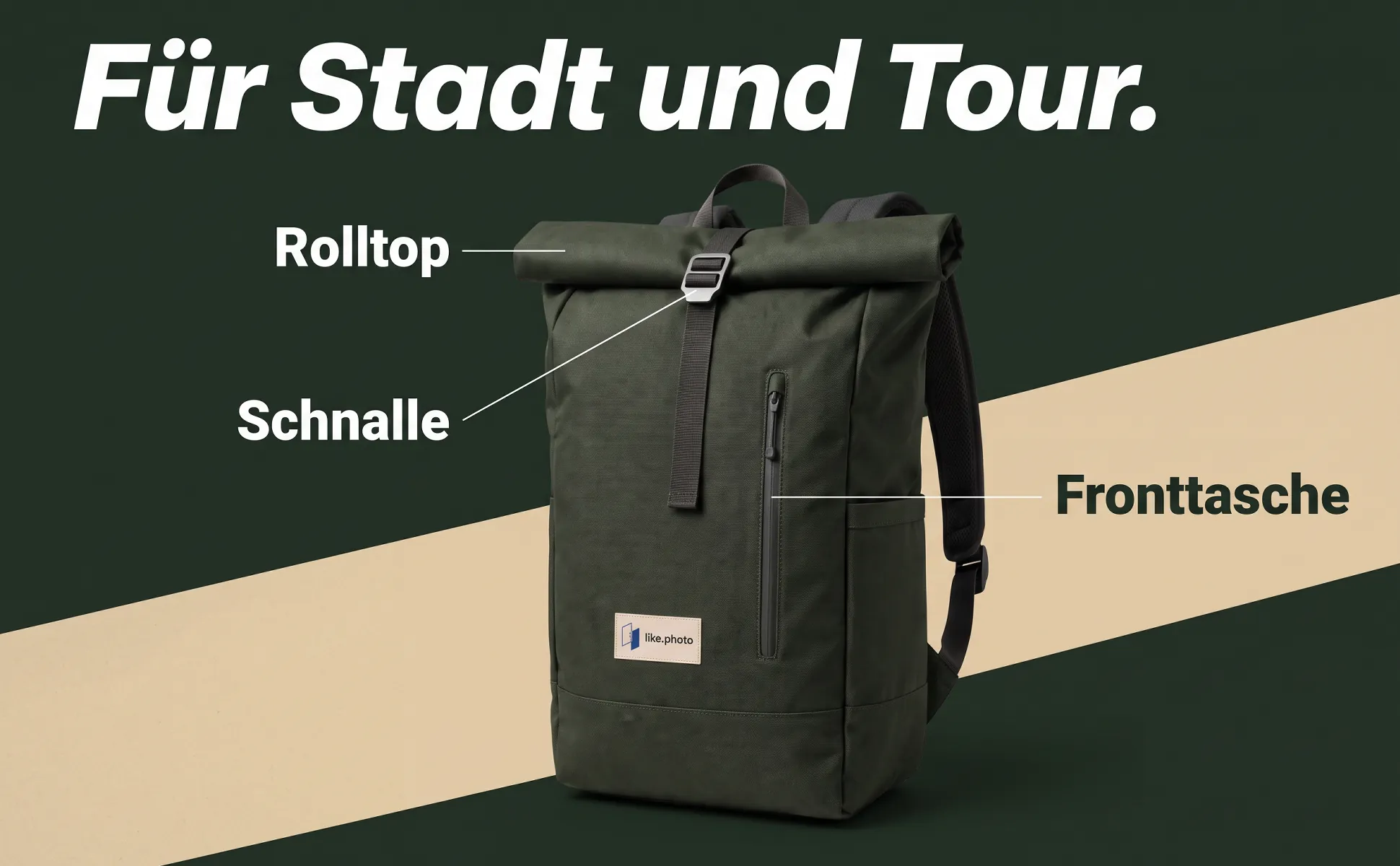
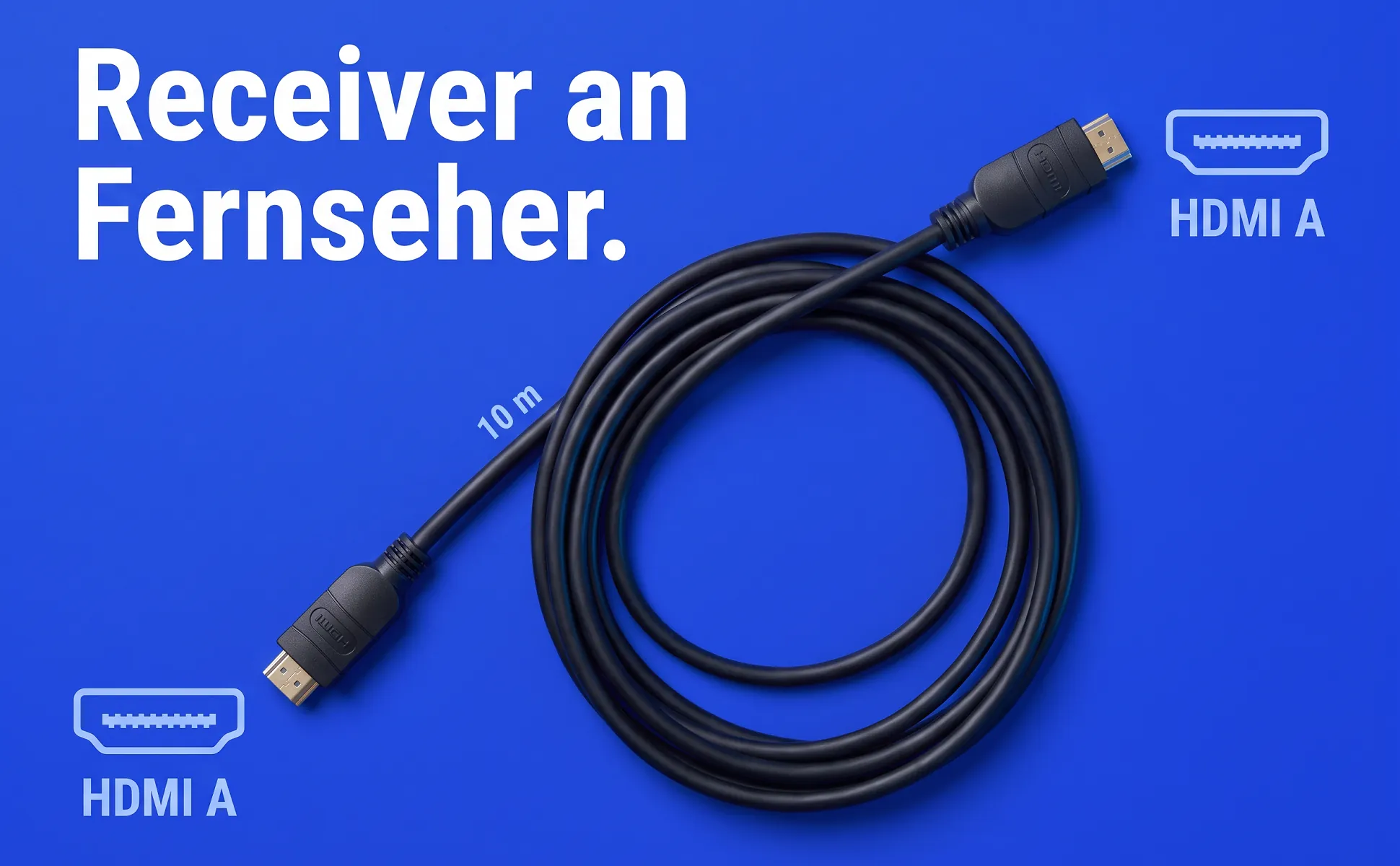
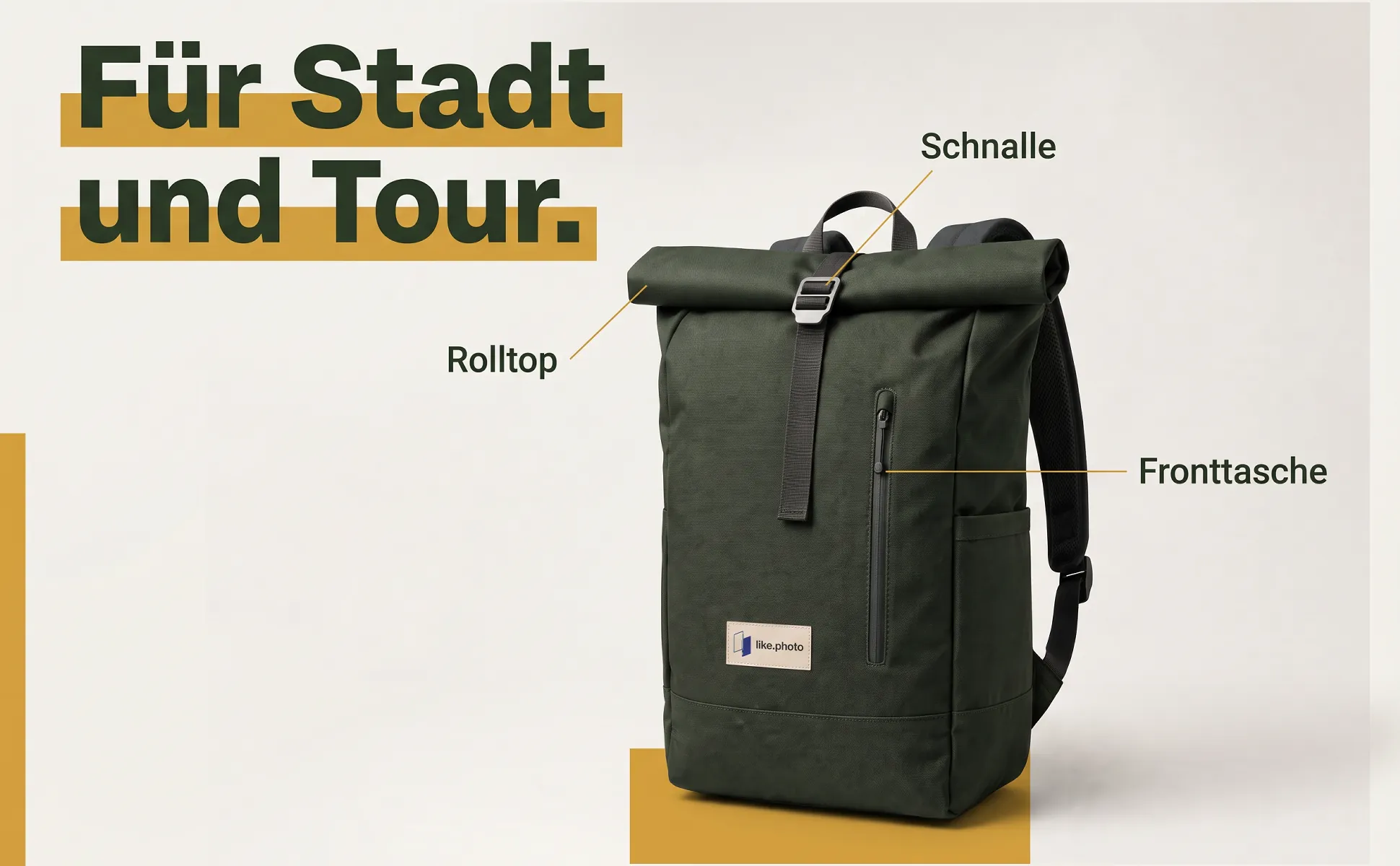
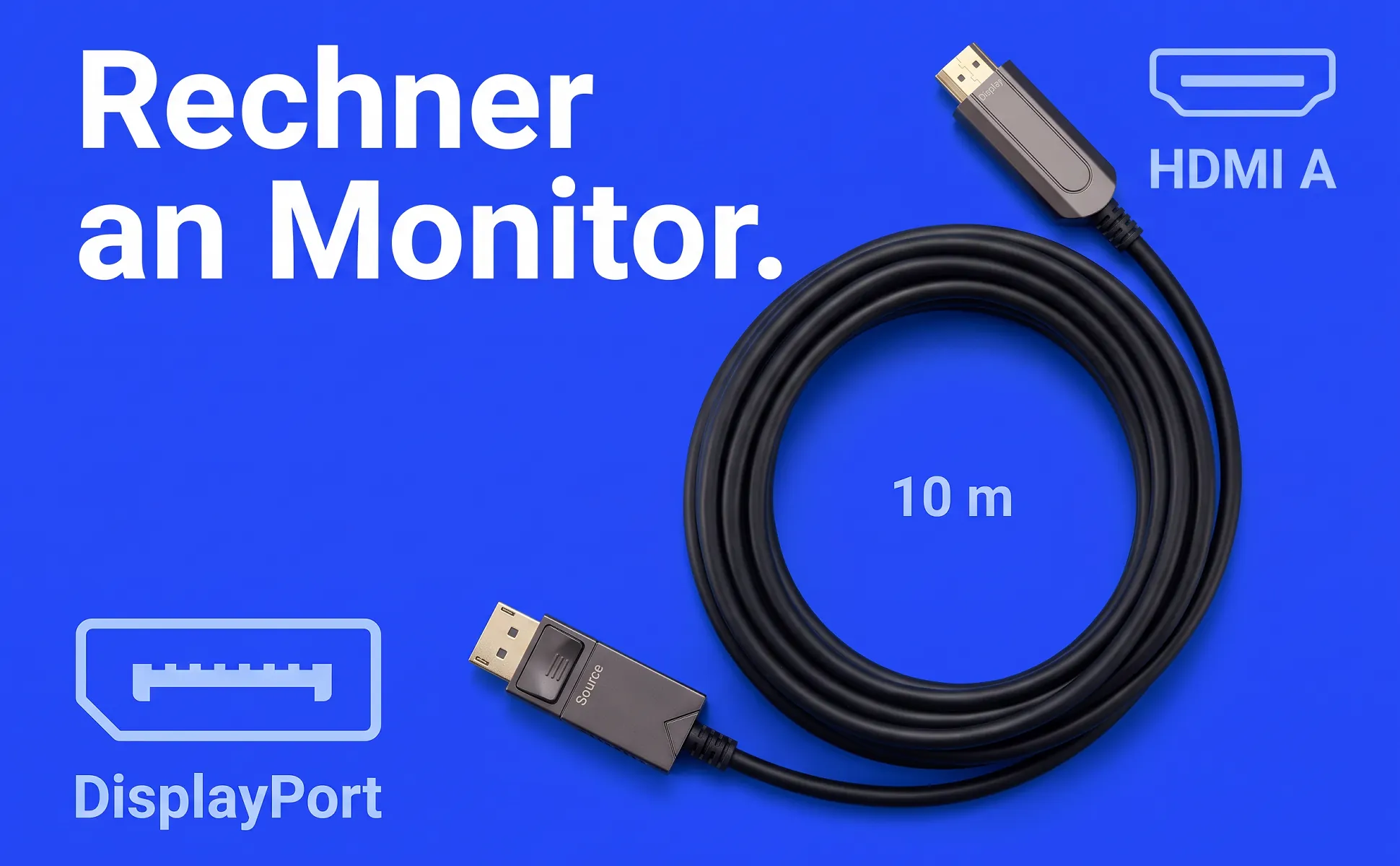
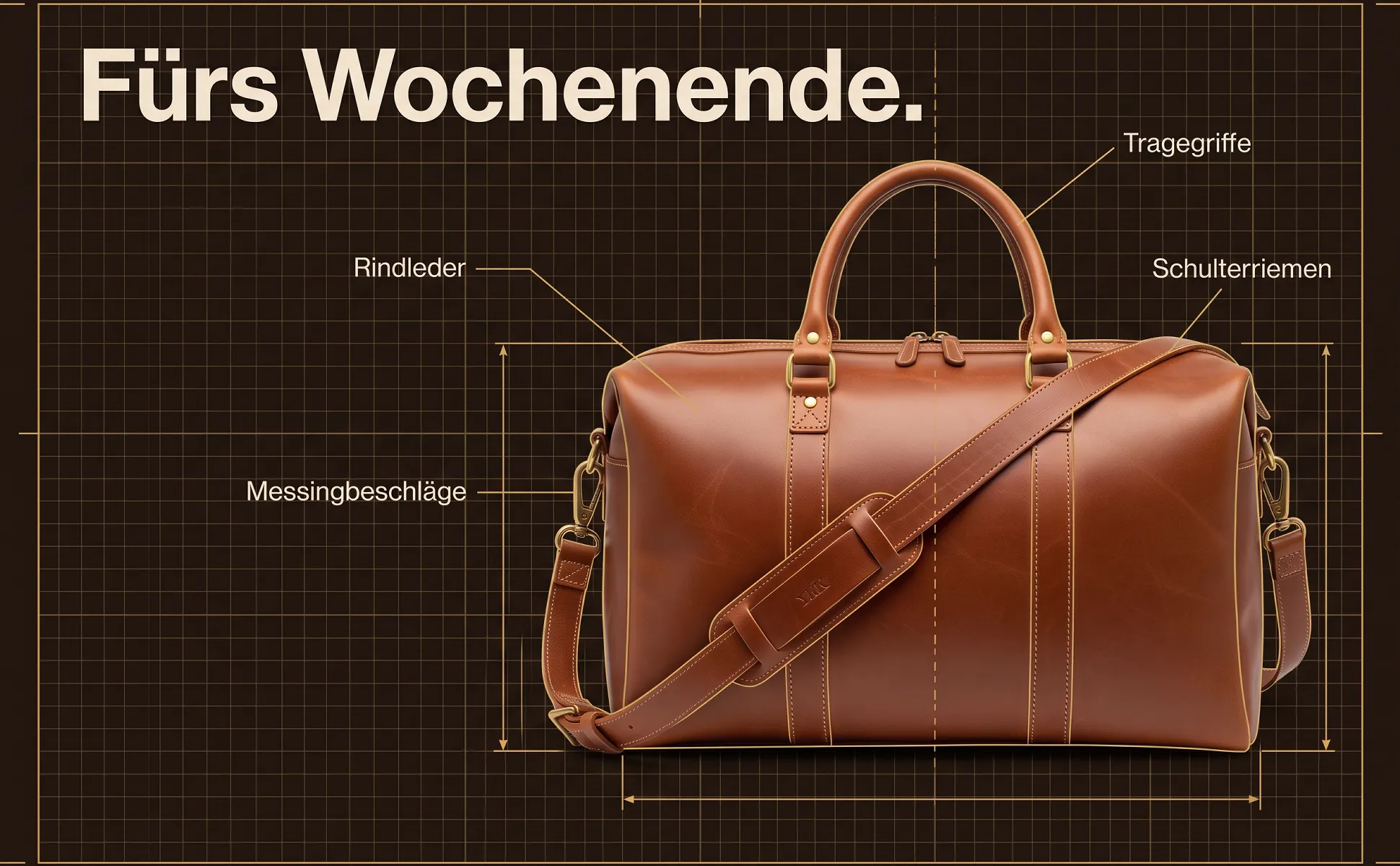
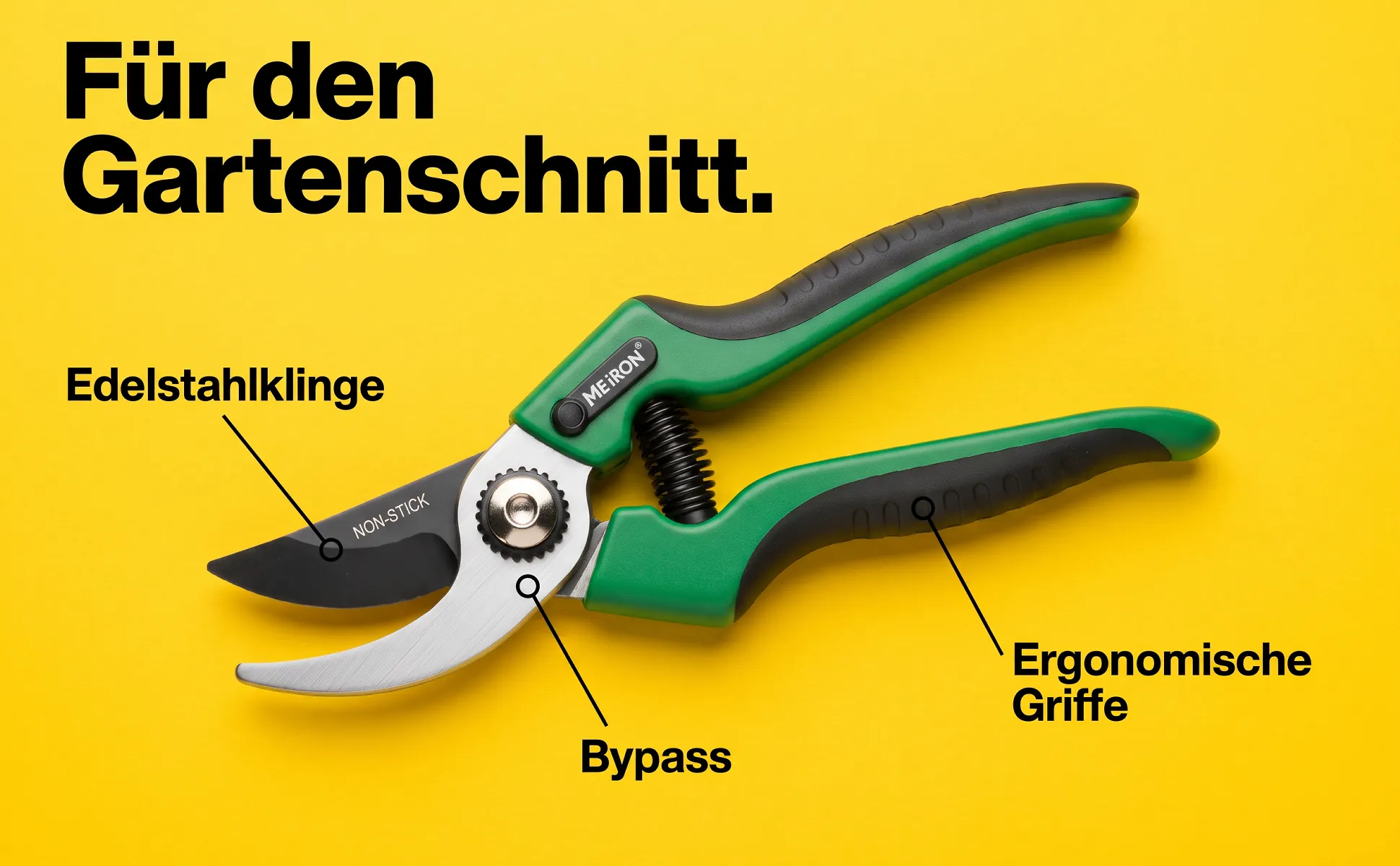
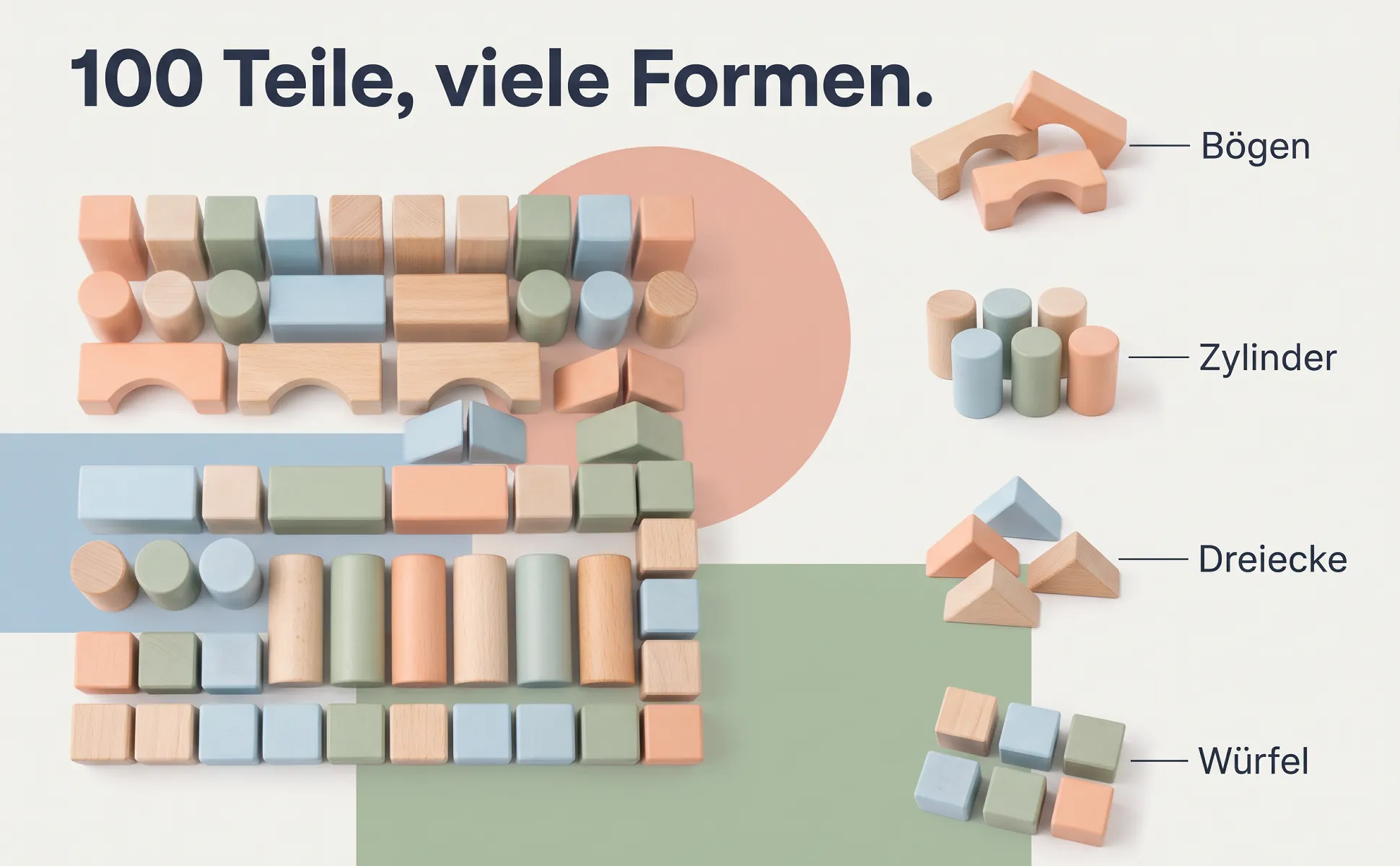
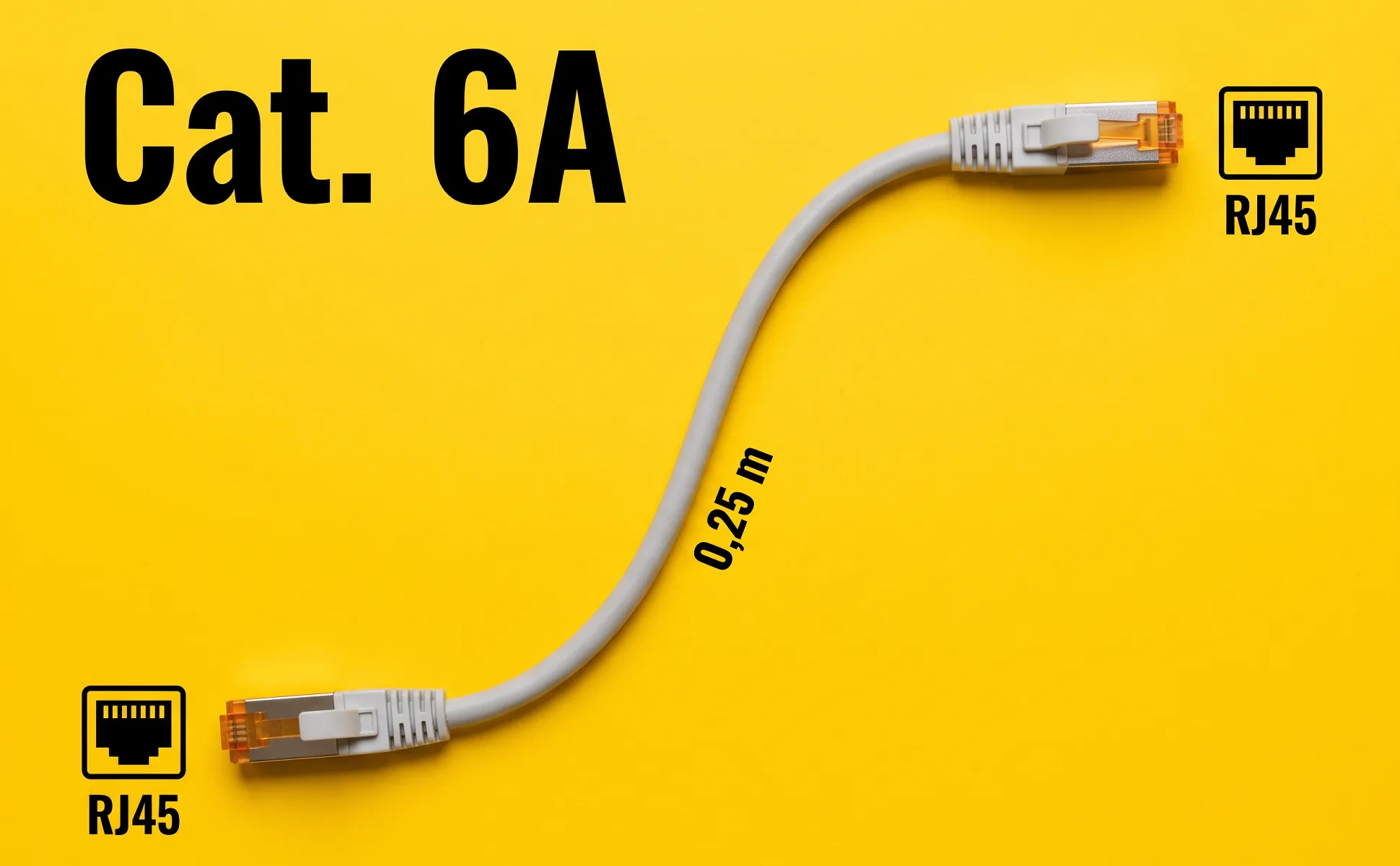
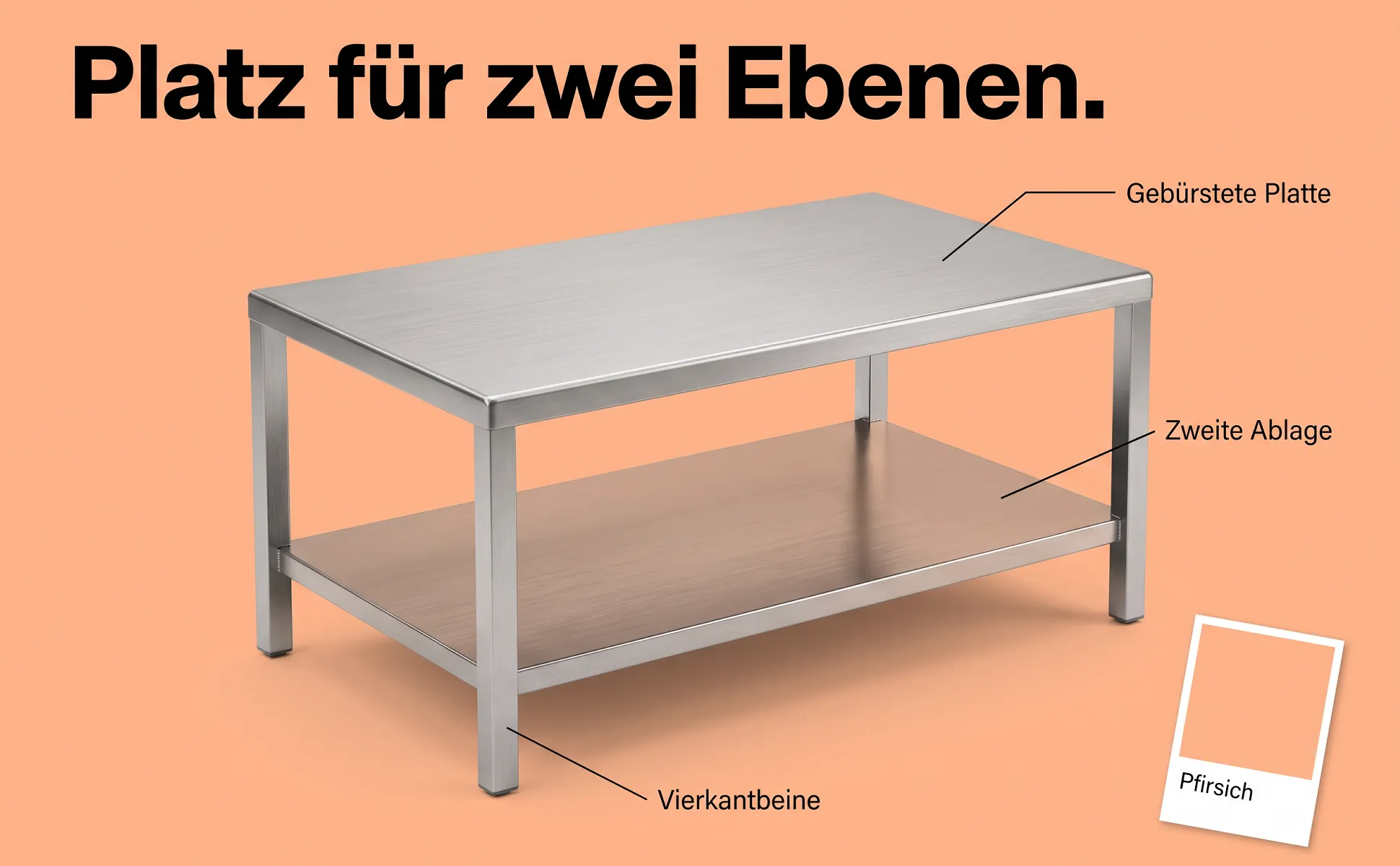
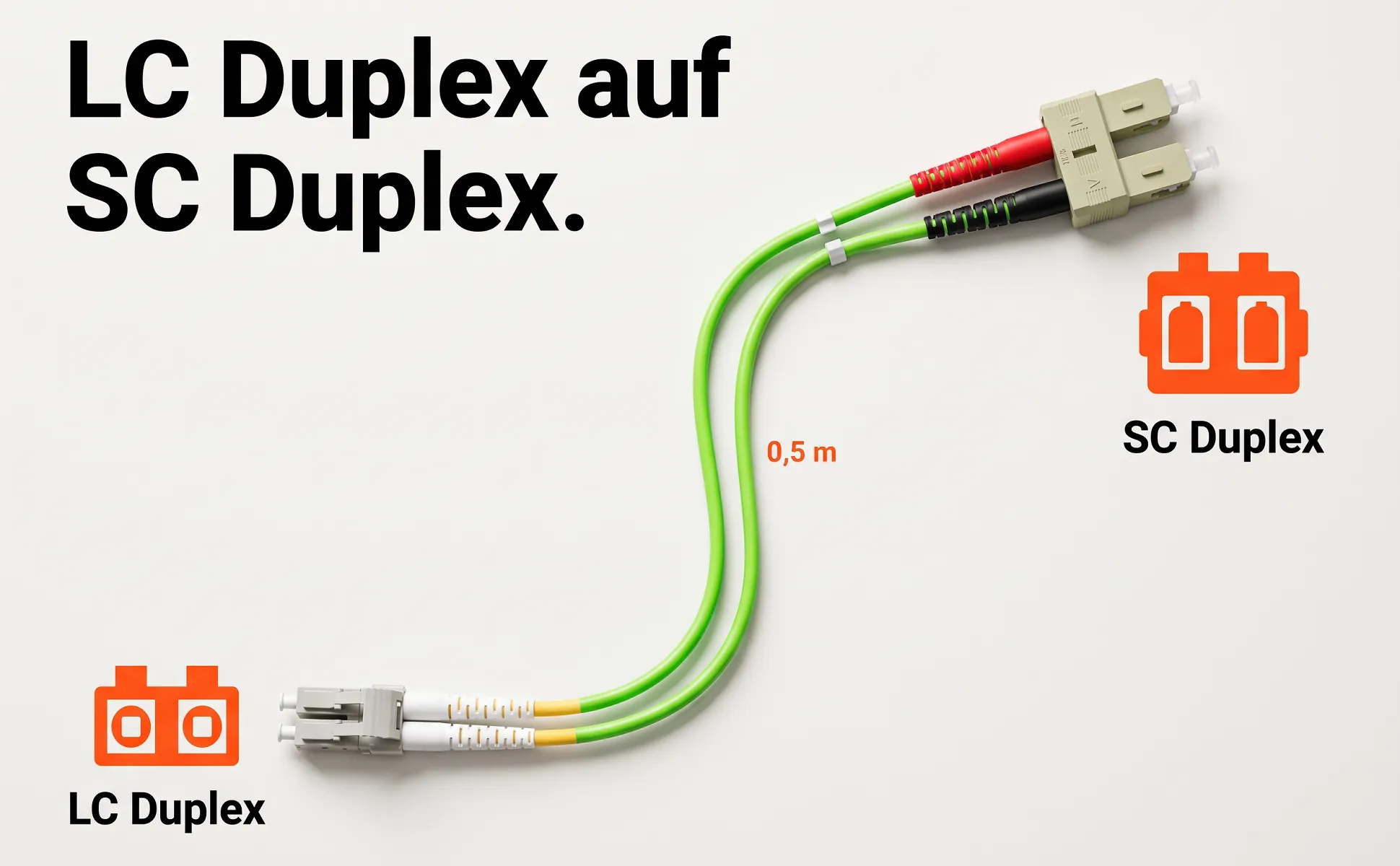
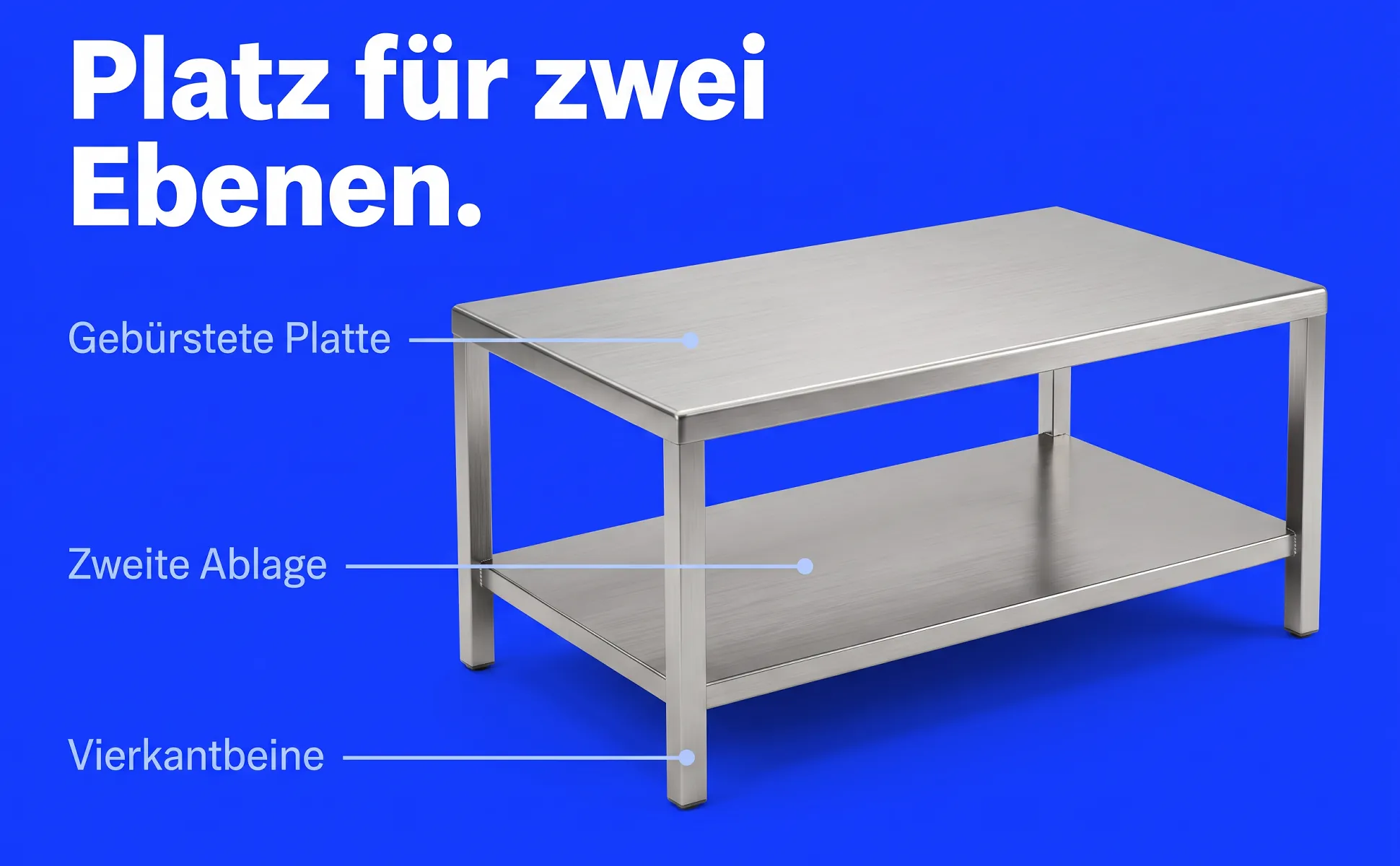
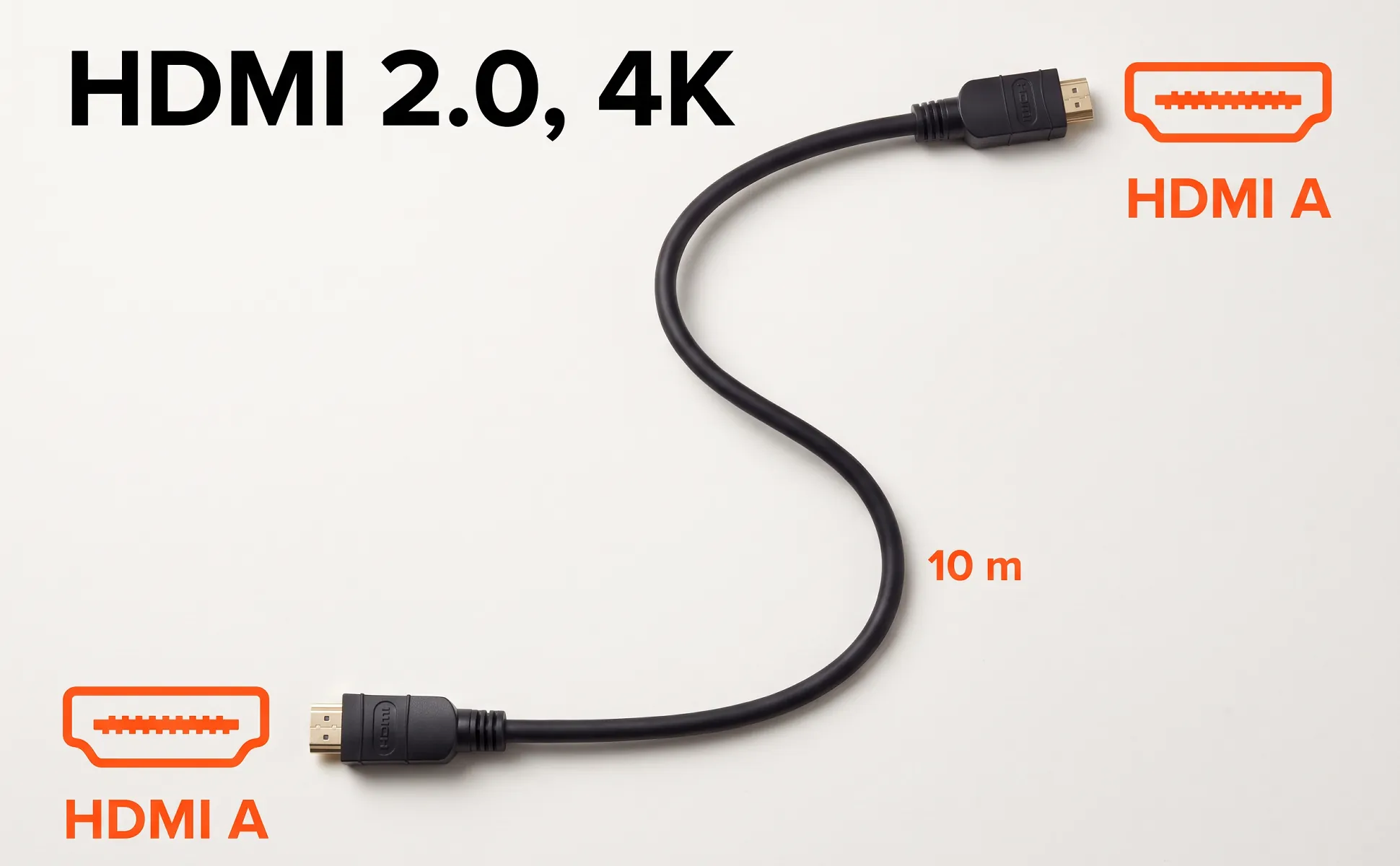
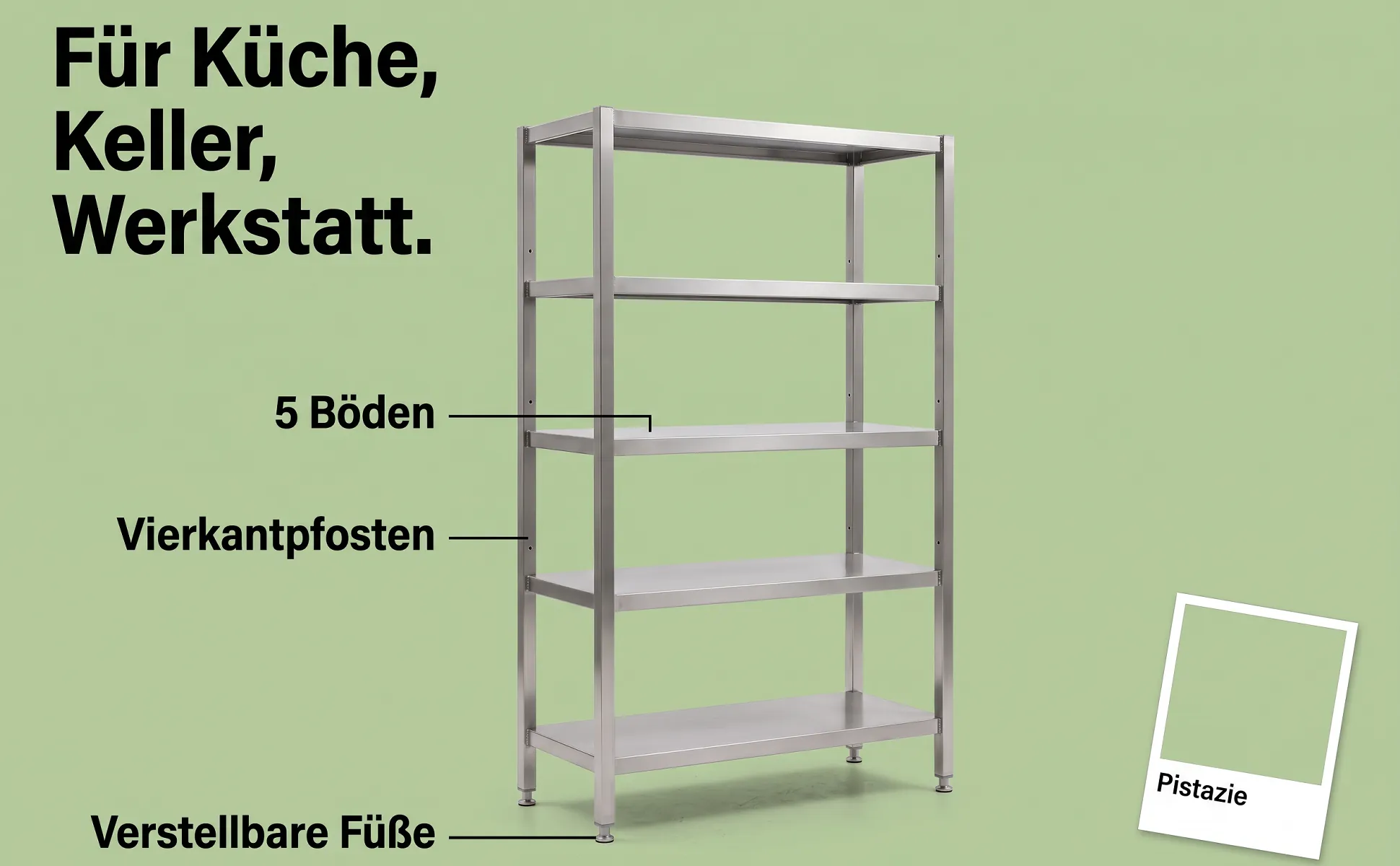
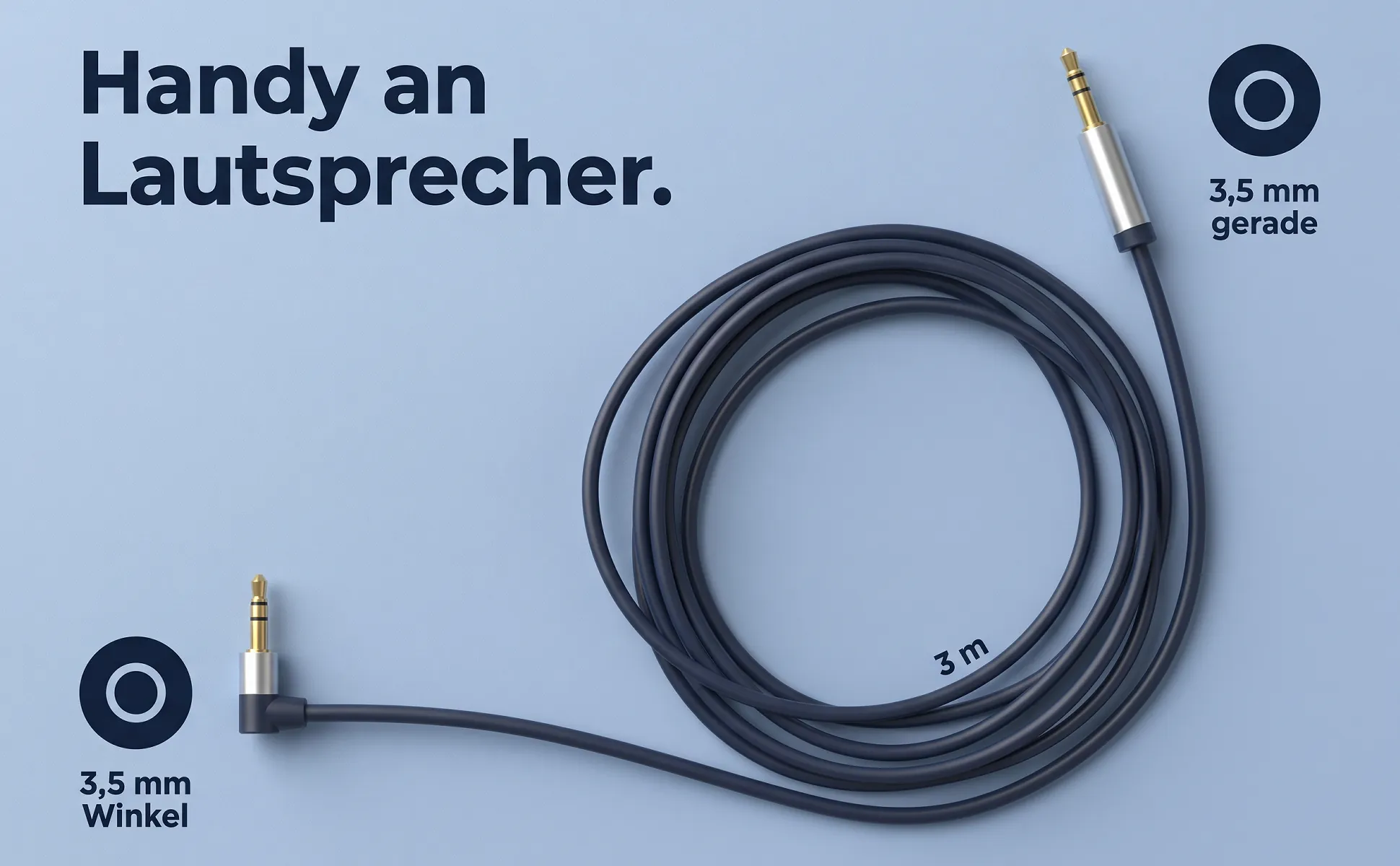
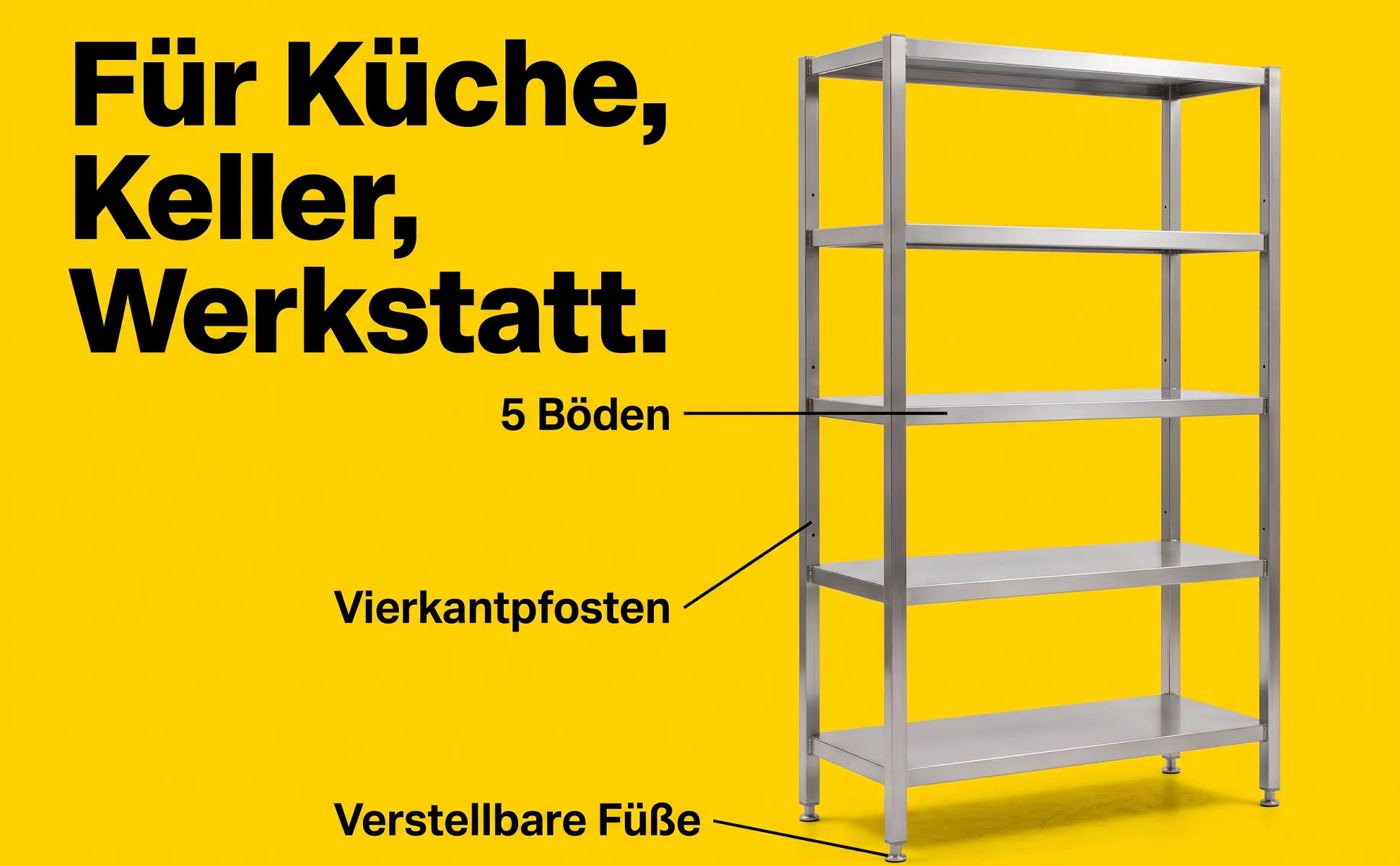
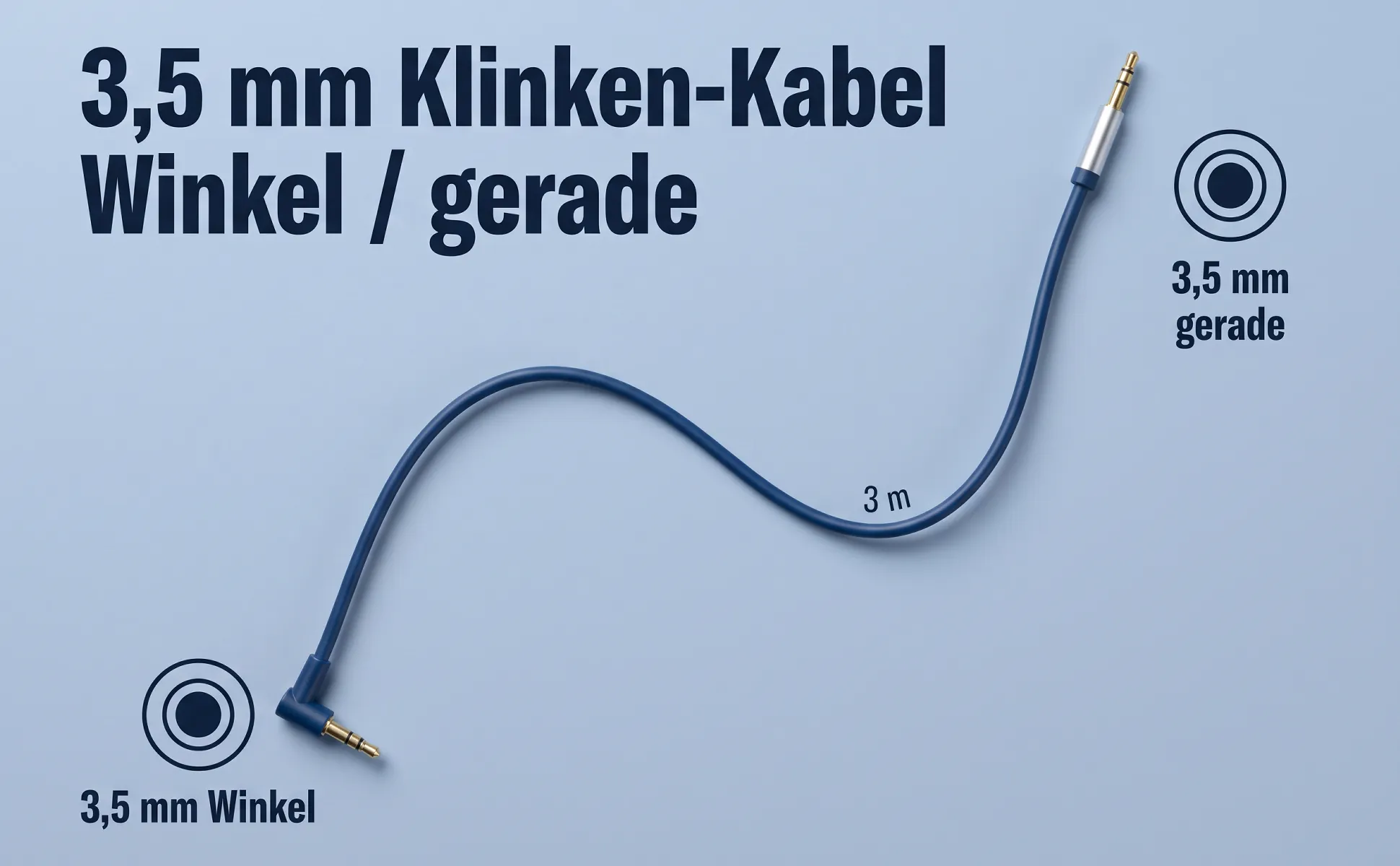
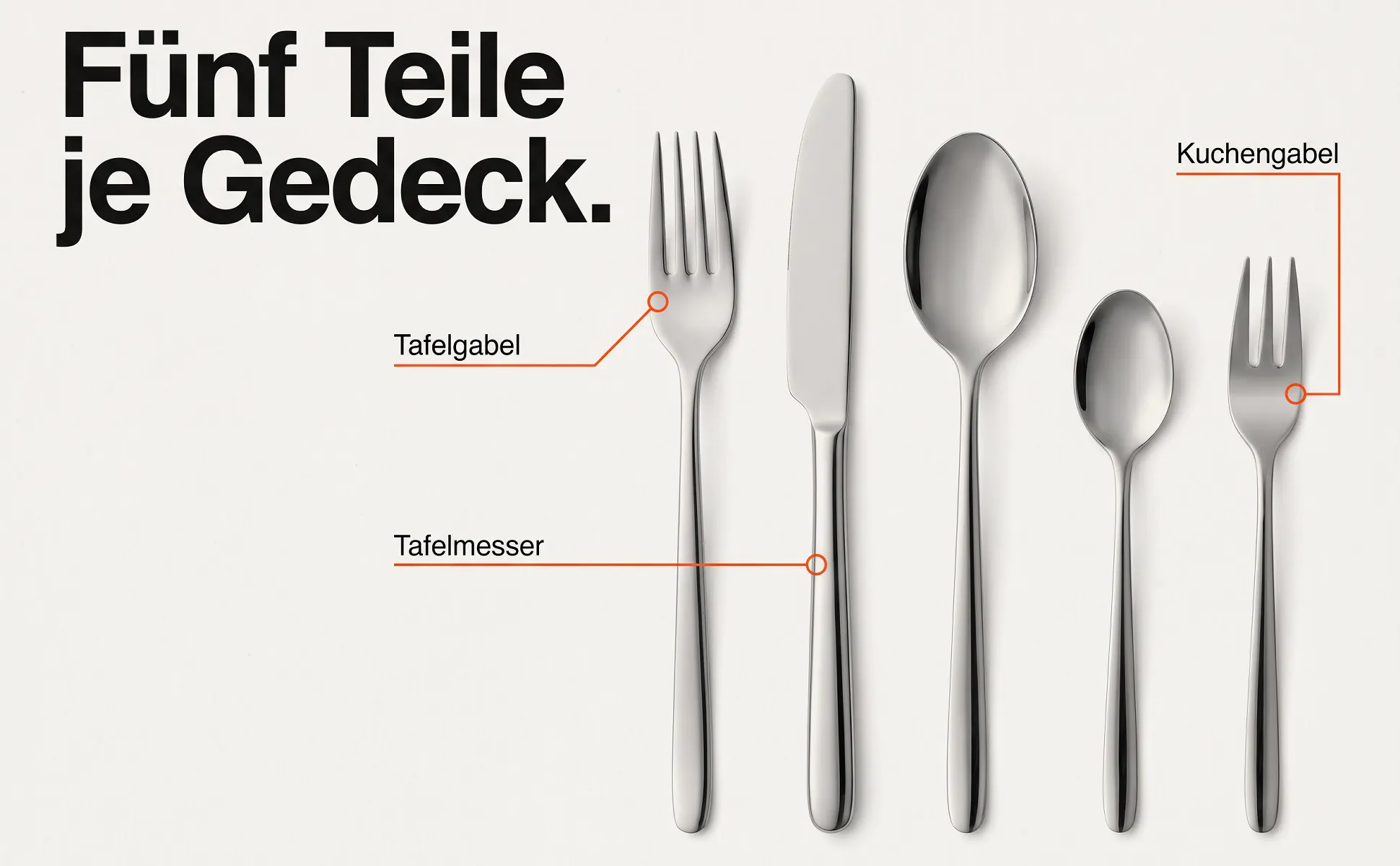
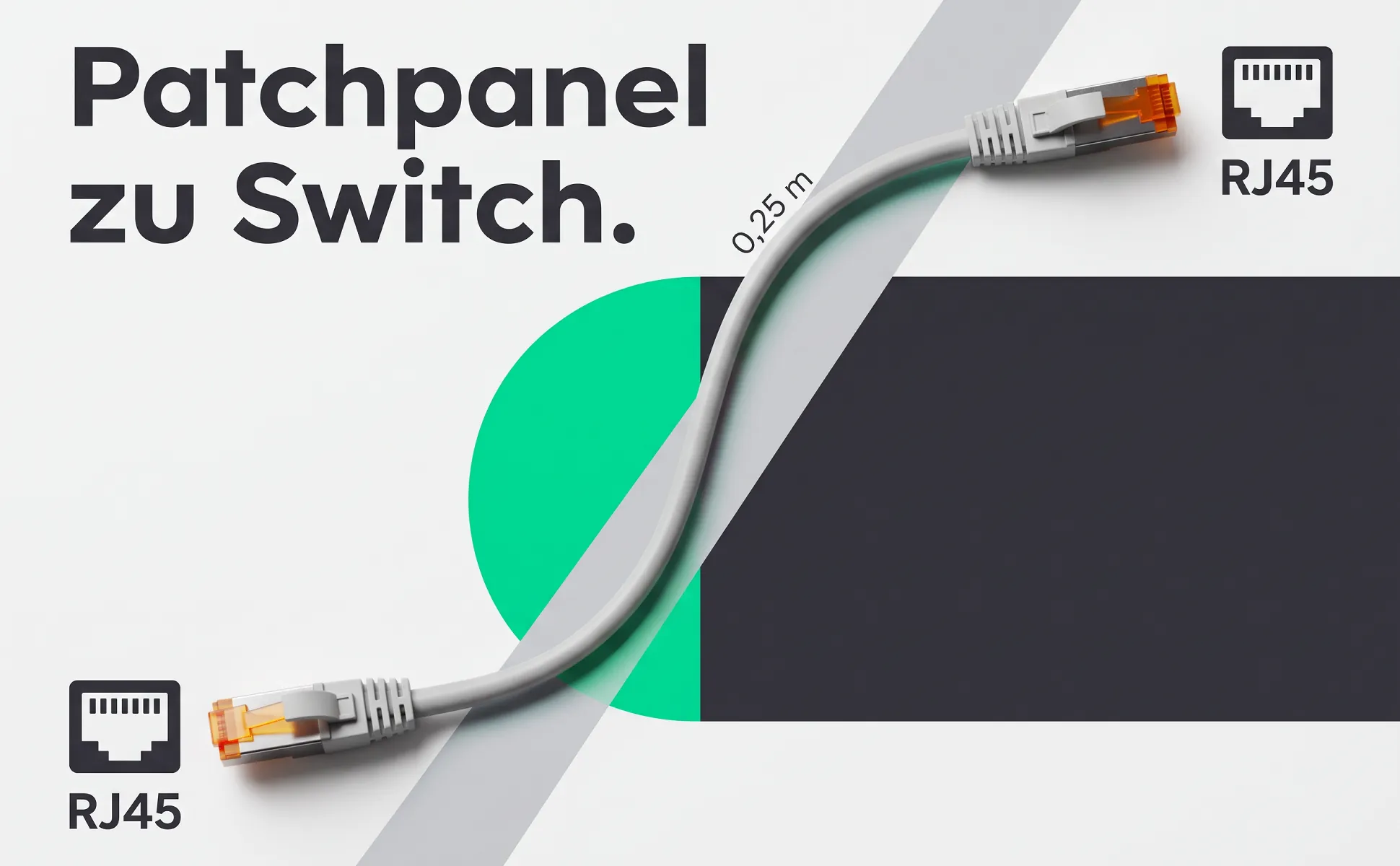
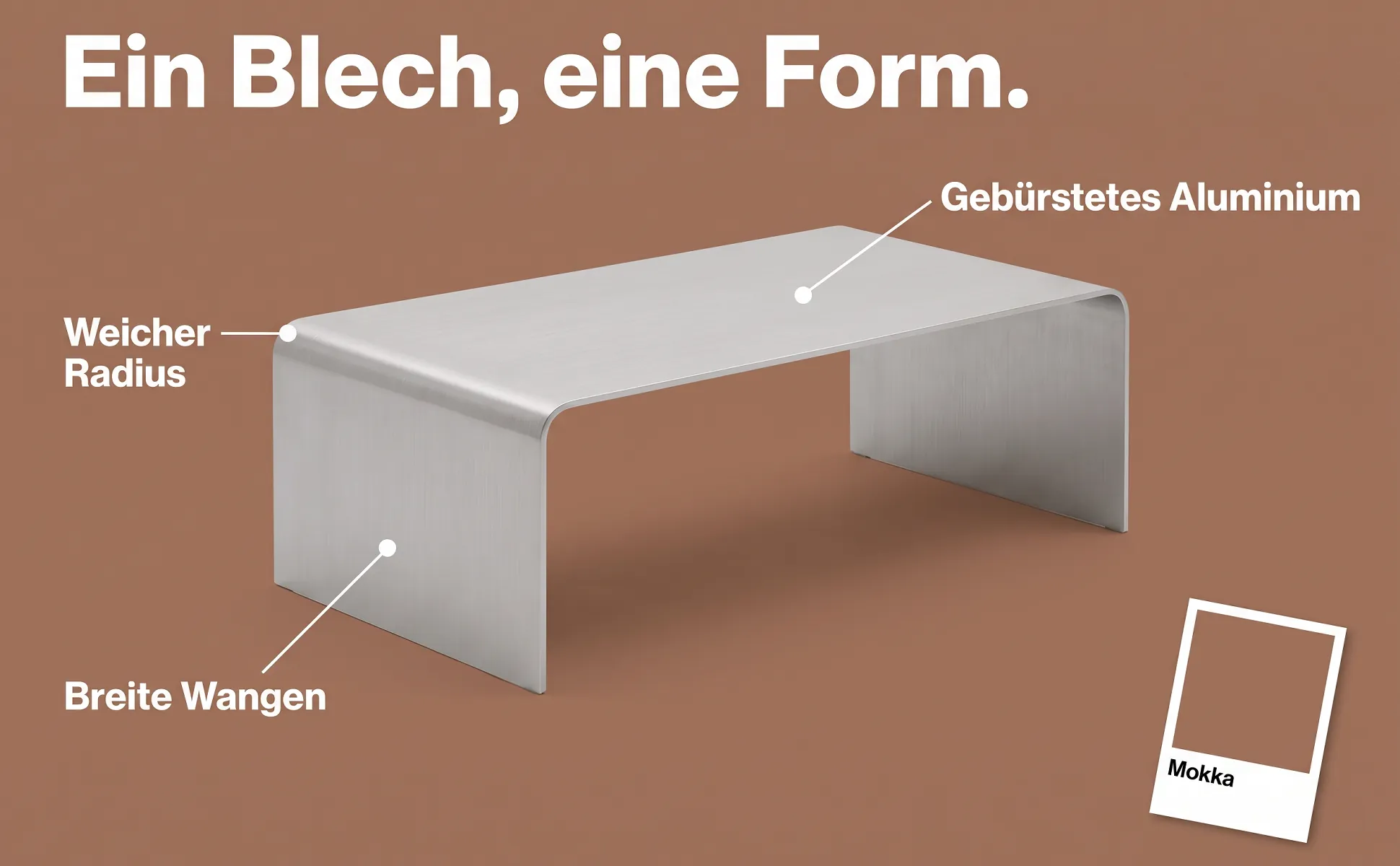
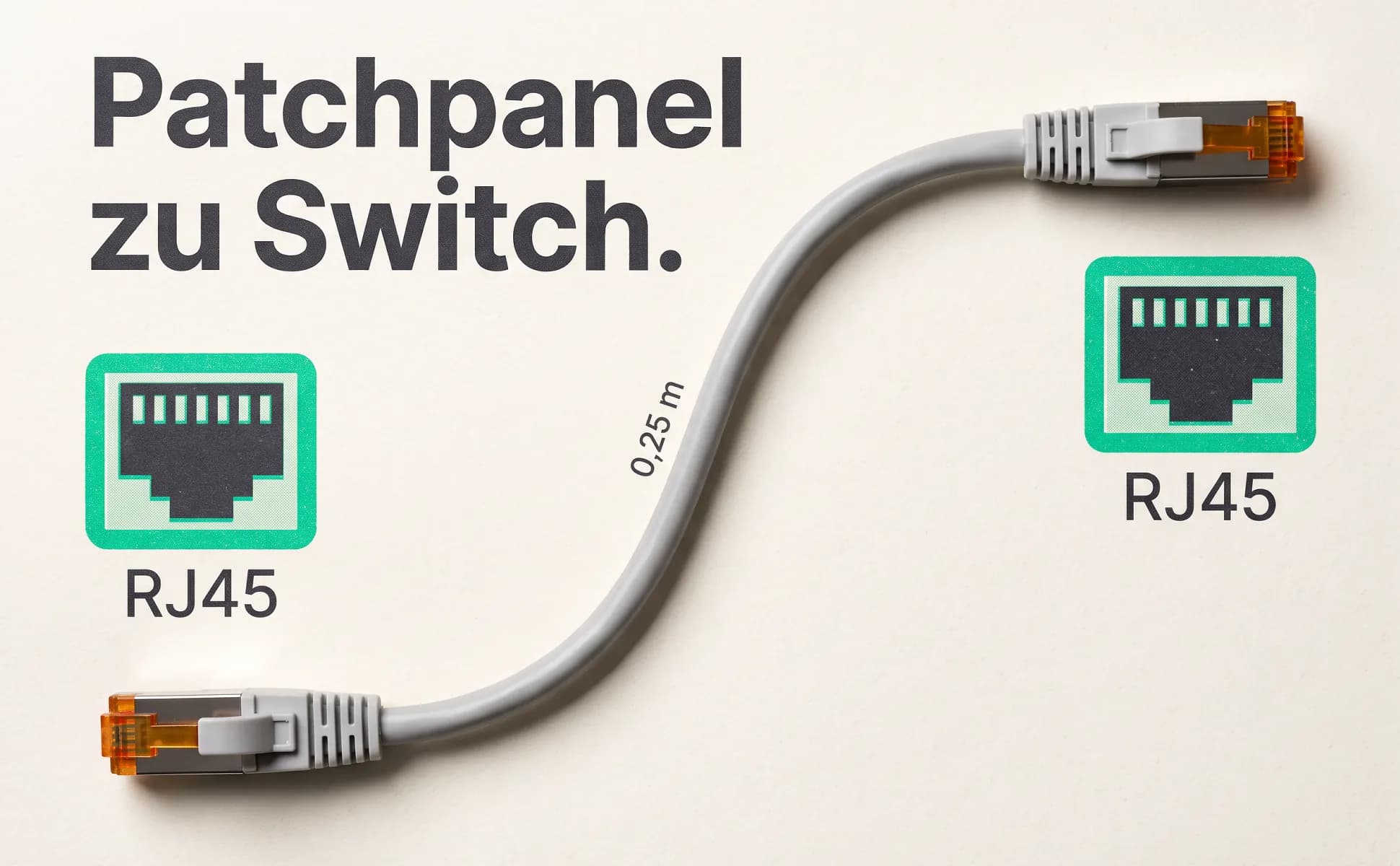
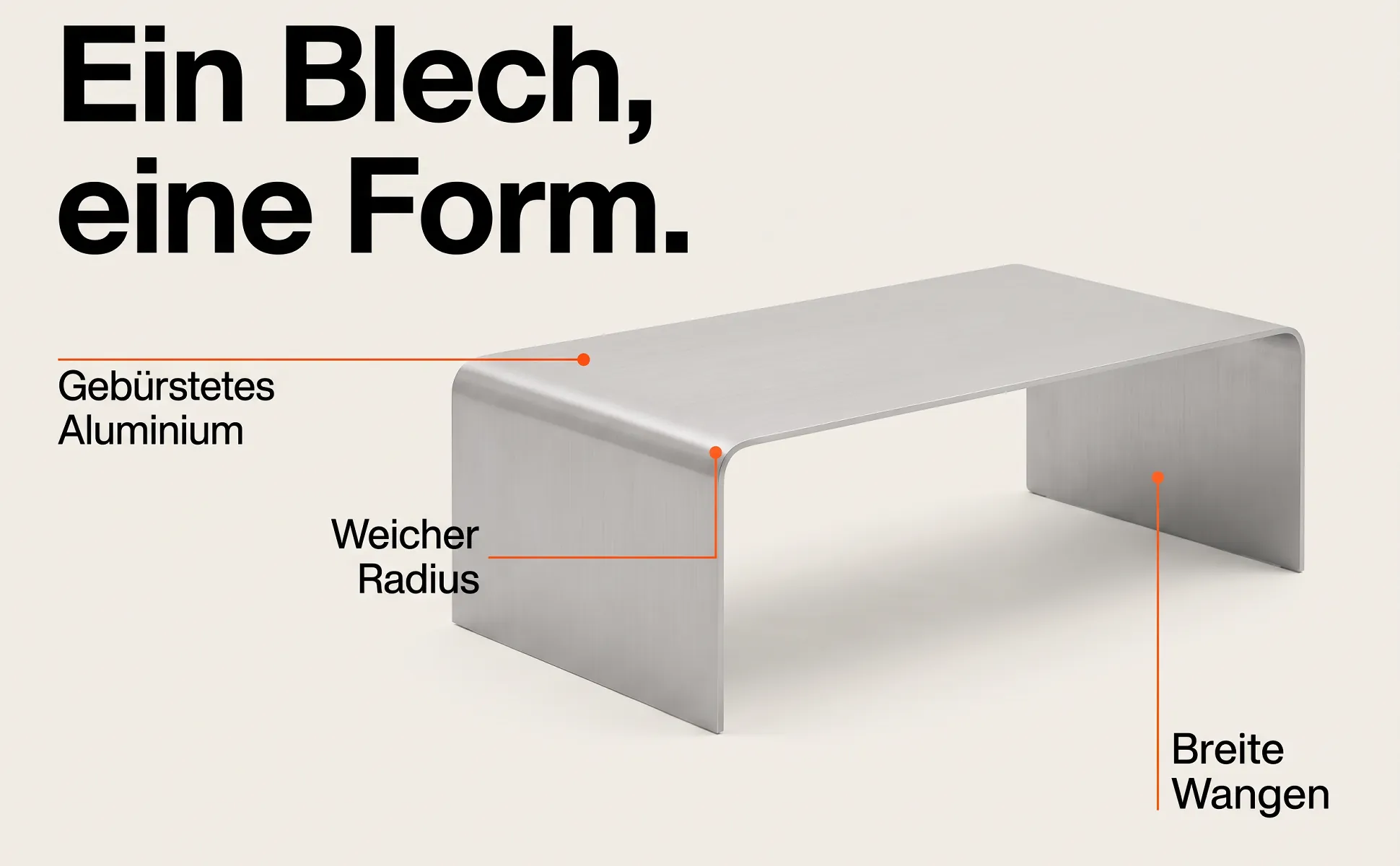
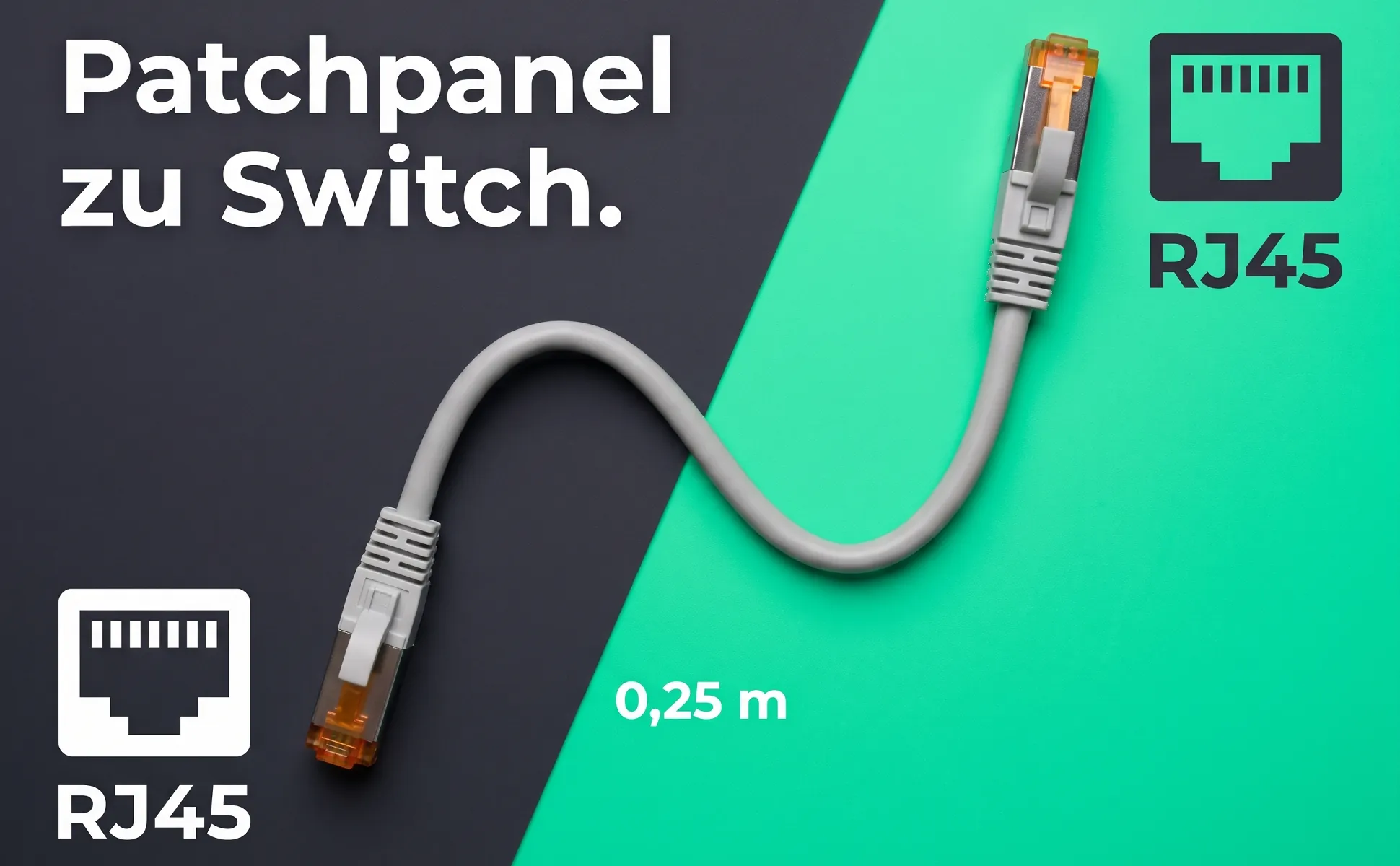
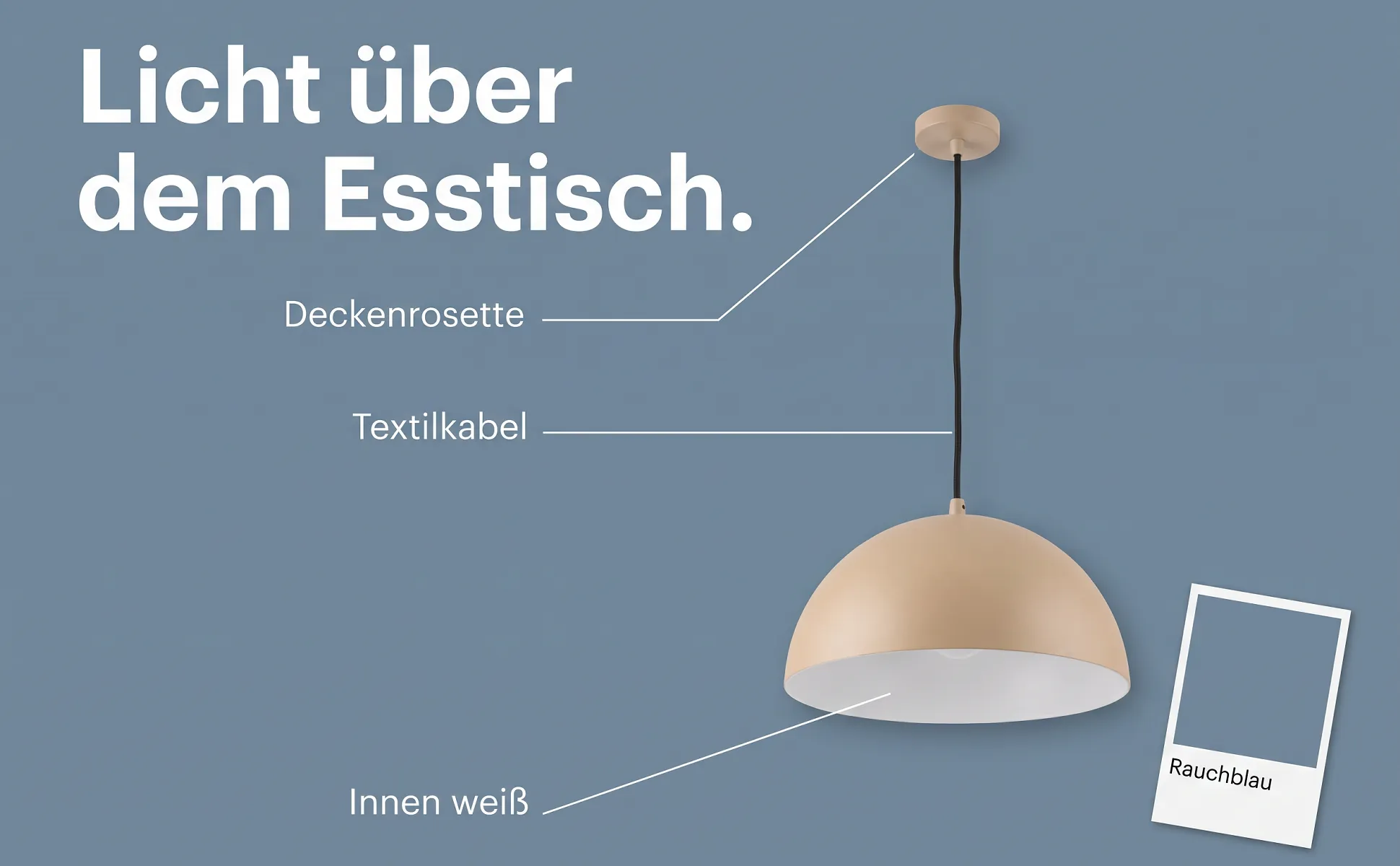
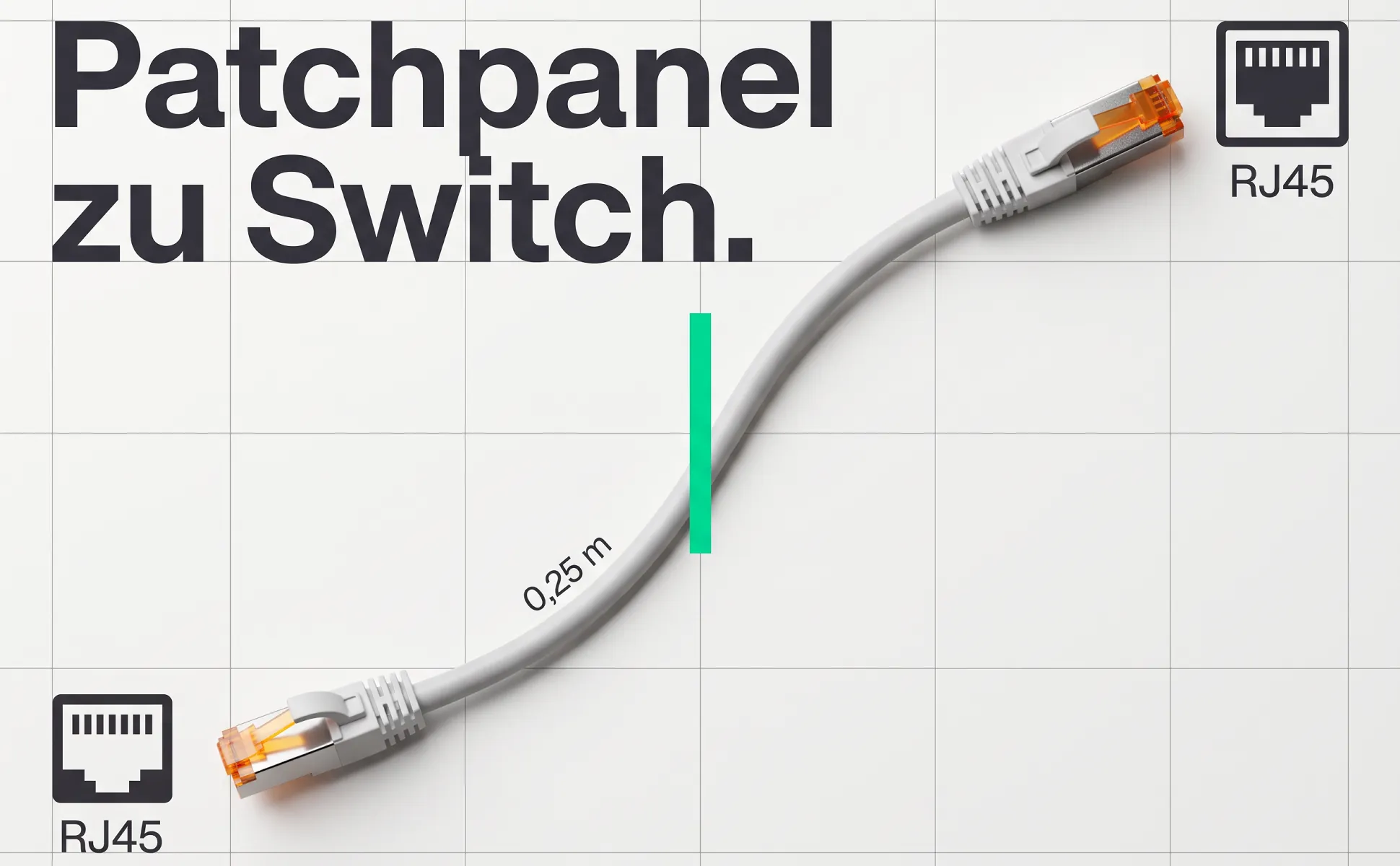
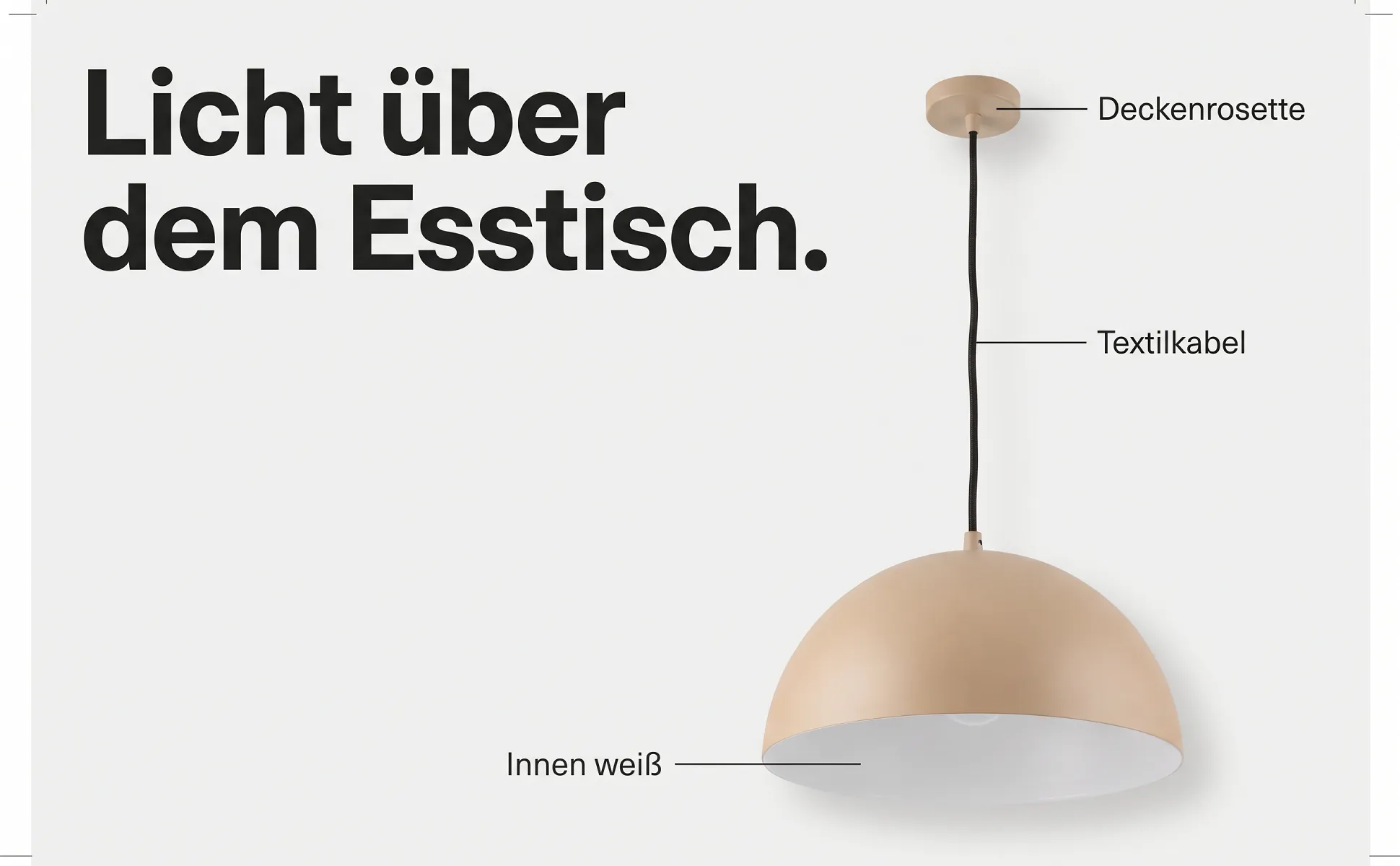
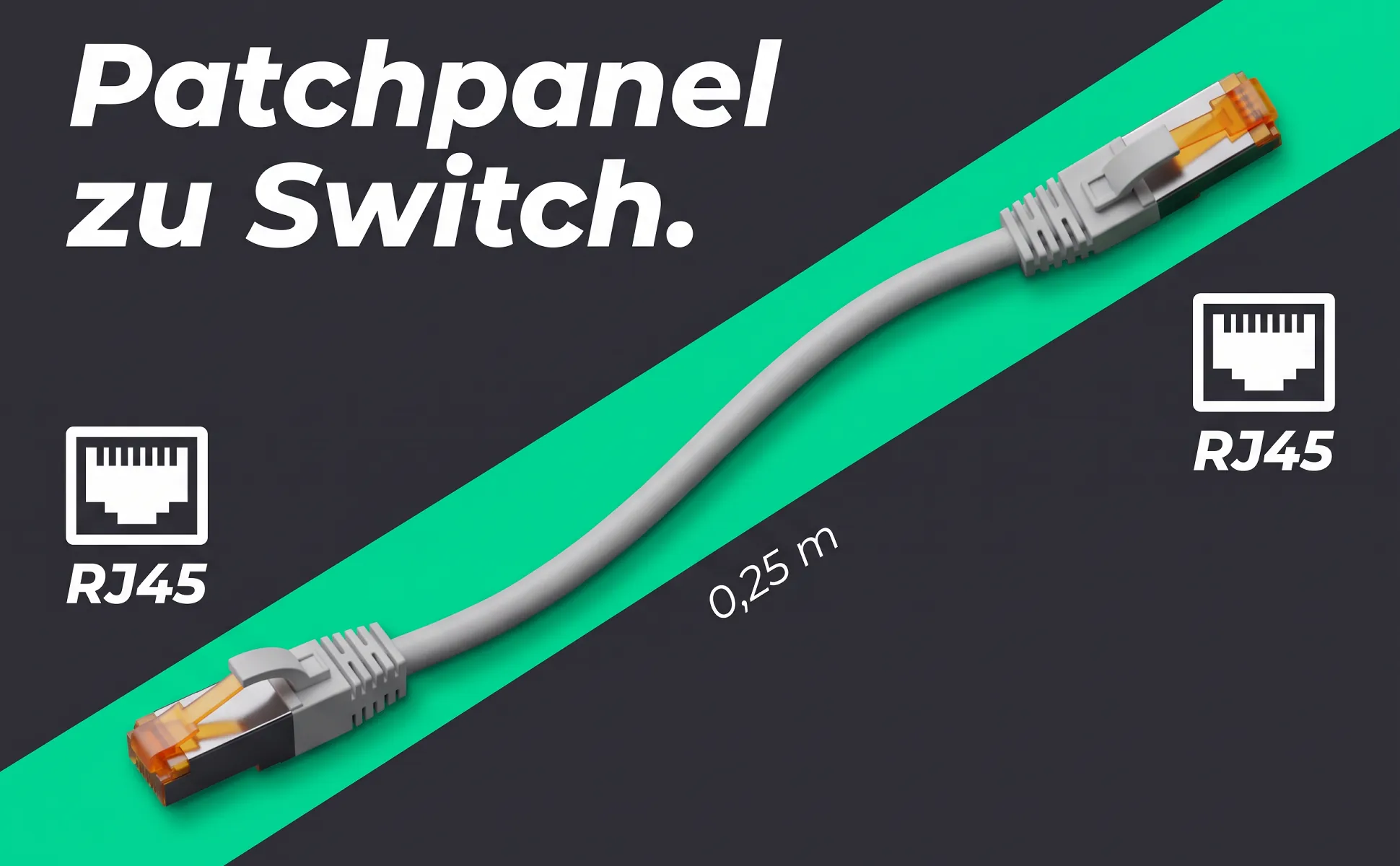
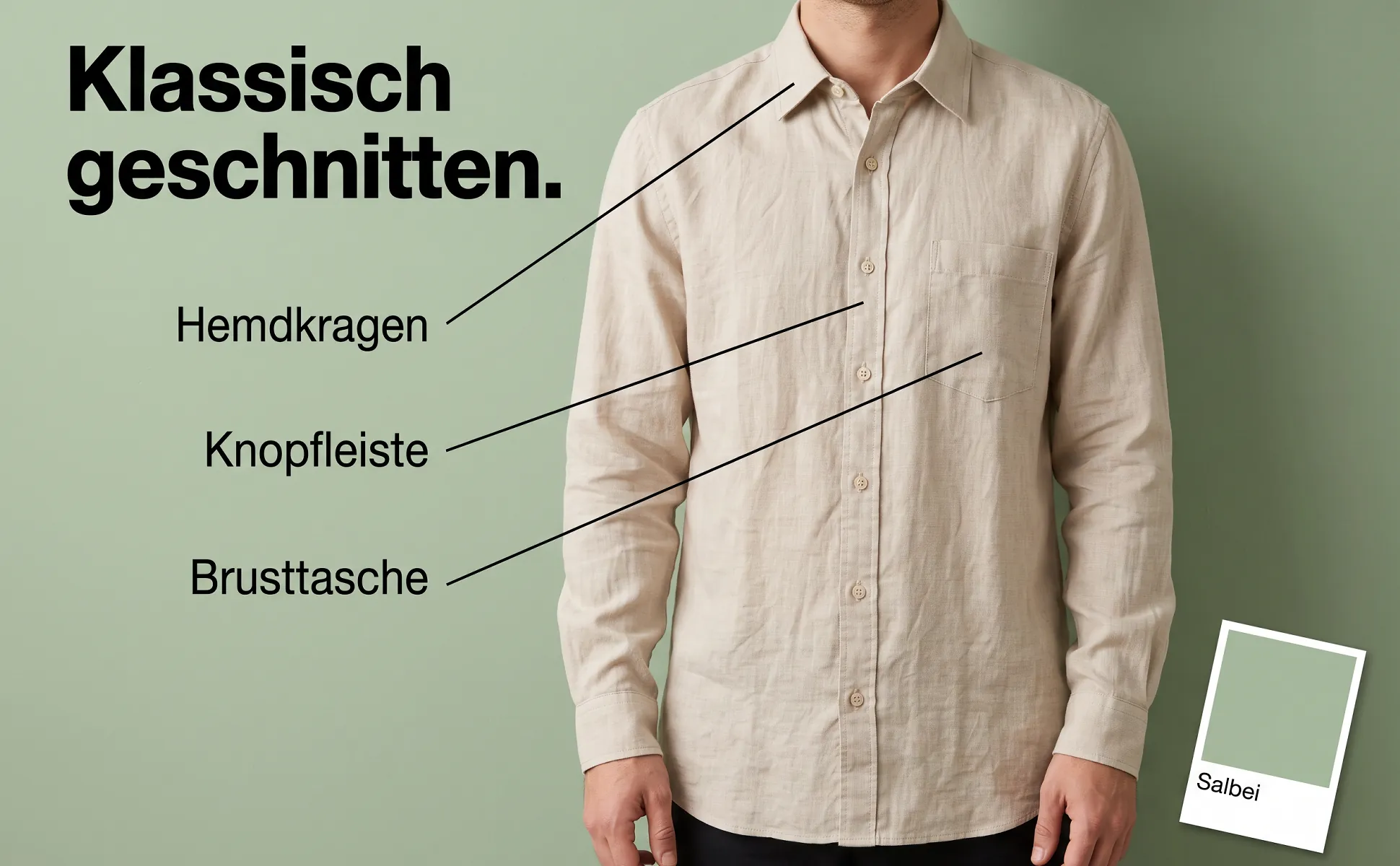
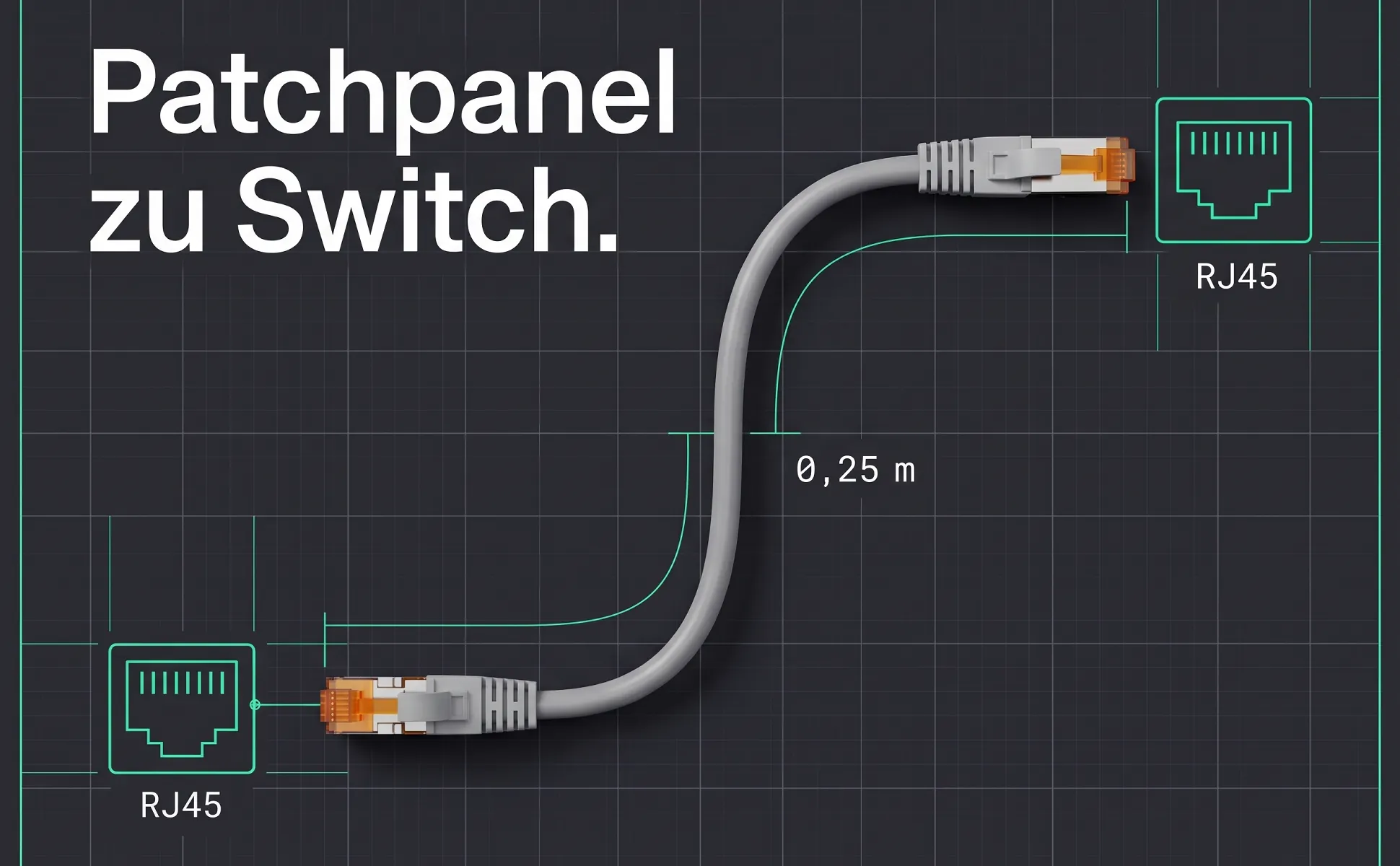
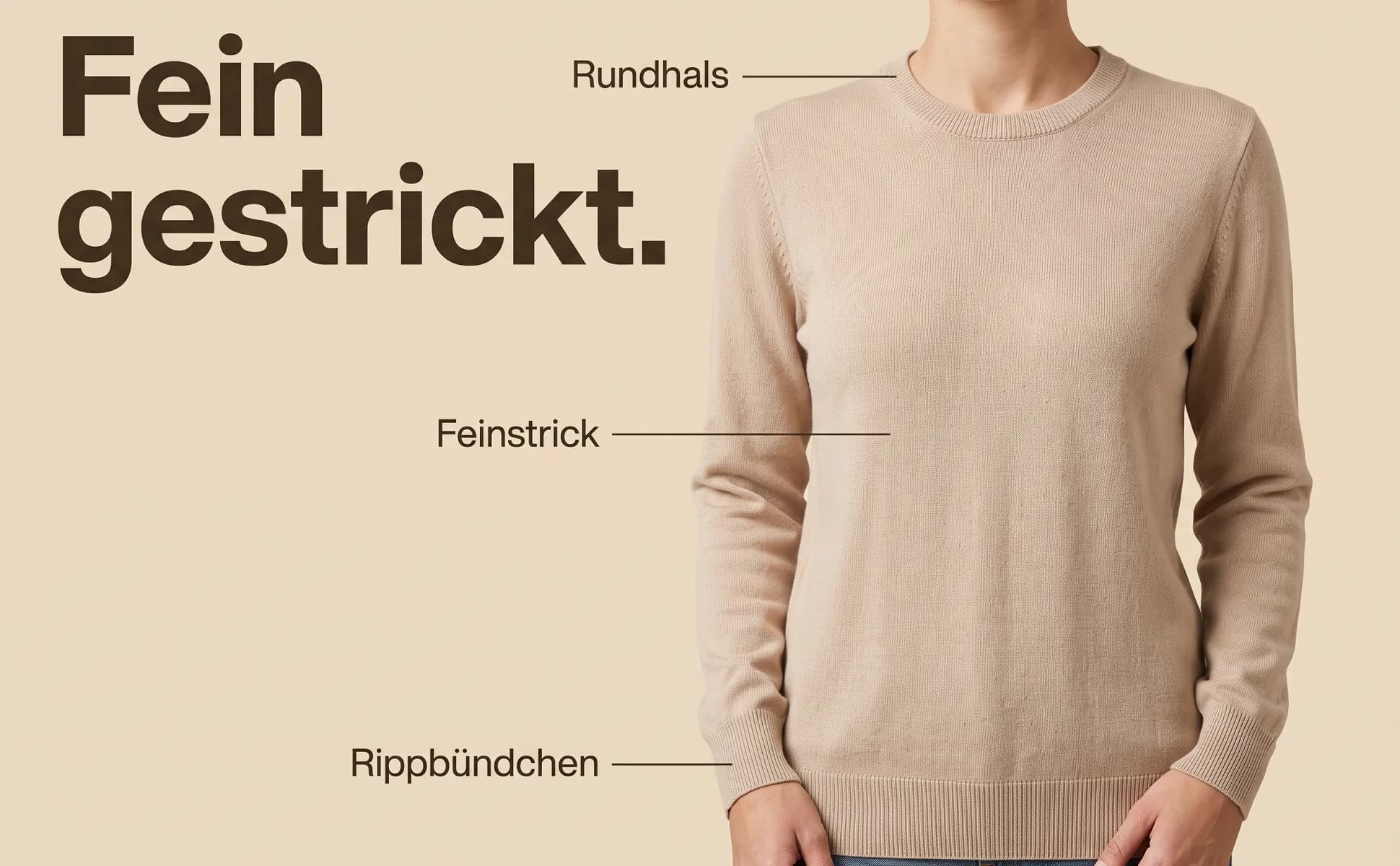
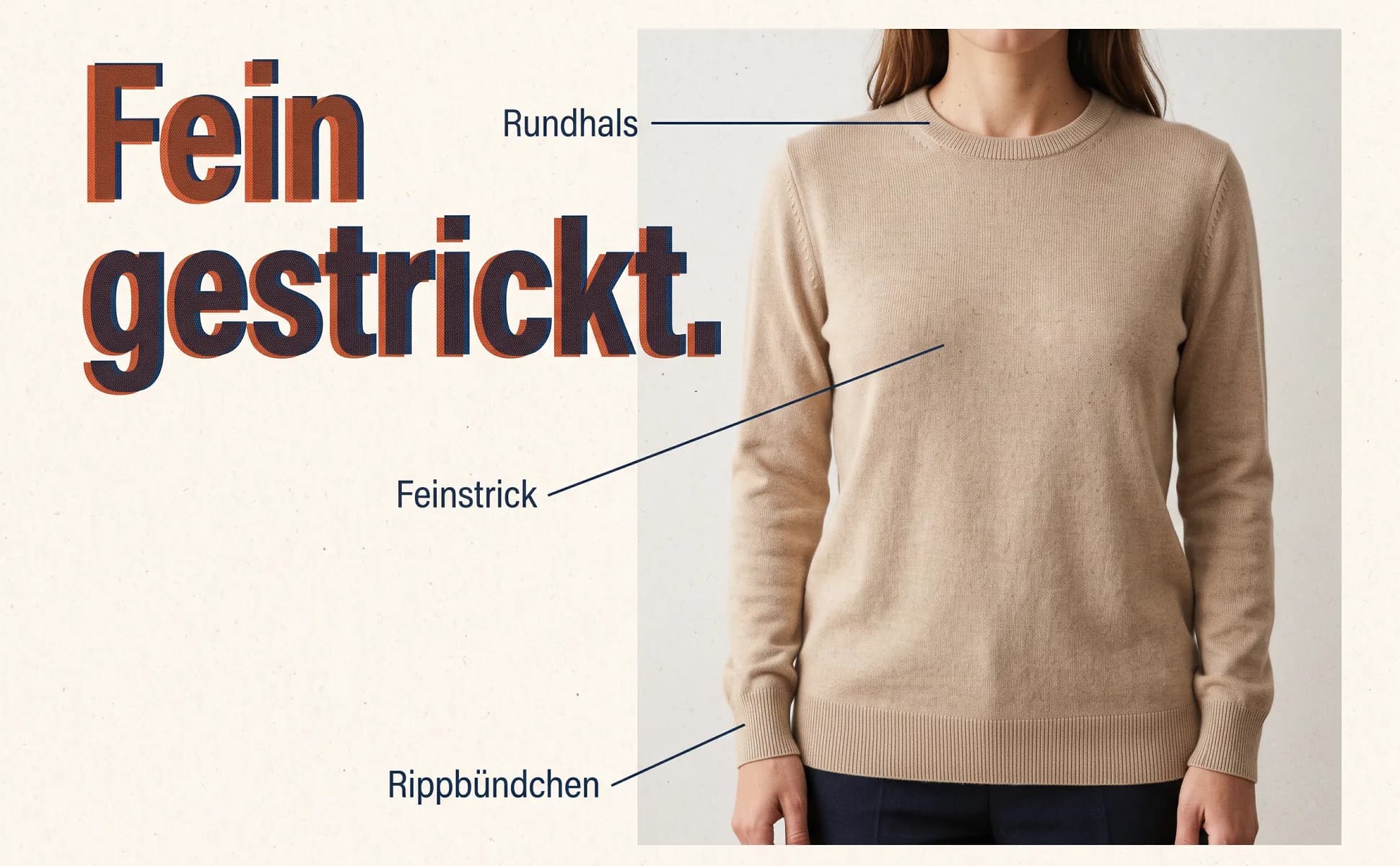
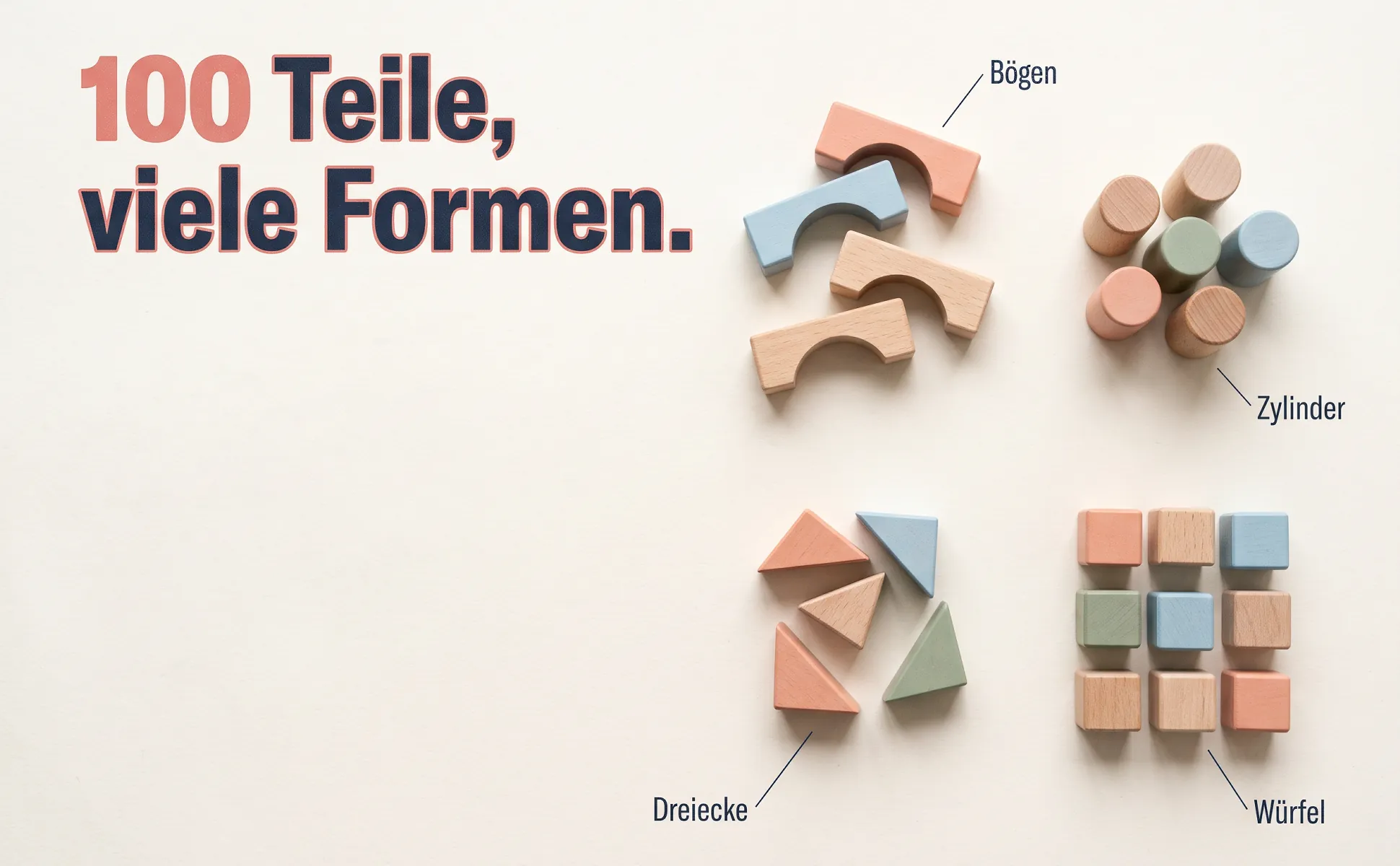
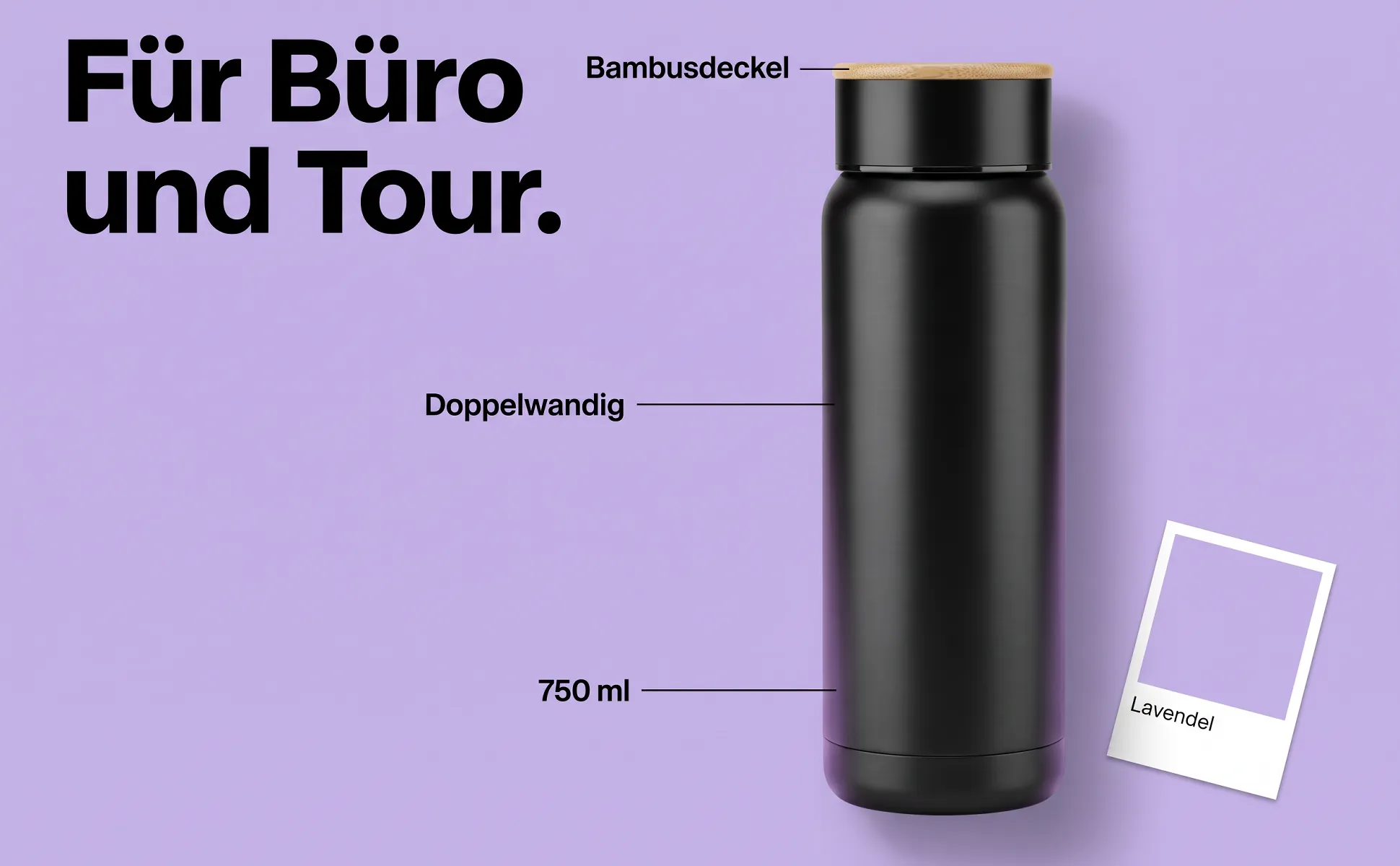
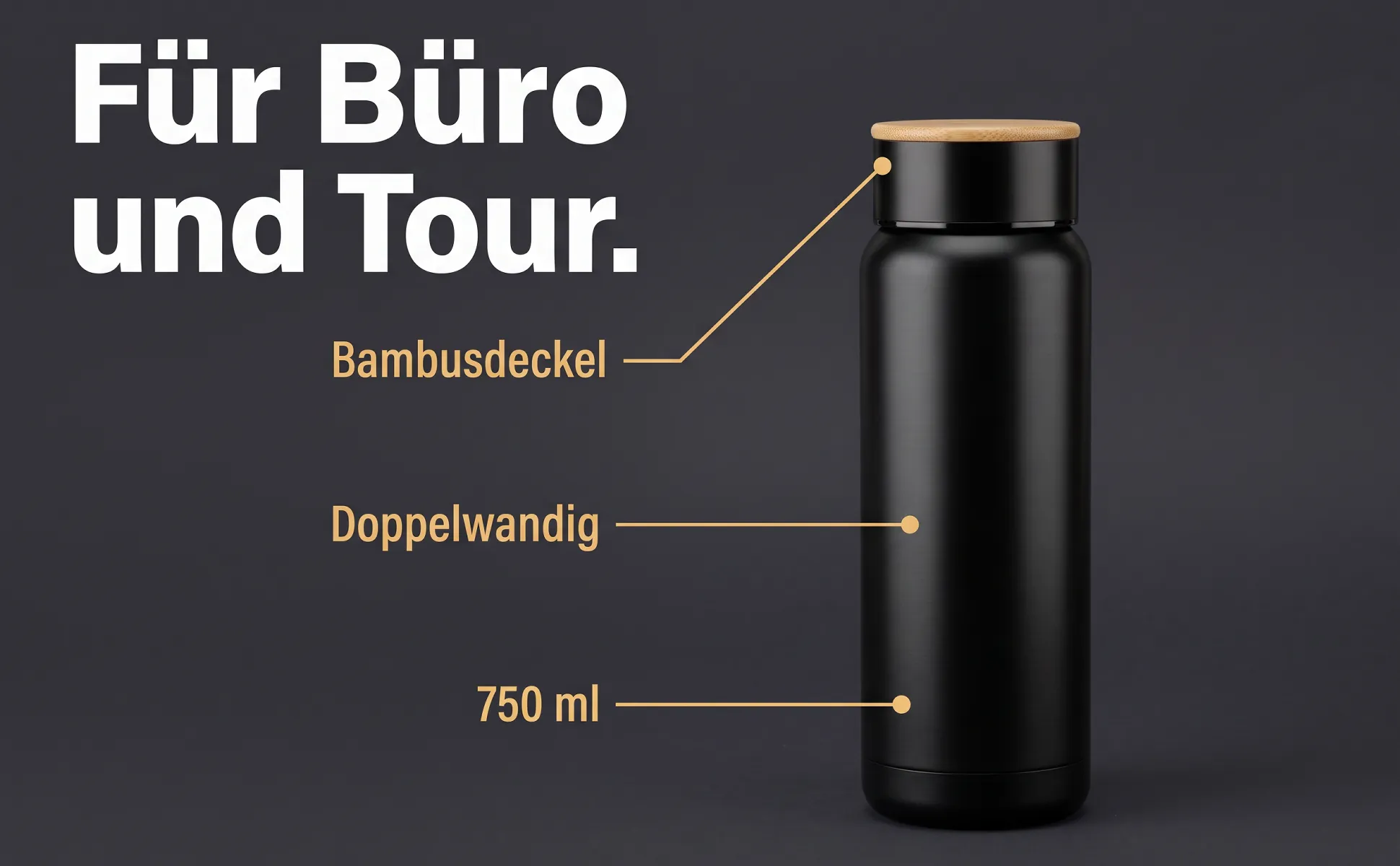
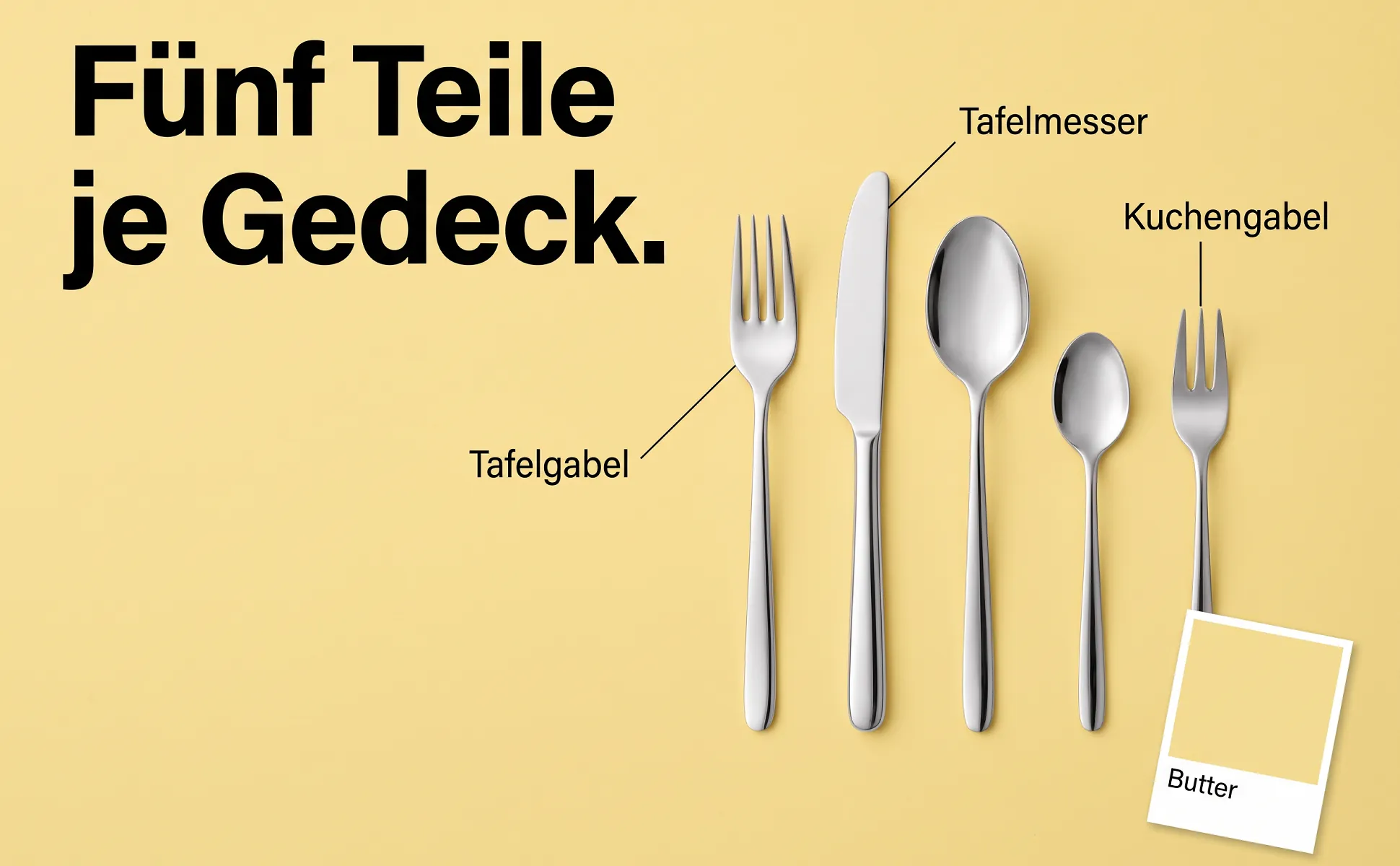
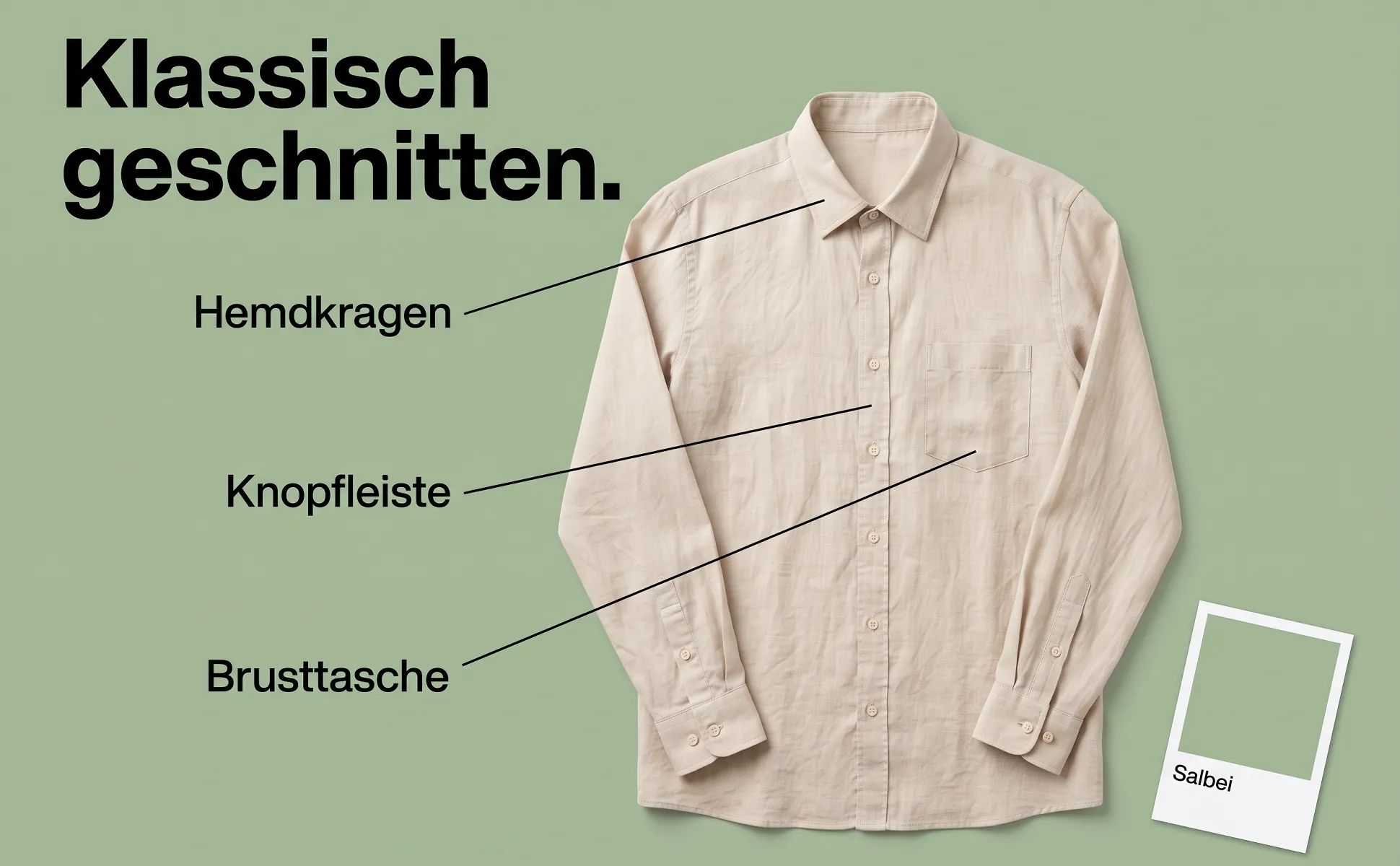
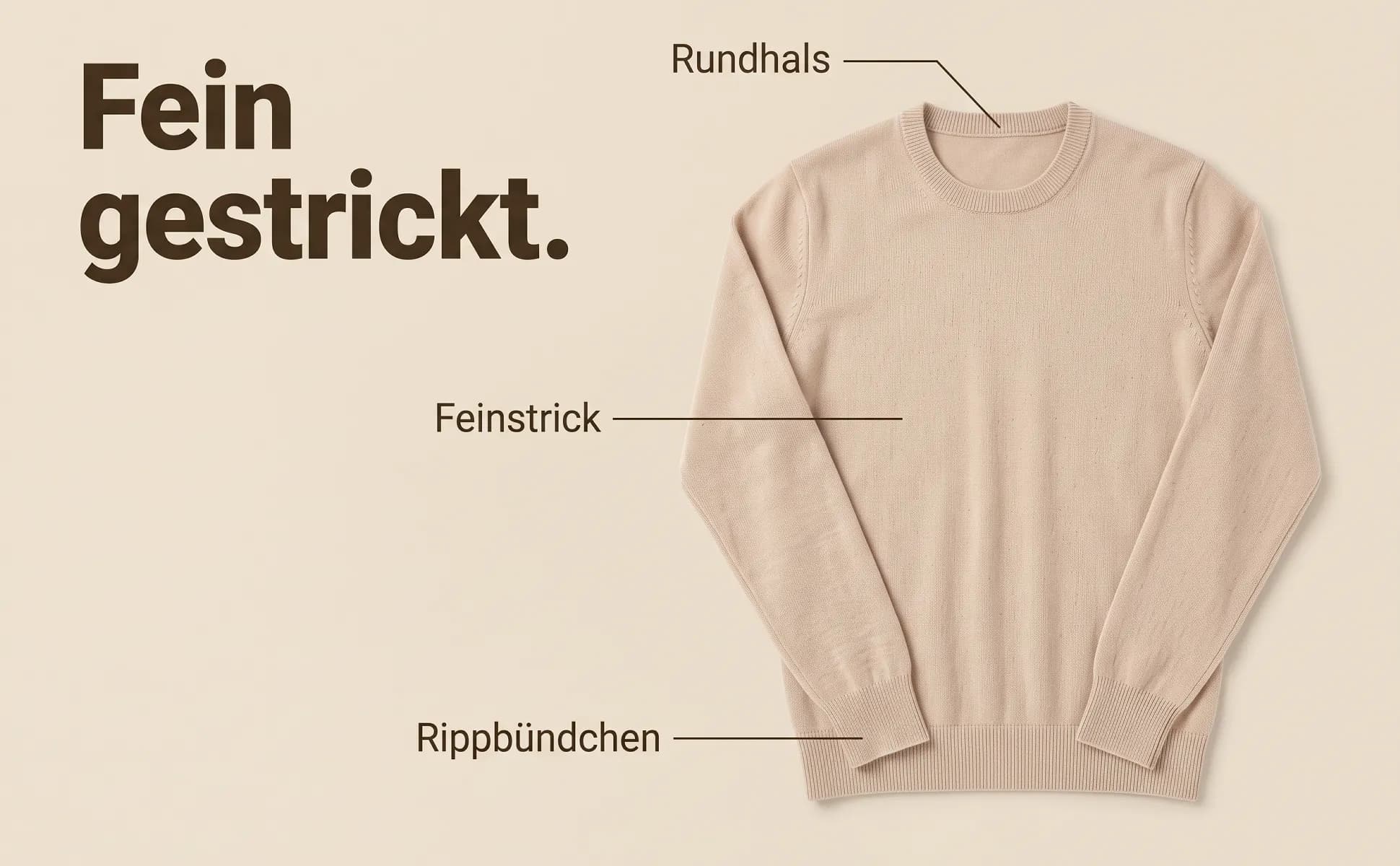
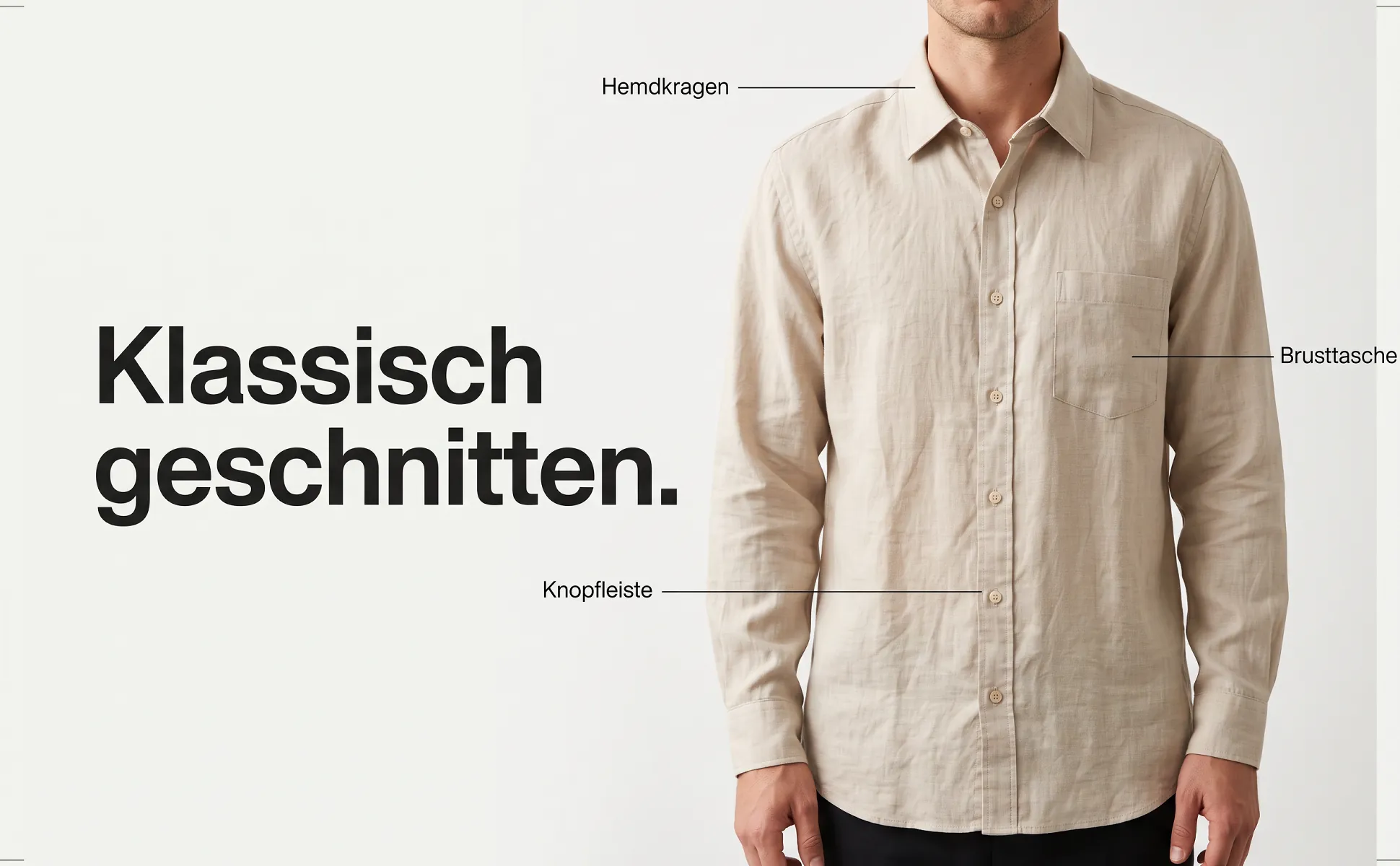
All examples were made with like.photo from one product photo and the product data: cables from our own shop wirelex and demo products from home, kitchen, fashion and leisure. The text is German because the images were made for amazon.de.
What makes it work
- Every label points at a part that is really visible in the photo.
- The labels come from the product data.
- Short words instead of sentences, so they stay legible on a phone.
Amazon formats
These are the formats we use the template in.
- A+ image header with text970 × 600
- The only A+ module where a headline inside the image stays legible. All examples here use this format.
- Amazon gallery, secondary image1600 × 1600
- The same template in a square frame, zoomable from 1600 px. Not in slot 1: the main image stays text-free on white.
More templates
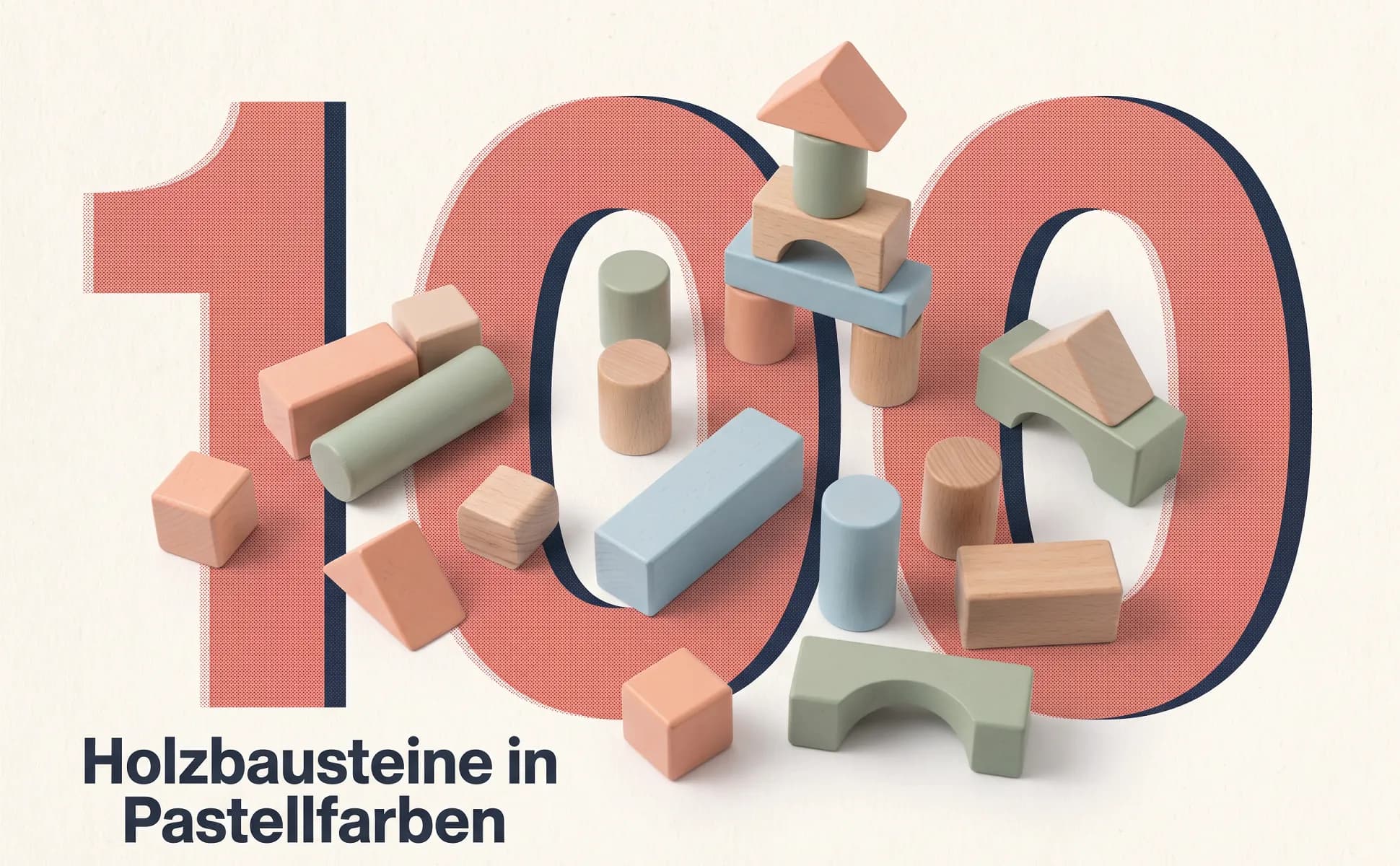
Big number
The key figure fills the frame, with the product lying right inside the type.
Buying question: What does it do?
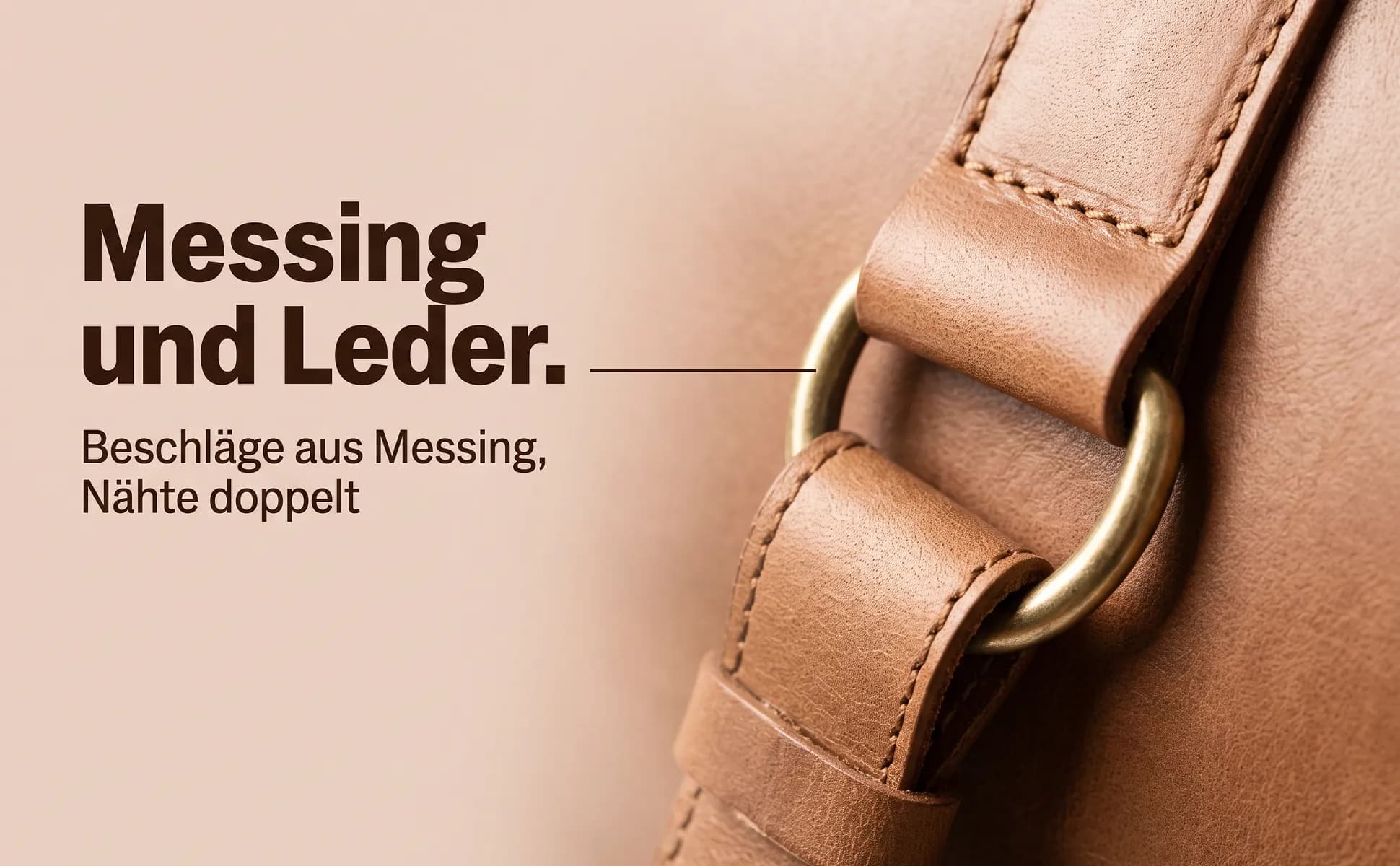
Macro detail
One detail up close, next to a headline that says what this detail is good for.
Buying question: How is it made?
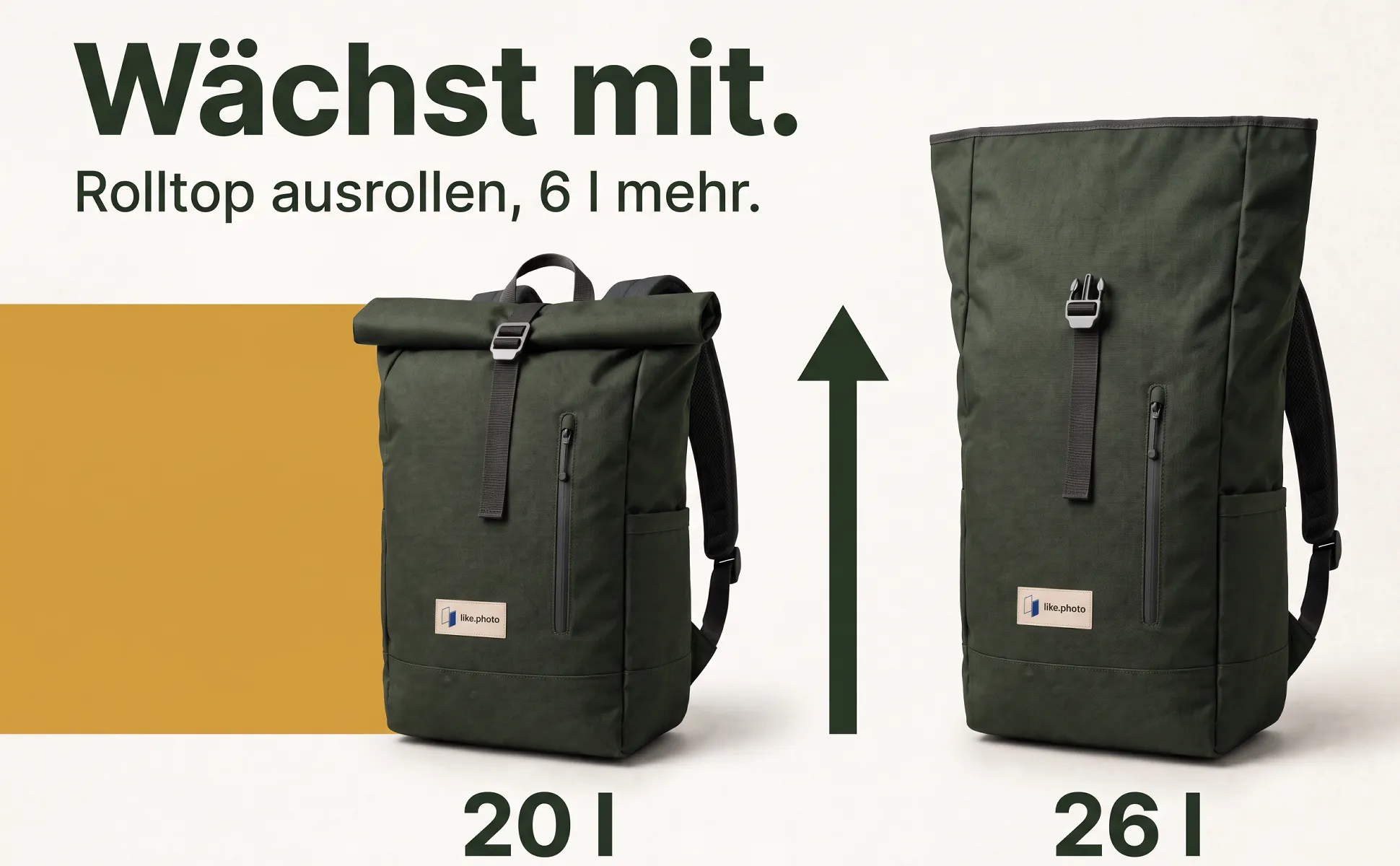
Explainer graphic
A graphic grows out of the product and explains connection, size or handling at a glance.
Buying question: How do I use it?

In-use scene
The product where it belongs, with a headline that names the use in a few words.
Buying question: Where do I use it?
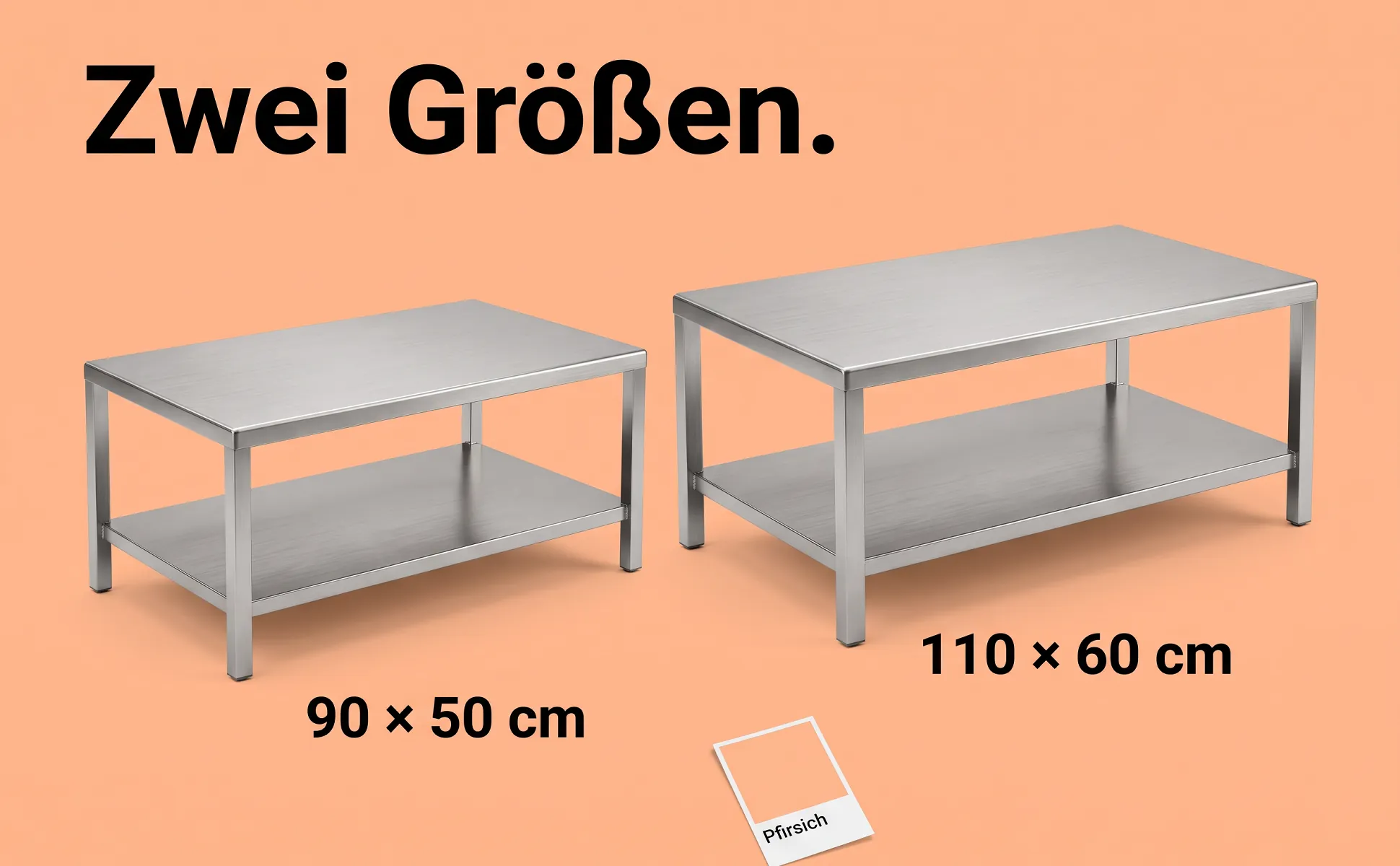
Side-by-side comparison
Two sizes or versions side by side, in the same light, with clear labels.
Buying question: Which variant?
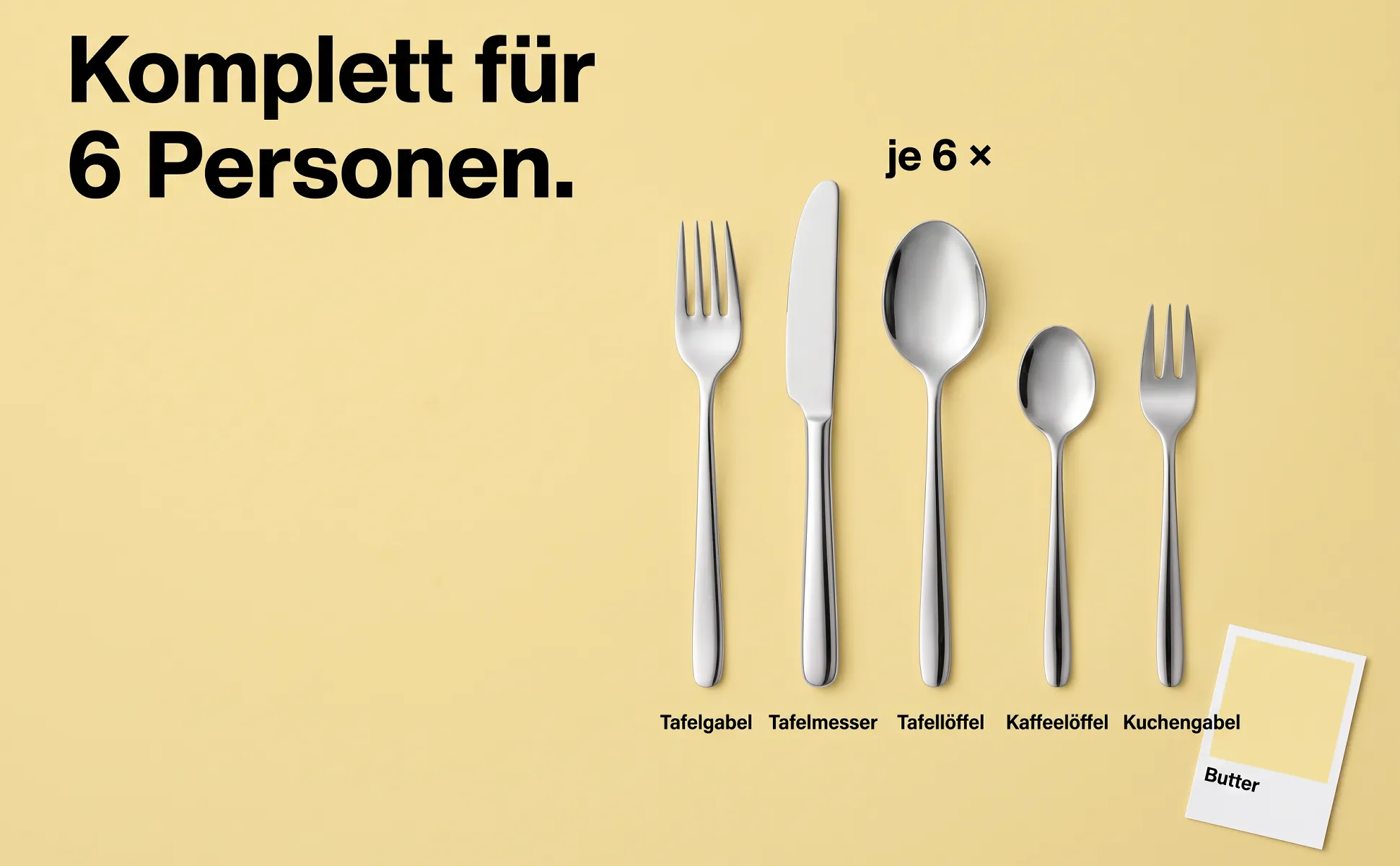
What's included
Every part neatly from above, each with its name, plus the quantity.
Buying question: What do I get?
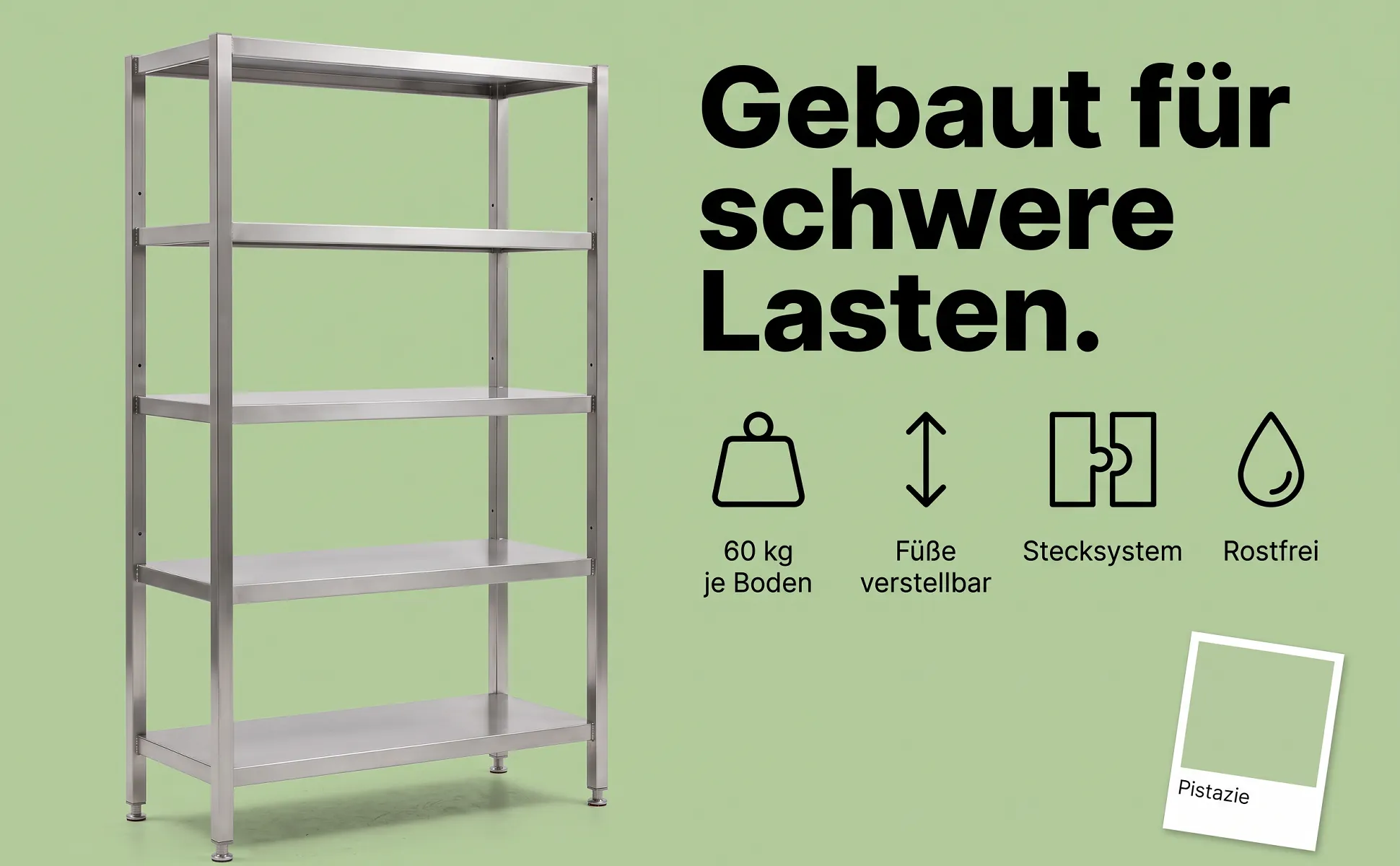
Icon row
The product on one side, three or four benefits as simple icons with labels on the other.
Buying question: Why this one?