
Comparison: A+ template for sizes and variants
Two sizes or versions side by side, in the same light, with clear labels.
Buying question: Which variant?
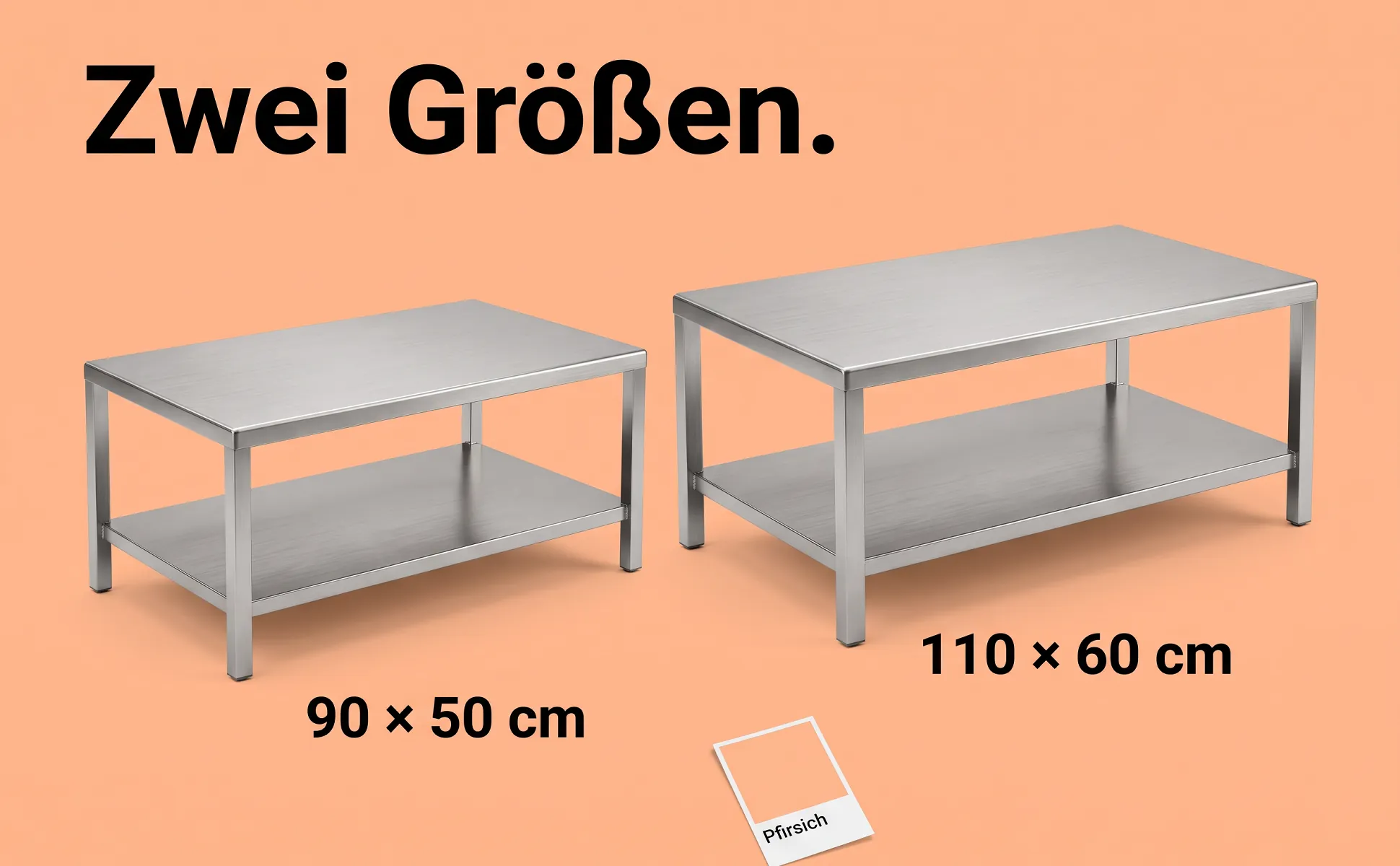
What the image shows
Both variants stand side by side, same angle, same light, in true proportion. A short label under each names the difference. The headline states the choice.
Good for
- Product families with sizes or volumes
- Fewer returns caused by the wrong size
- Variants grouped in one listing
What like.photo fills in from your data
- Headline
- Two labels, one per variant
Examples
10 images with this template, in different styles and for different products.
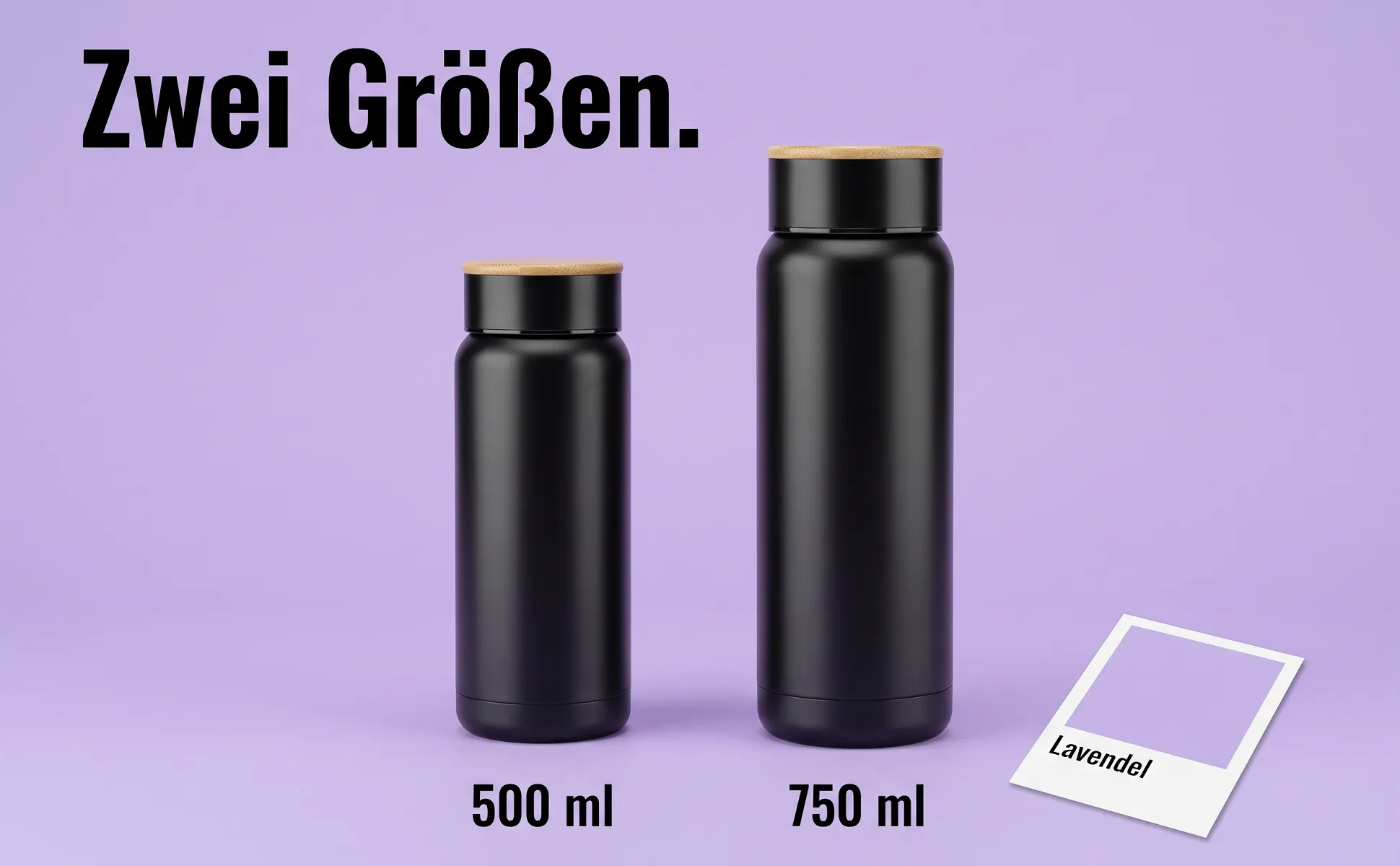
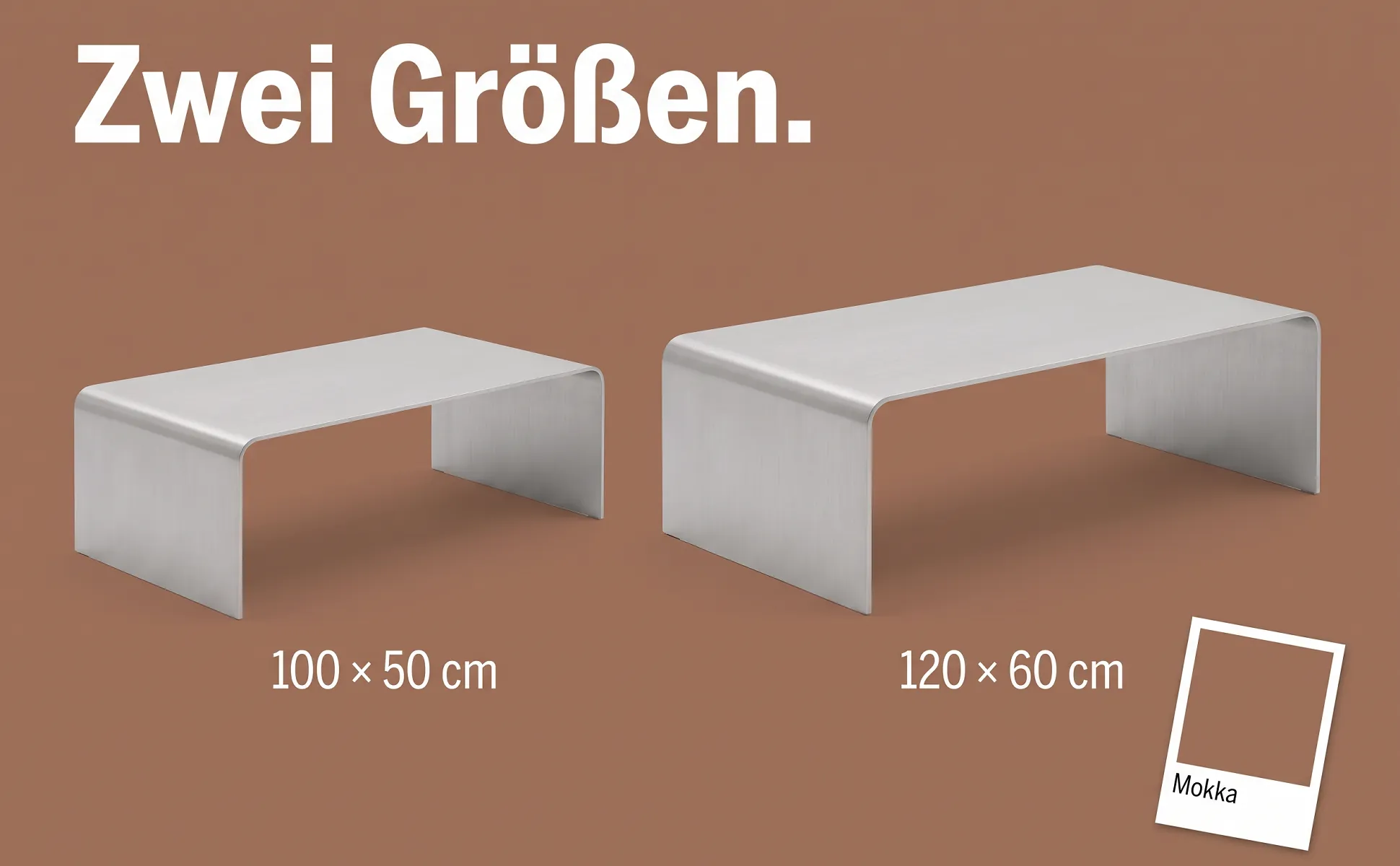
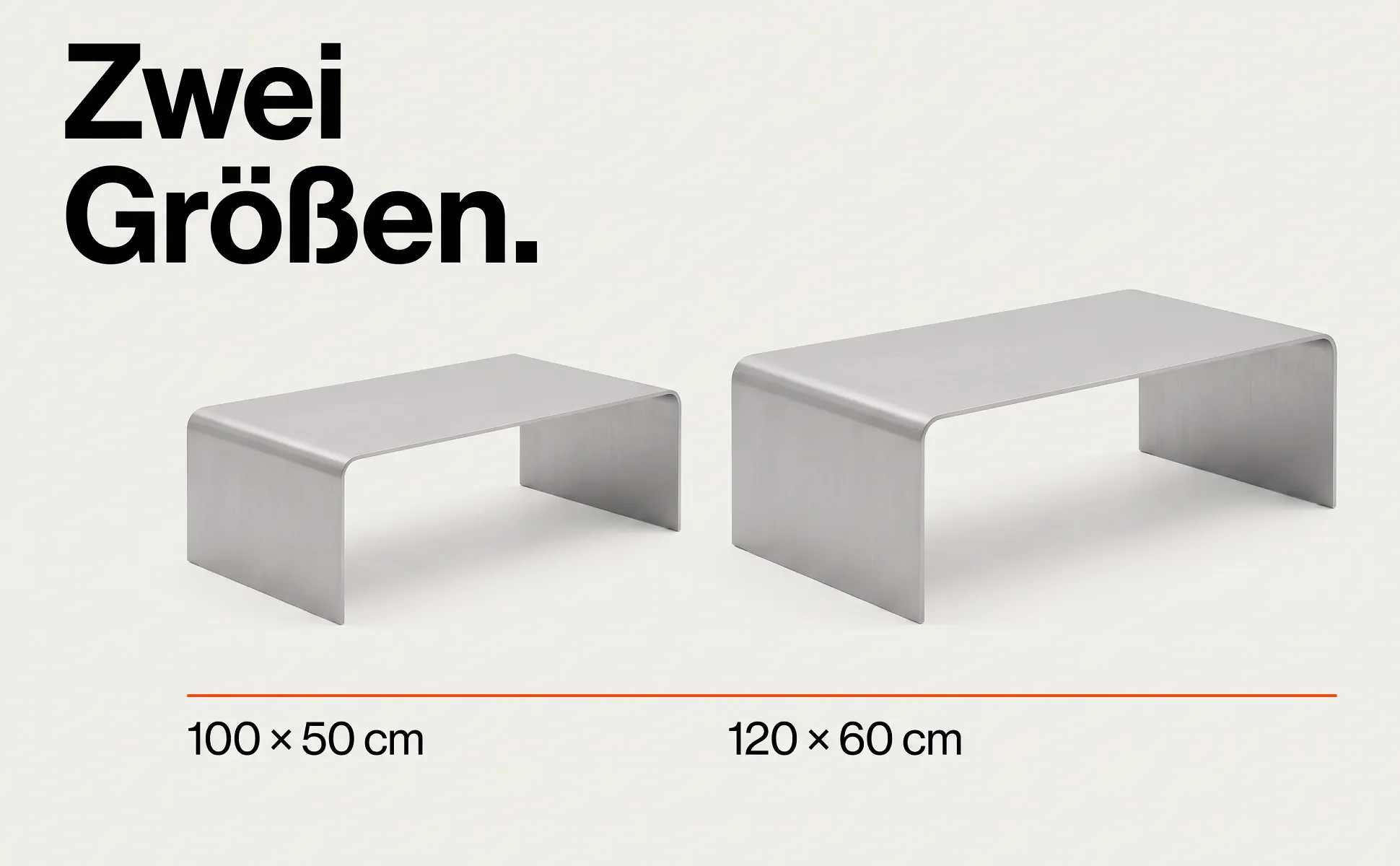
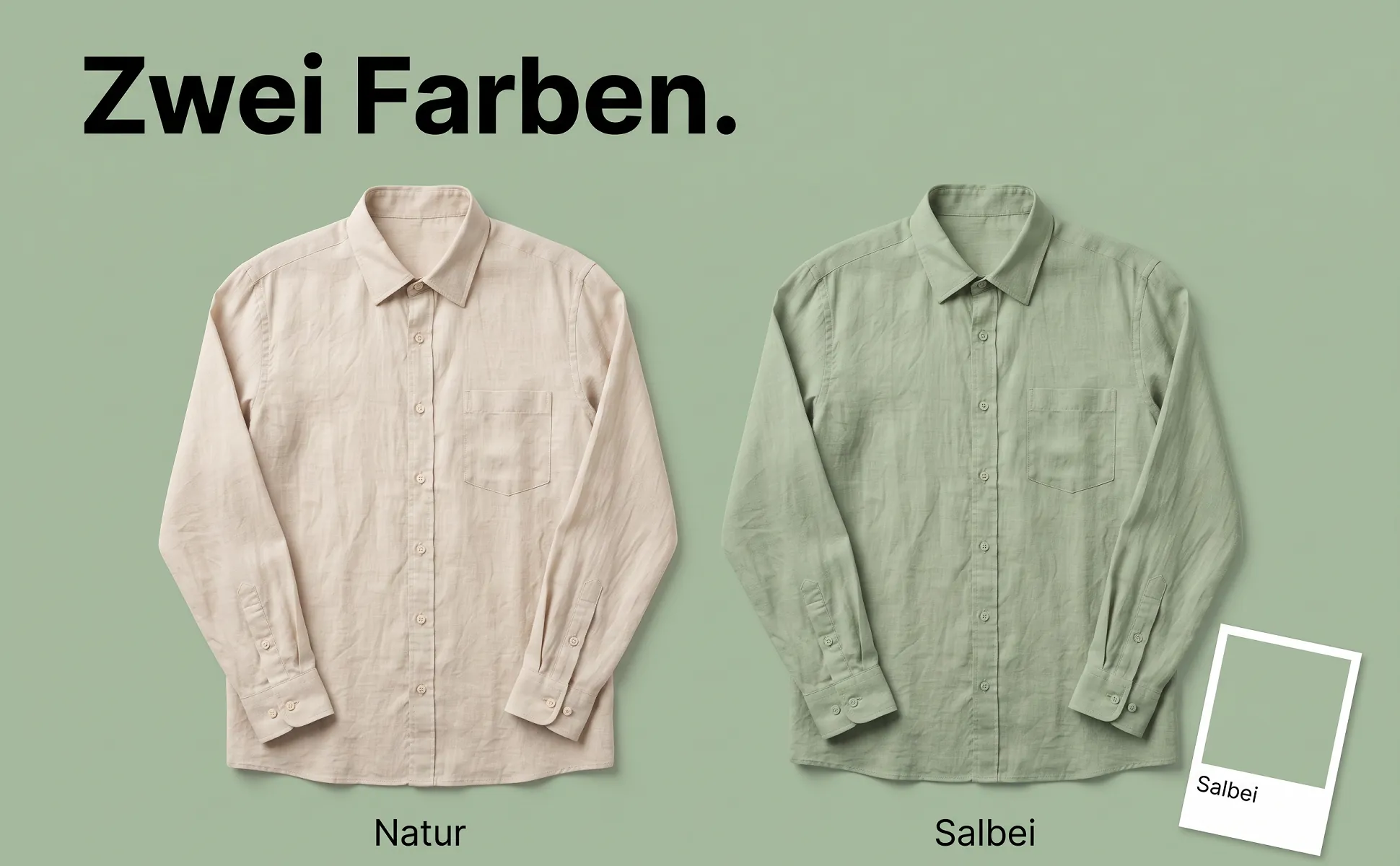
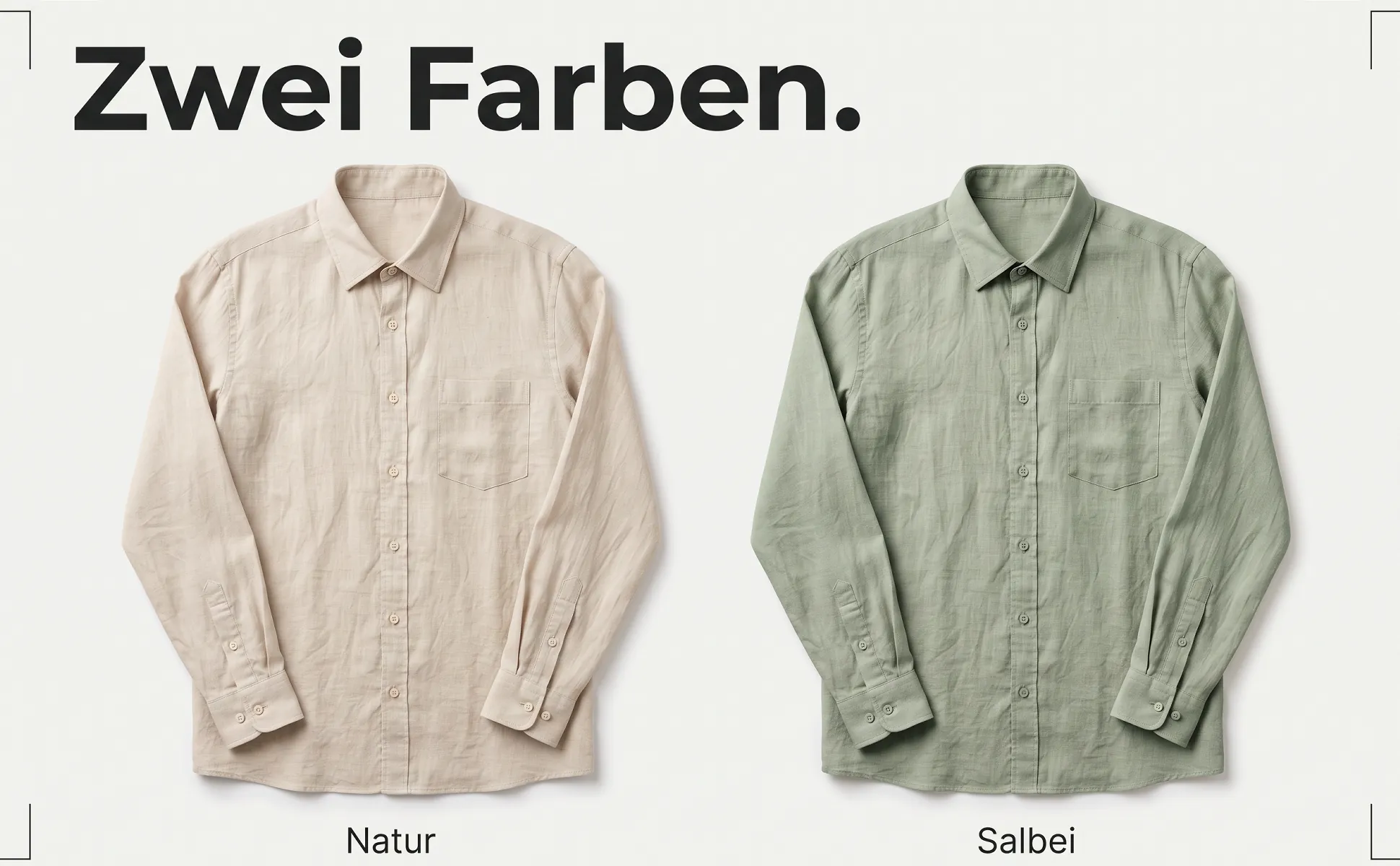
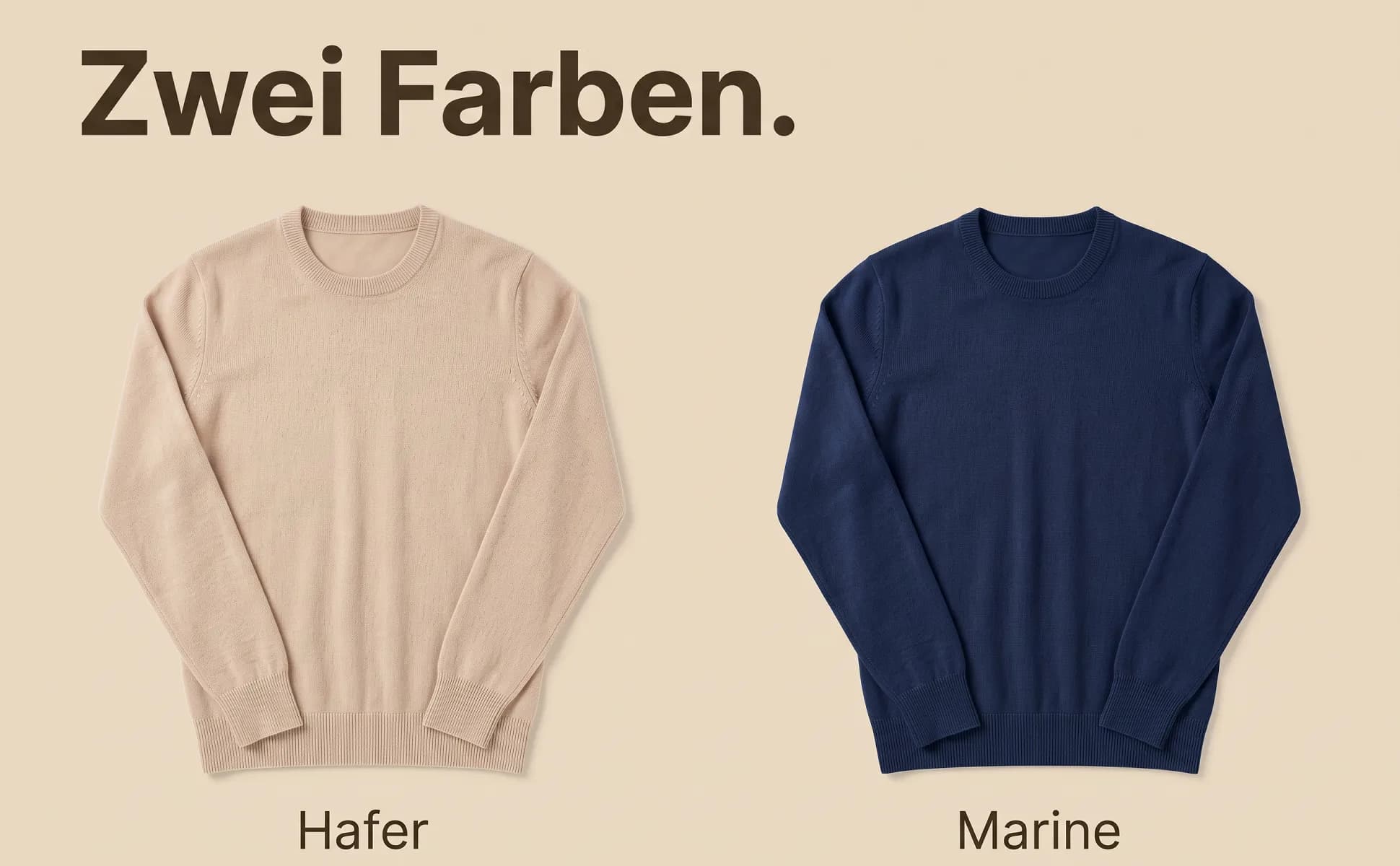
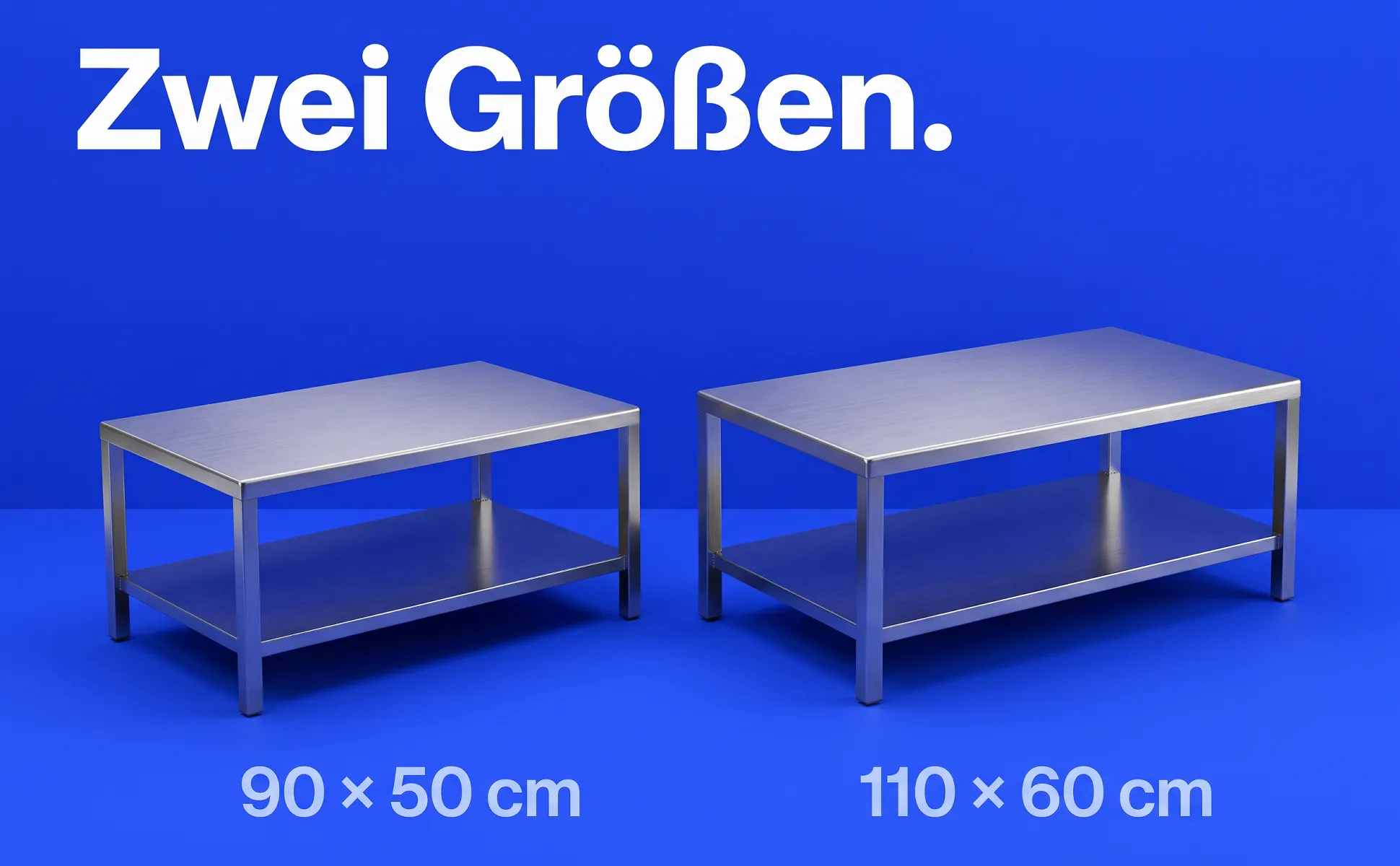
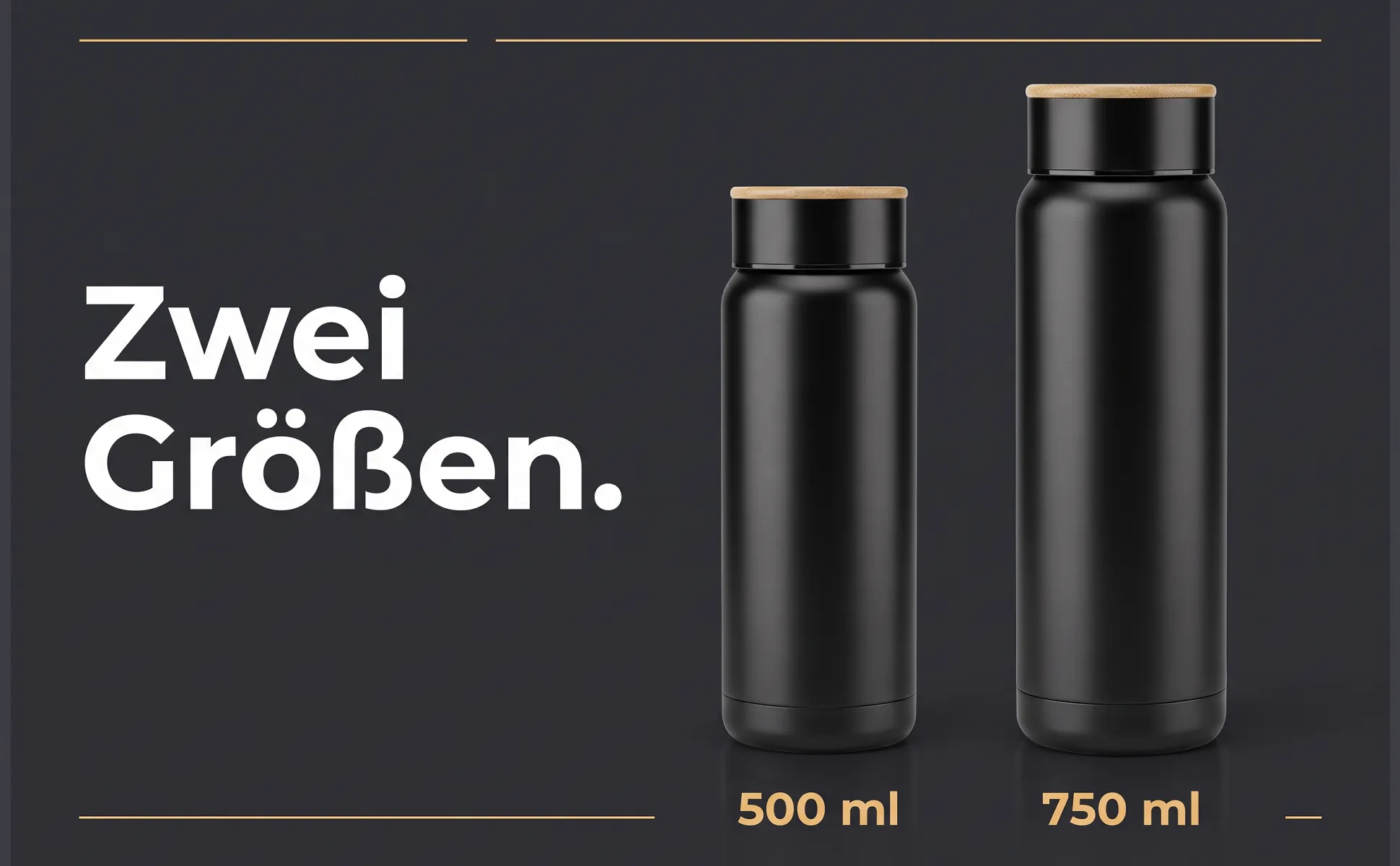
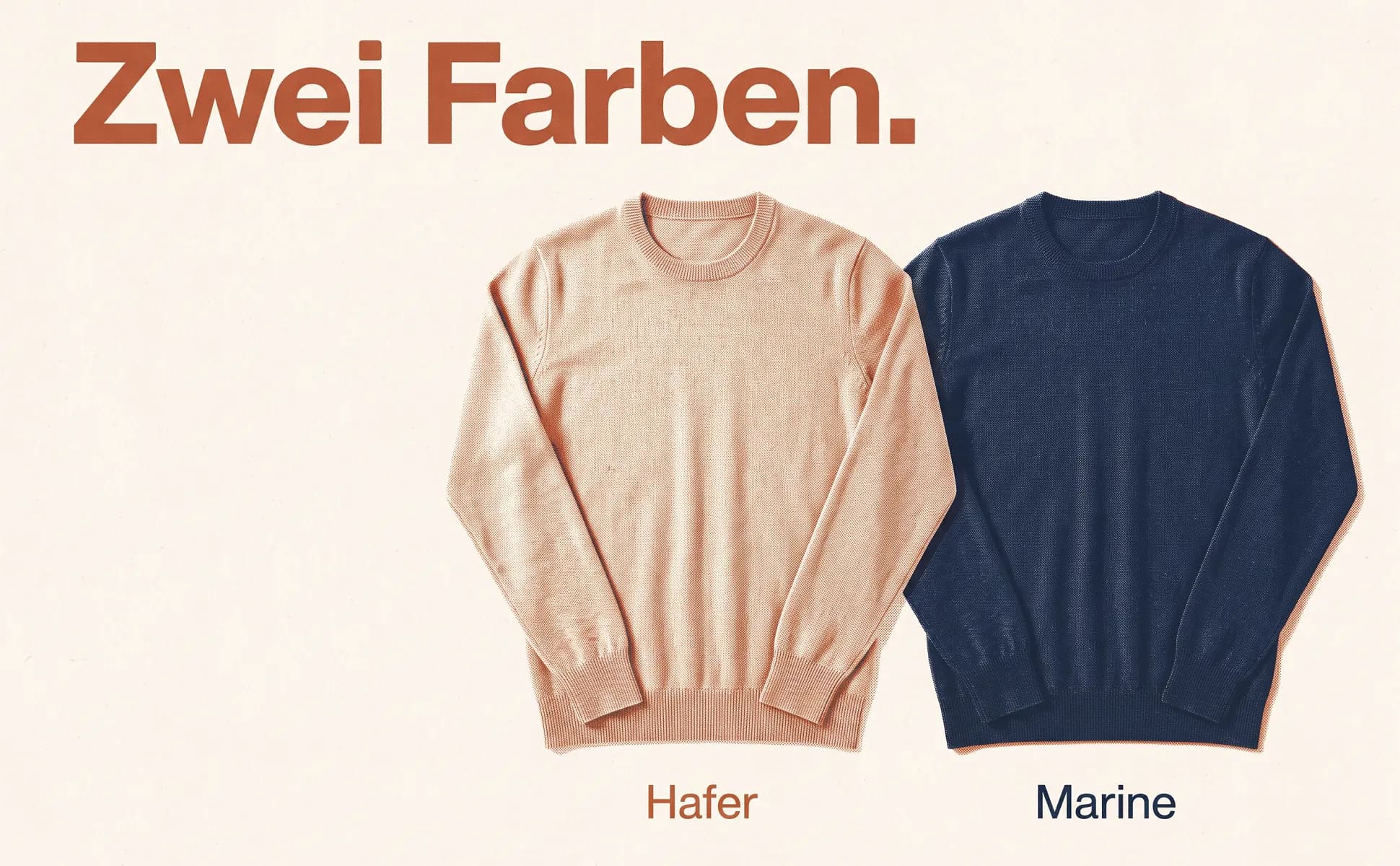
All examples were made with like.photo from one product photo and the product data: cables from our own shop wirelex and demo products from home, kitchen, fashion and leisure. The text is German because the images were made for amazon.de.
What makes it work
- Compare only your own variants. Amazon does not allow comparisons with other brands.
- The proportions match the dimensions in the data.
- One difference per label, for example size or volume.
Amazon formats
These are the formats we use the template in.
- A+ image header with text970 × 600
- The only A+ module where a headline inside the image stays legible. All examples here use this format.
- Amazon gallery, secondary image1600 × 1600
- The same template in a square frame, zoomable from 1600 px. Not in slot 1: the main image stays text-free on white.
More templates
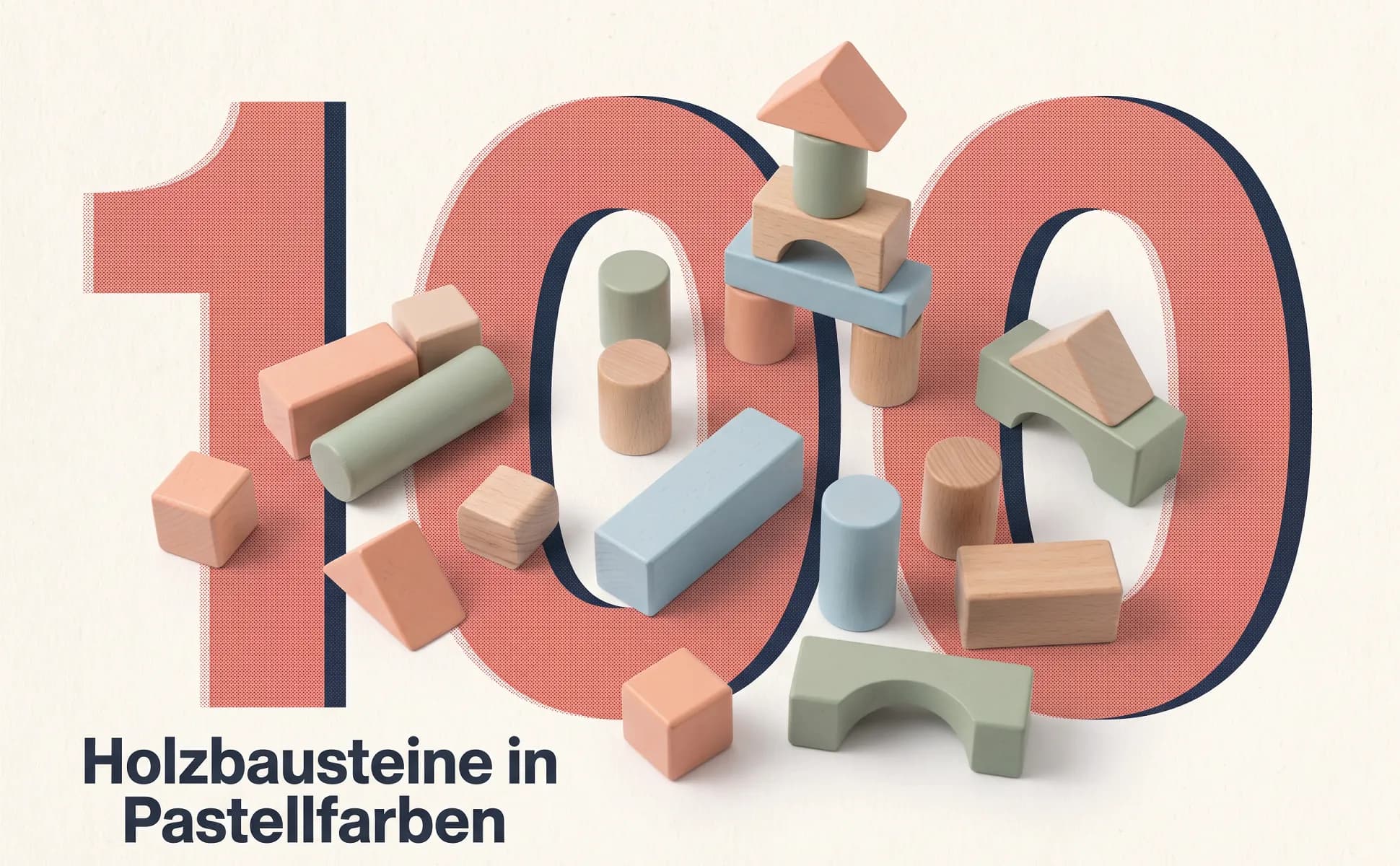
Big number
The key figure fills the frame, with the product lying right inside the type.
Buying question: What does it do?
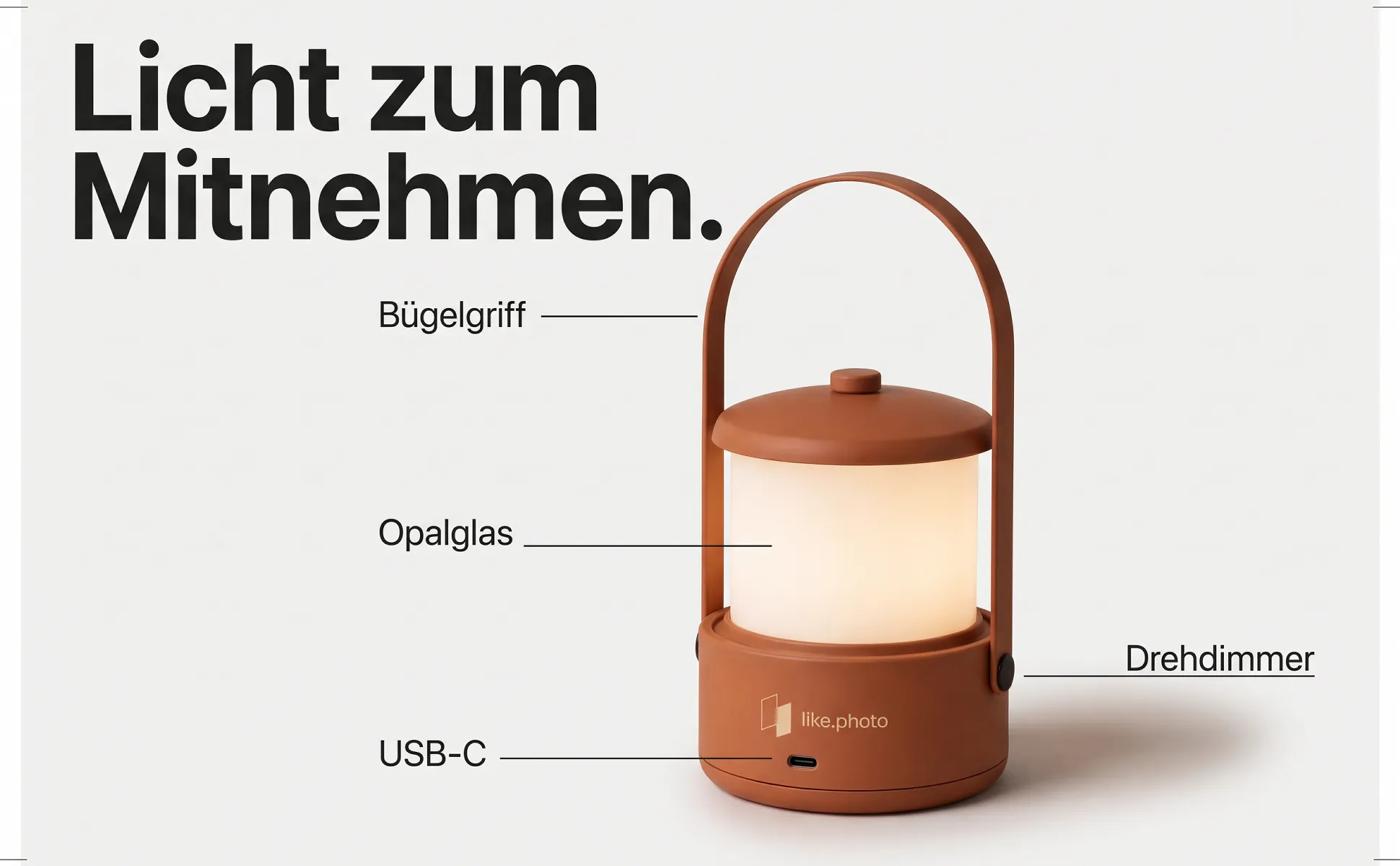
Labeled overview
The whole product in frame, with short labels pointing at the parts buyers look for.
Buying question: What does it have?
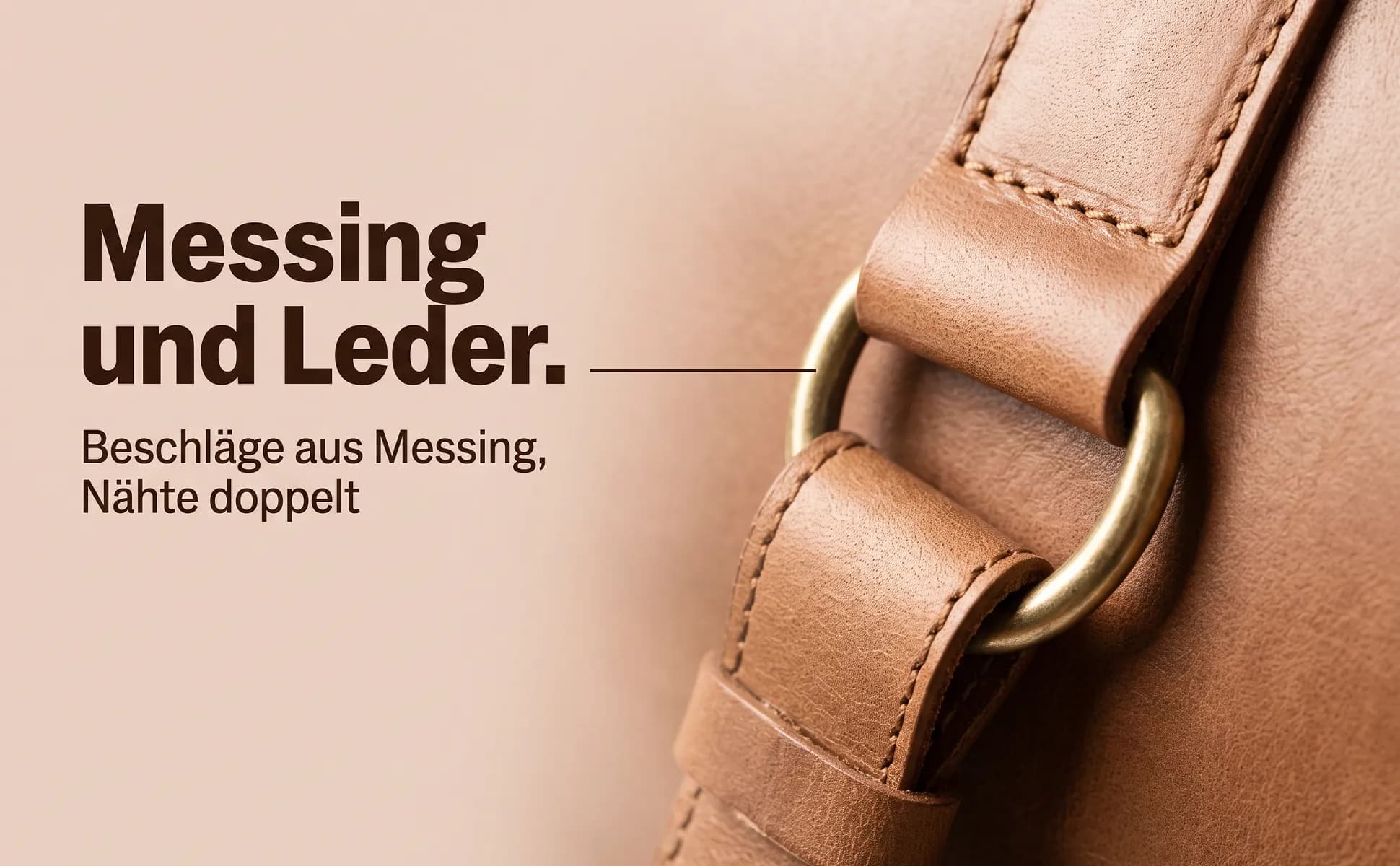
Macro detail
One detail up close, next to a headline that says what this detail is good for.
Buying question: How is it made?
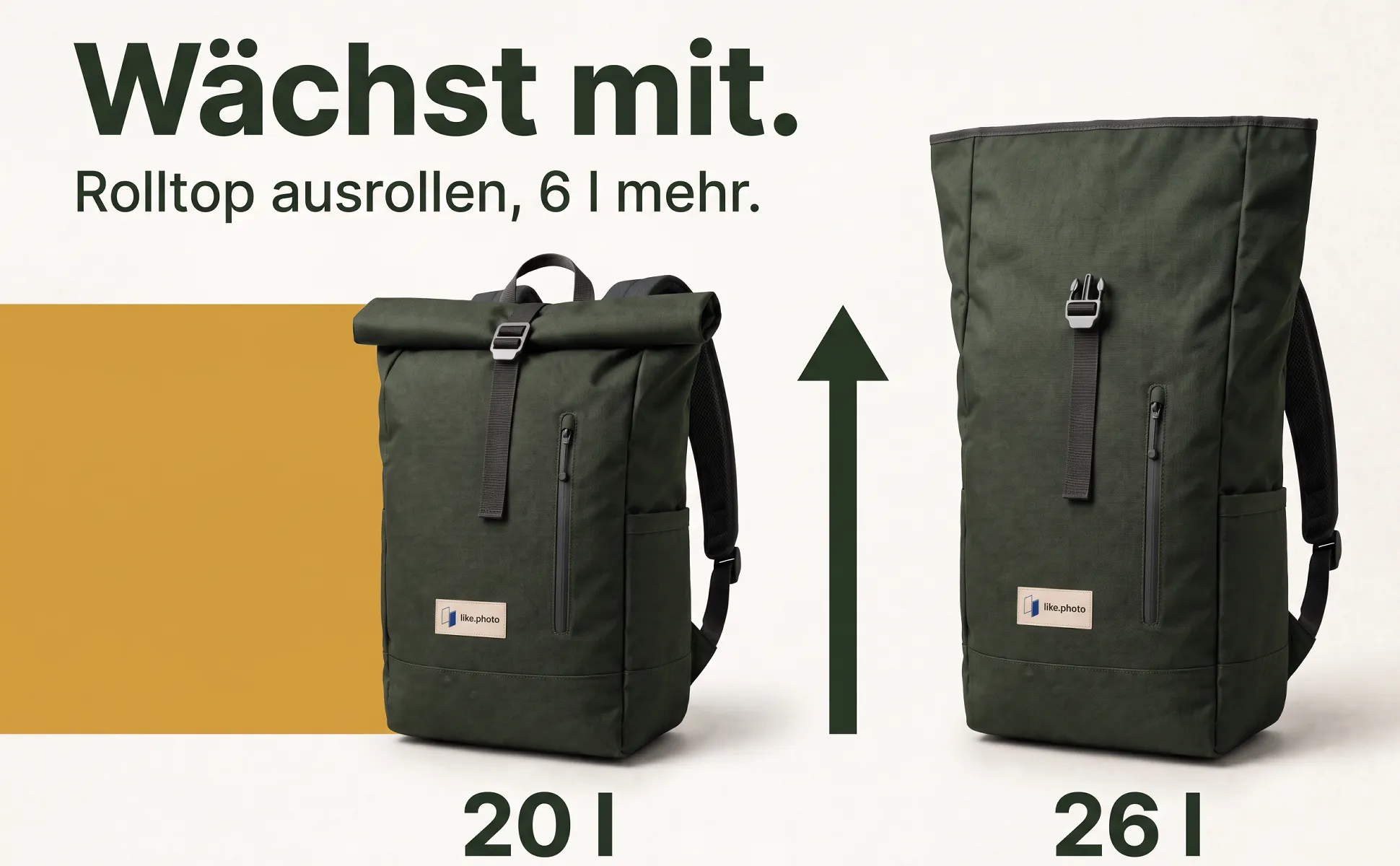
Explainer graphic
A graphic grows out of the product and explains connection, size or handling at a glance.
Buying question: How do I use it?
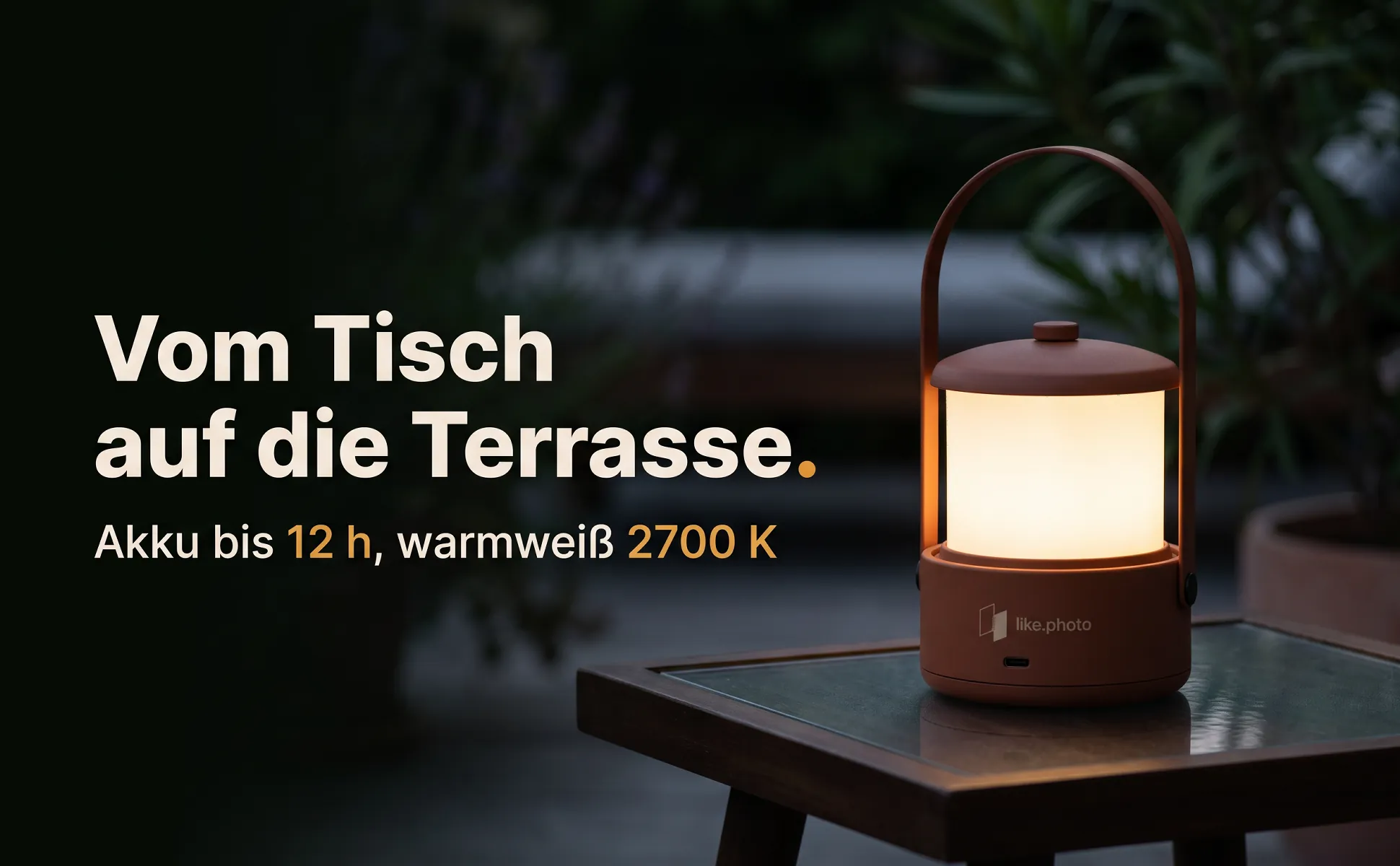
In-use scene
The product where it belongs, with a headline that names the use in a few words.
Buying question: Where do I use it?
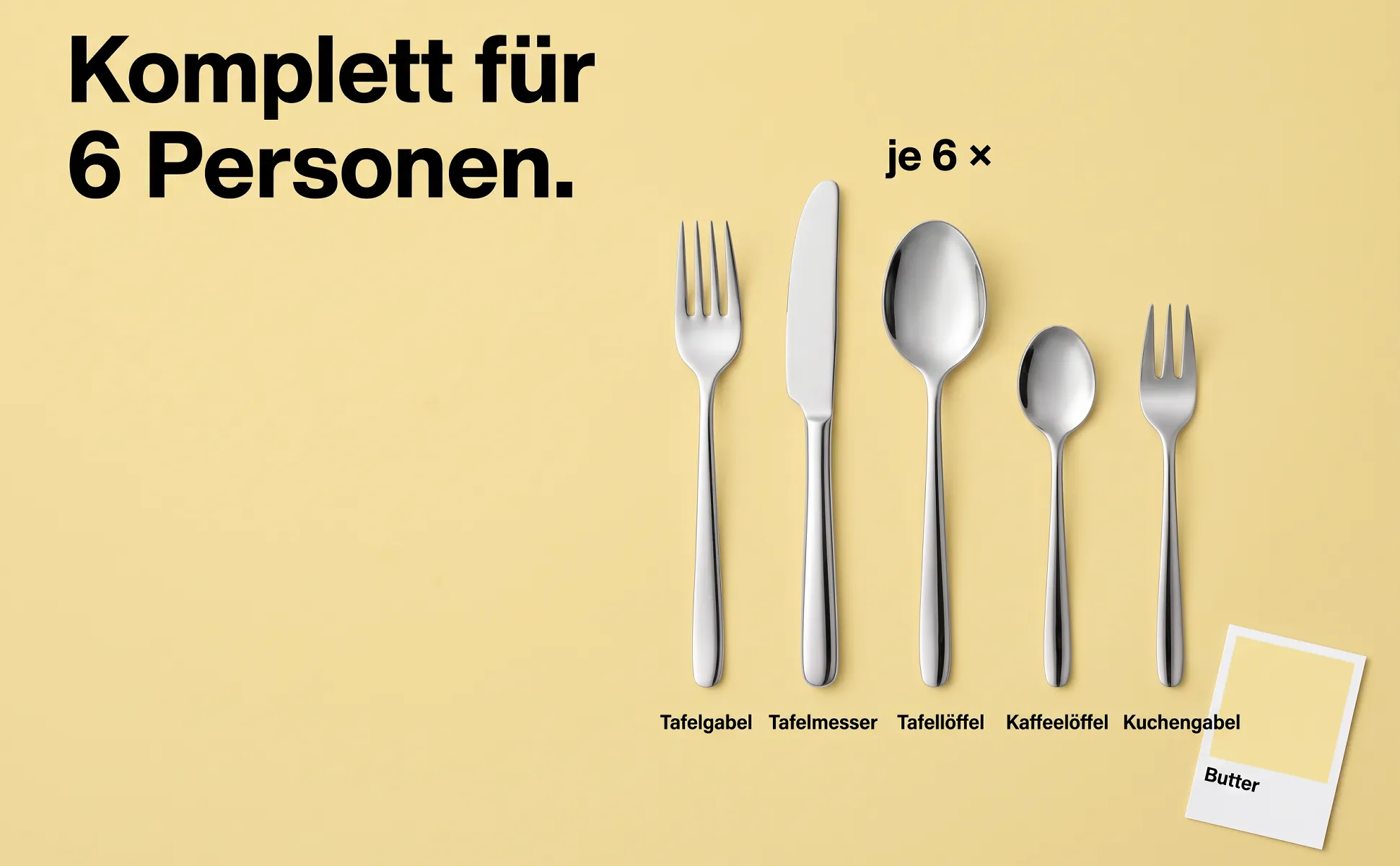
What's included
Every part neatly from above, each with its name, plus the quantity.
Buying question: What do I get?
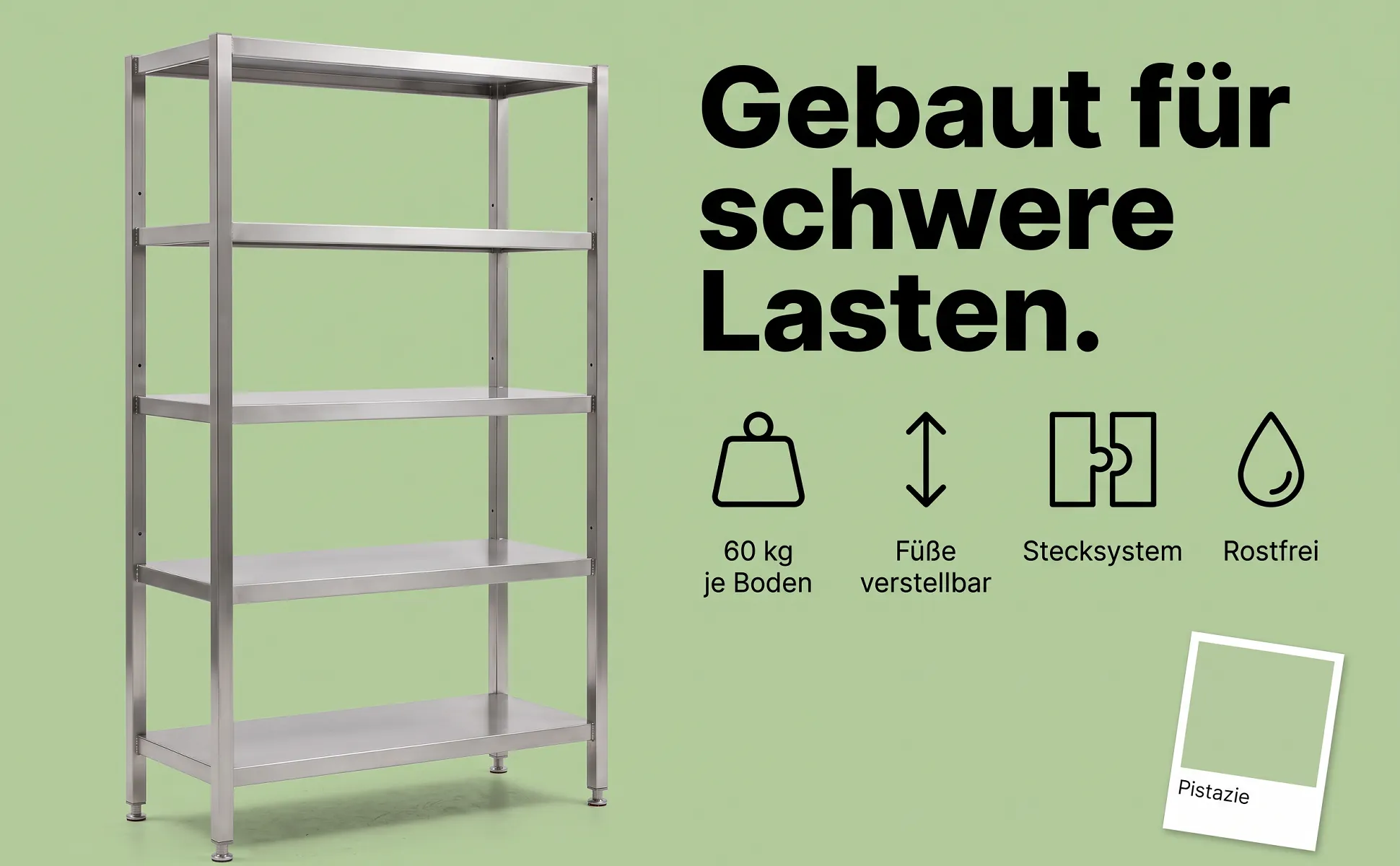
Icon row
The product on one side, three or four benefits as simple icons with labels on the other.
Buying question: Why this one?