
Product images in minutes.
No shoot. No waiting. A fraction of the cost.
From product to finished image in four steps.

Create images
Through JTL on every channel you sell on





From product photo to lifestyle image.
Compare each source image with its accepted result.
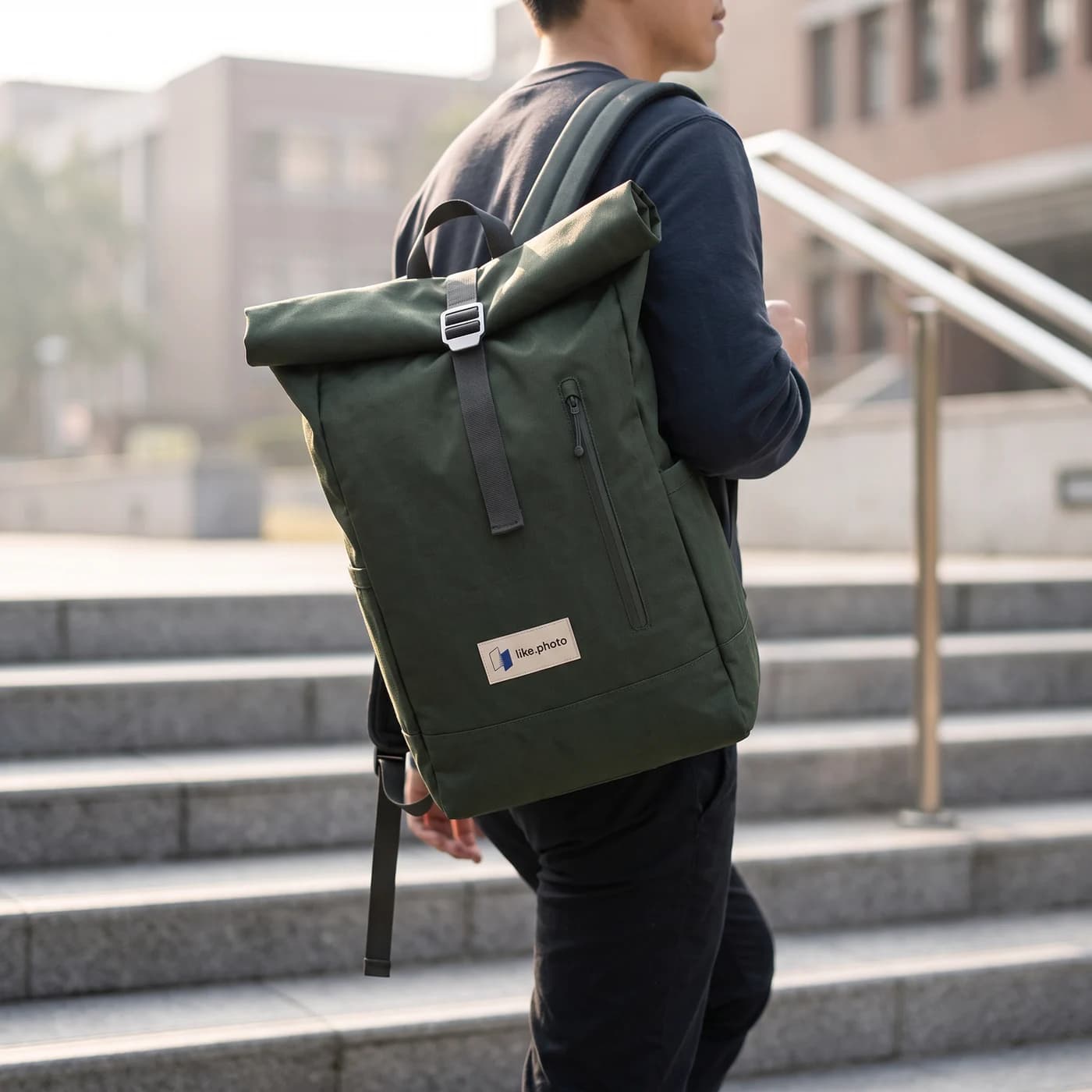
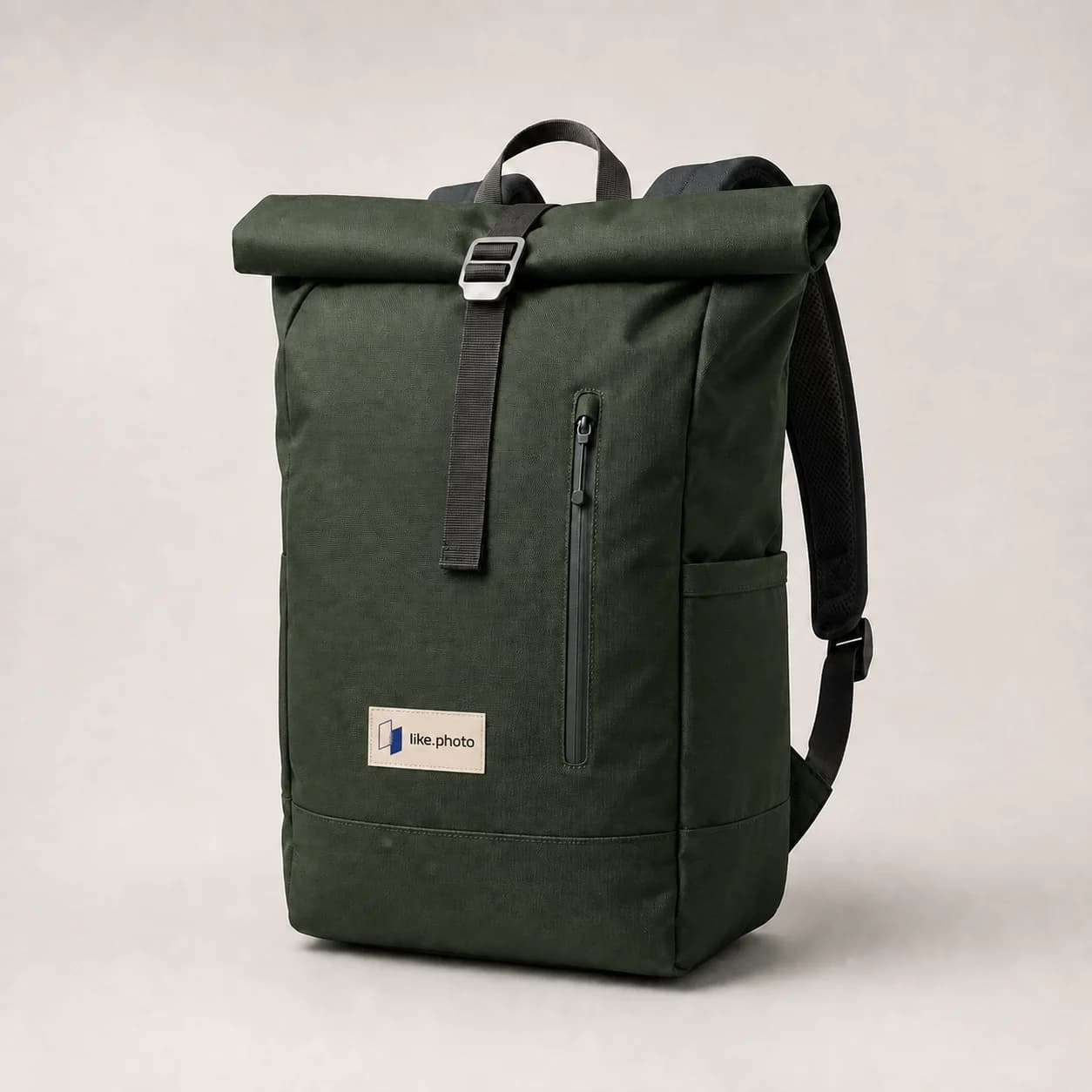
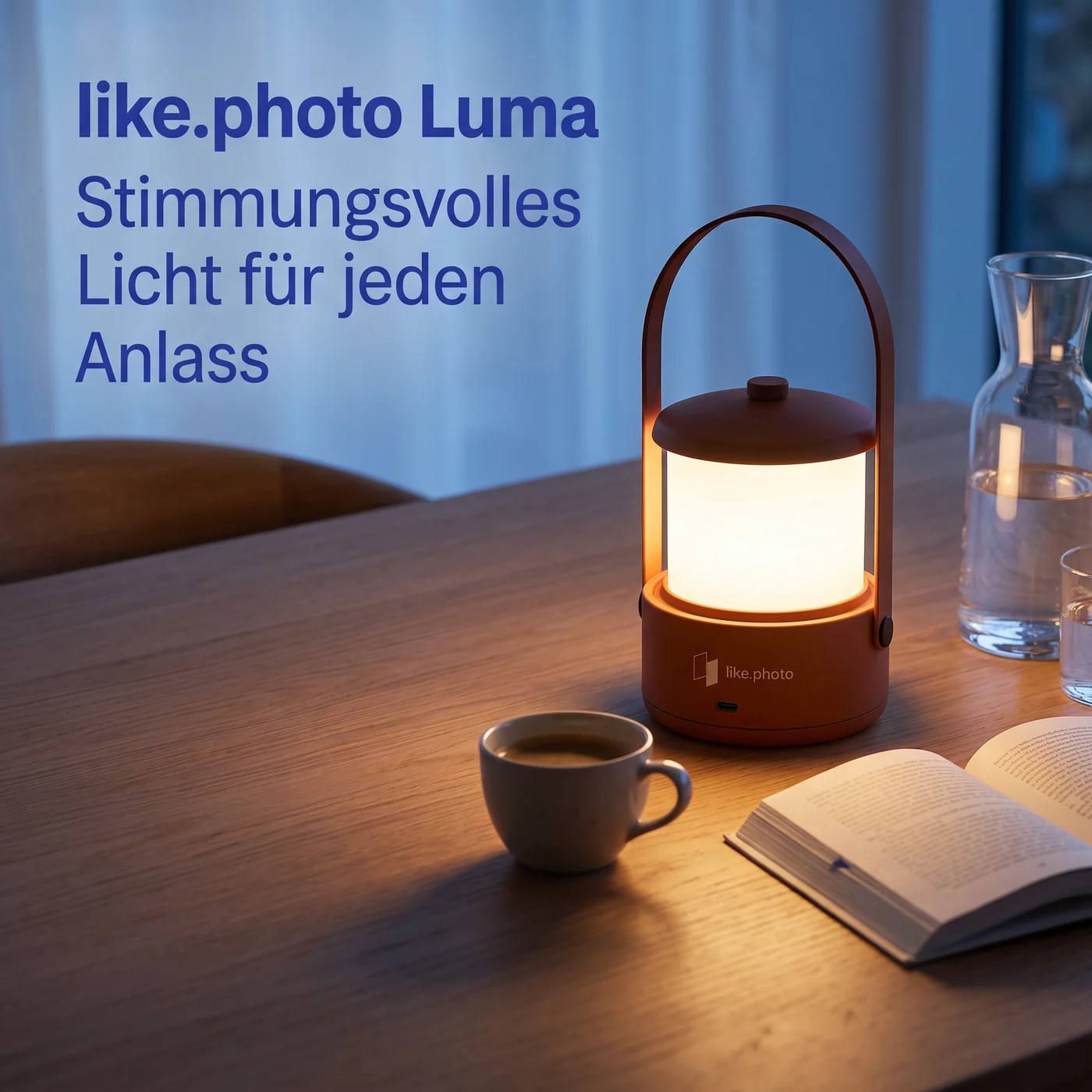
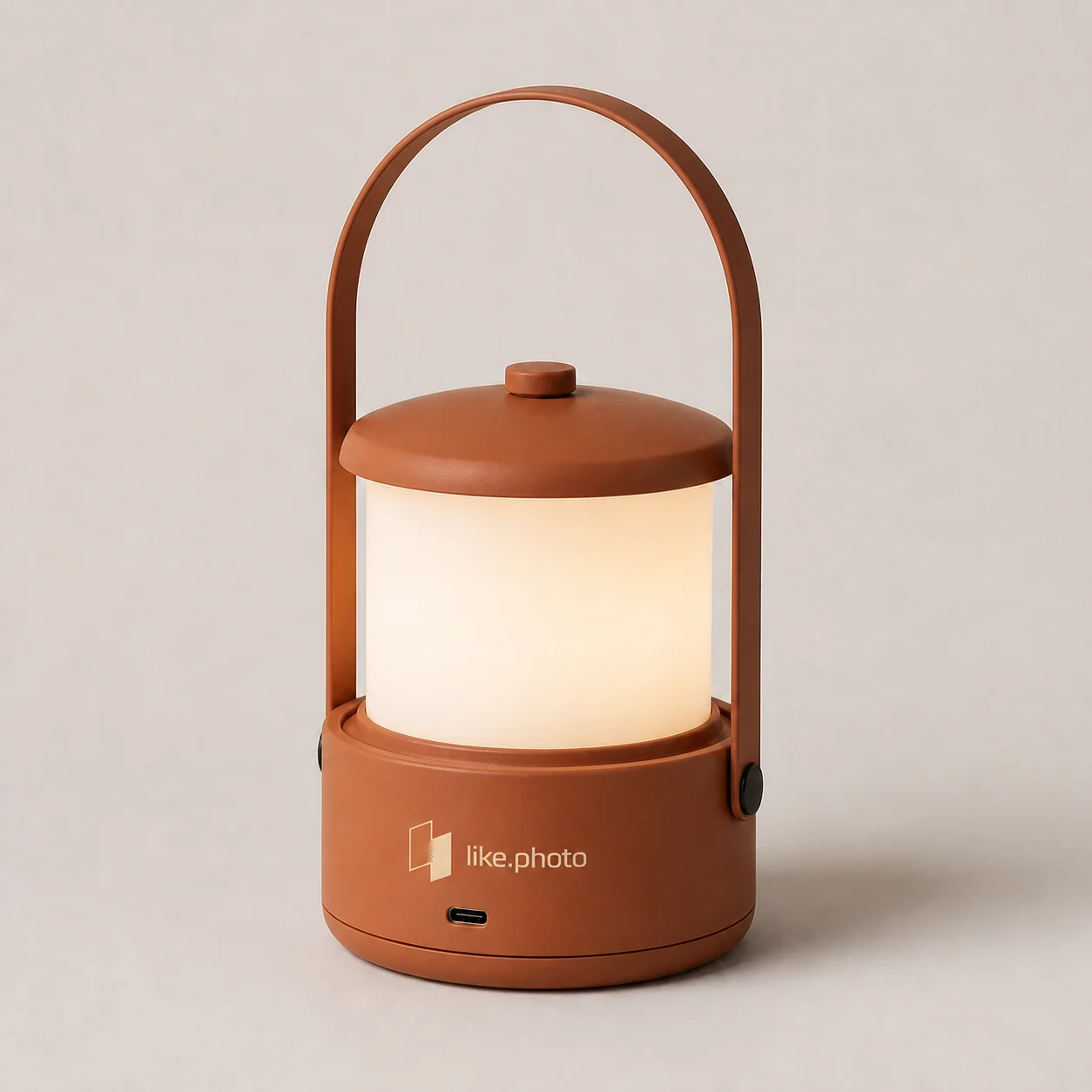
Rove and Luma are fictional demo products. These results were created in like.photo.
The Studio in detail.
An image plan from your product data.
like.photo looks at your photos and master data, writes a shoot concept and plans the listing set. Position 1 is the main image on white, followed by lifestyle images and images with text.
- A shoot concept per product: setting, light, motifs, audience
- Add your own ideas with a sentence or a reference image
- Buyer learnings from Amazon reviews feed into the plan
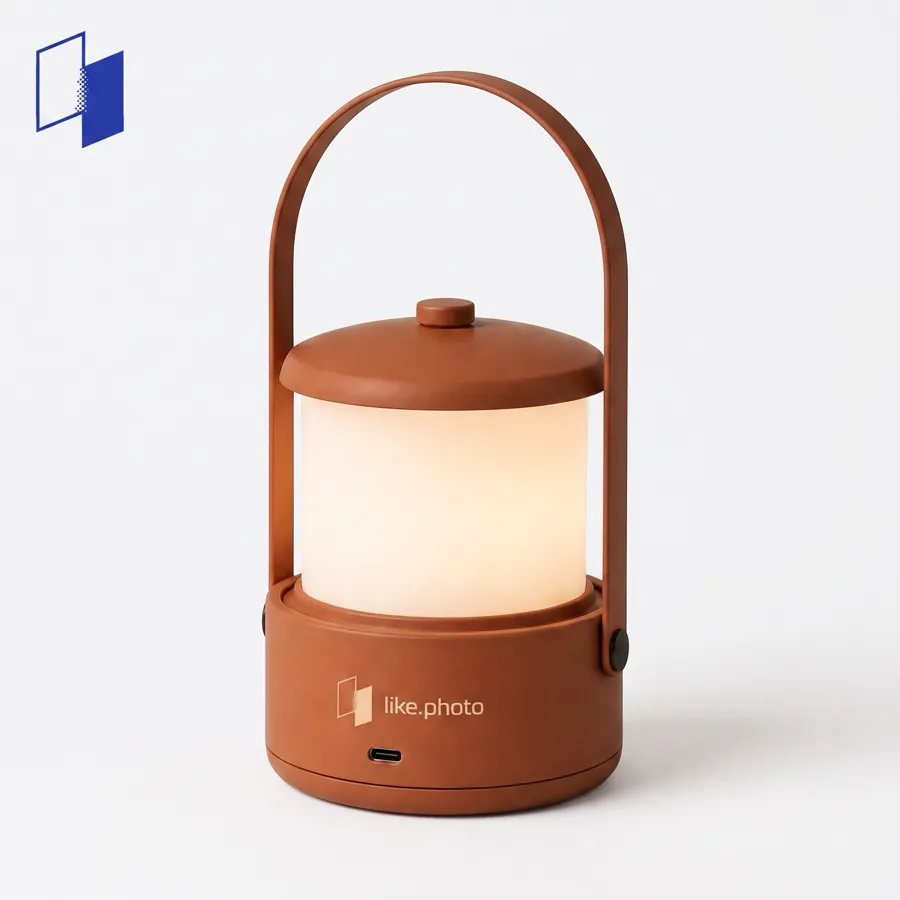

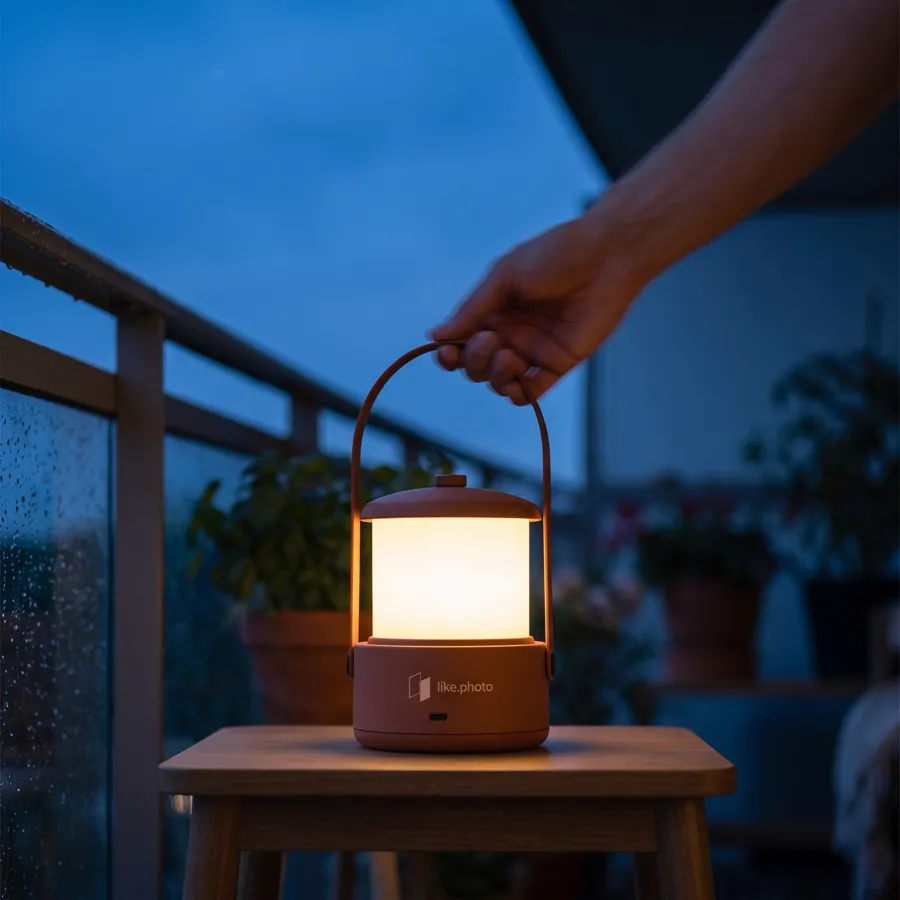

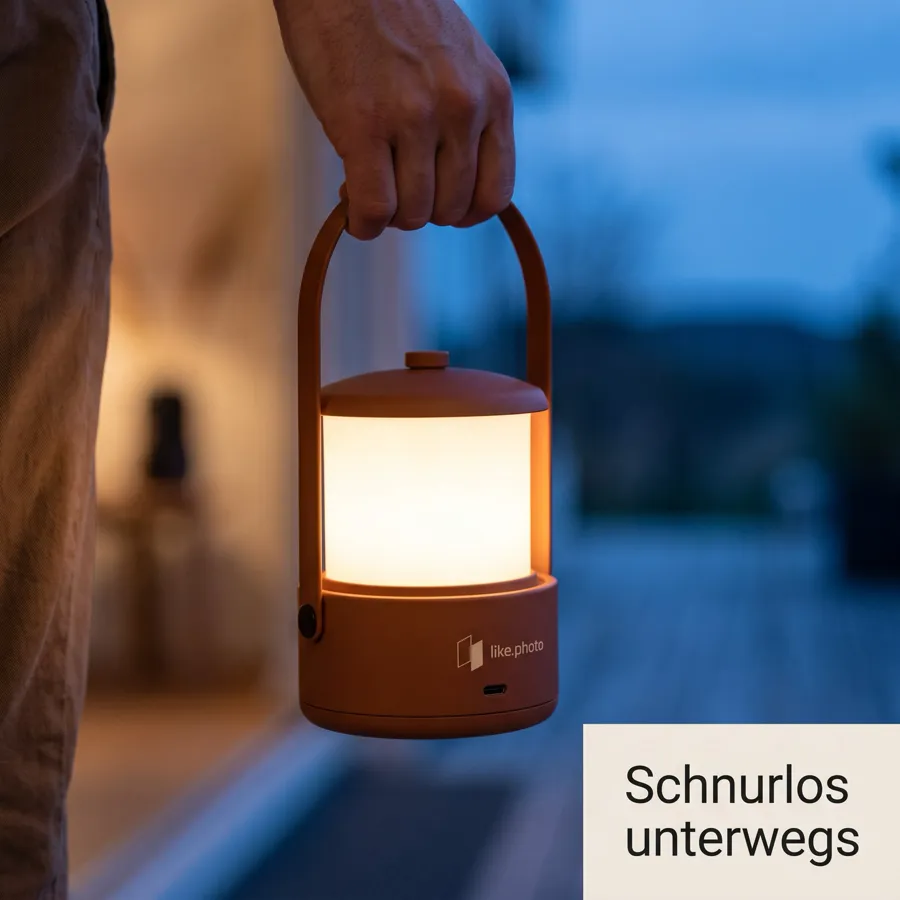
The infographic knows your product.
Contents, dosage and properties come from your product data.
Corrections in one sentence.
If an image is not right, you write one sentence about what bothers you. You decide whether the image is adjusted or created from scratch.
- Adjusting changes only what bothers you. The rest of the image stays.
- Compare earlier versions and restore them
- An image only counts once you accept it
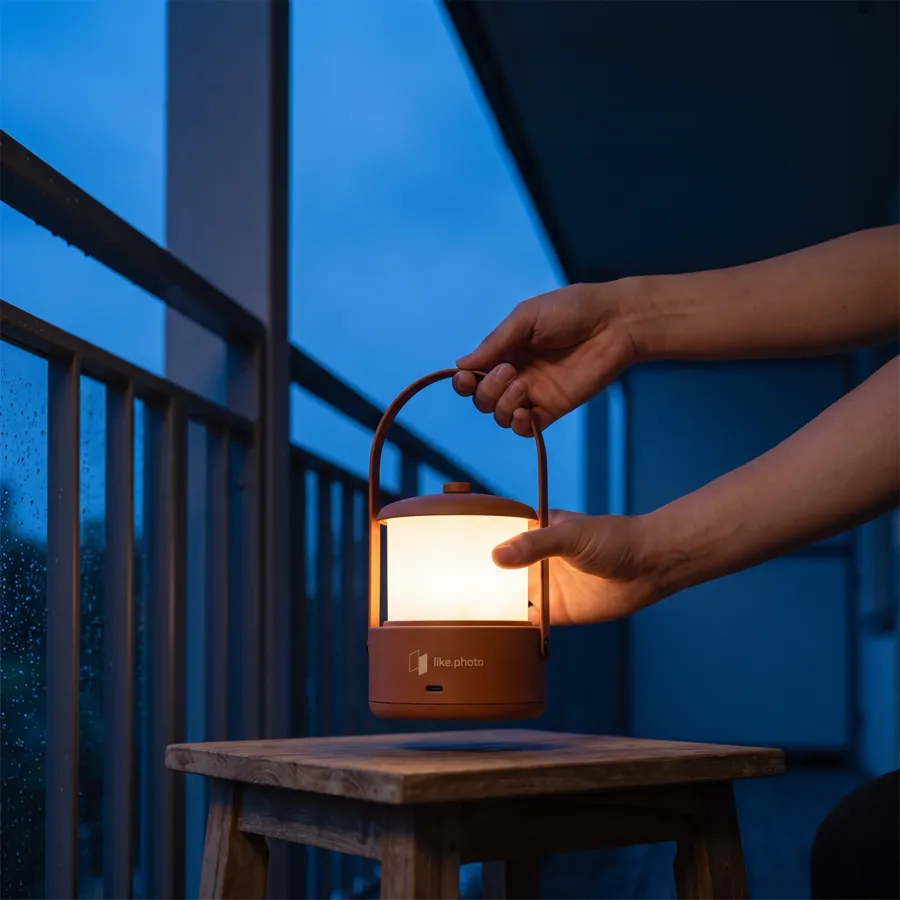
Your brand in every image.
For each brand you store a logo, colours and style references. like.photo applies them to images with text and to the shoot concept.
- Logo placement: never, main image only, or all images
- Four colours: primary, secondary, accent, background
- Up to three style references and your own instructions
- Plans
- Plan and create images for many products in one run.
- Auto-publish
- Accepted images go to the product automatically, in the order you choose.
- Template sets
- Save a proven listing set and apply it to other products.
- 2K and 4K
- Upscale accepted images for zoom and print.
- Export
- CSV or ZIP with all accepted images if you work without an ERP.
- Team
- Invite colleagues by email, with roles.


Once in JTL. Everywhere you sell.
like.photo adds the product images. JTL distributes them.
- Import
- Products, master data and existing images come from JTL.
- Way back
- Accepted images land on the same product.
- Distribution
- JTL passes them on to marketplaces and shops.
From 2 October 2026
New in the JTL App Store.
You install like.photo like any other app in the JTL Cloud. After that it runs in the JTL Hub and right inside the ERP.
- 01
Install
Open like.photo in the JTL App Store and install it. Installation is free.
- 02
Confirm permissions
Read and write product management, read sales channels. That is all the app needs.
- 03
Connect
Sign in with your like.photo account. The first import starts right away.
Your first 5 images are free.
 /App Store
like.photo
Entwickler: Wirelex GmbH
Kostenlose Installation. Die Nutzung kann je nach Tarif kostenpflichtig sein.
Beschreibung
like.photo erstellt aus einem Produktfoto eine komplette Bildstrecke: Freisteller, Anwendungsbilder und Infografiken mit den Werten aus deinen Artikelstammdaten. Direkt im Artikel im JTL ERP. Freigegebene Bilder schreibt like.photo über die JTL API zurück in den Artikel.
Funktionen
Standalone AppAPI Scopes
Photo shoot or like.photo.
| Criterion | Photo shoot | like.photo |
|---|---|---|
| Cost per image | €50 to €200 | €3.20 to €4.95 |
| Until the image is ready | Days to weeks | Minutes |
| Ship the product | Yes | No, one photo is enough |
| Corrections | Reshoot | One sentence of feedback |
| Billing | Per job | Accepted images only |
Photo shoot: typical market range for product photography. like.photo: price per image in the monthly allowance, from Enterprise to Starter.
Built because we need it ourselves.

Every image we accept at wirelex shows up here automatically.
We'll do it with your product.
Paste a link to a product in your shop. We build a demo page with images of exactly that product. Free, no account.
- 01
Paste a link
One product page from your shop is enough.
- 02
We create the images
Lifestyle images and an infographic for your product. Josua checks every demo before it goes out.
- 03
Demo page by email
Usually within one business day. You see your images before you sign up.
Easy to budget.
Only accepted images count.
What merchants ask before their first image.
Can you tell the images are AI generated?
Your photo is the reference for the product's shape, colour and labelling. What is created new is the setting, the light and the perspective. You review every variation in the Studio before it goes into your shop. The images above come from our own catalog, exactly as we accepted them.
Can I use the images on Amazon, eBay and in my own shop?
Yes. Accepting an image gives you a perpetual licence for e-commerce, marketing and advertising. Only reselling the images themselves is excluded. For Amazon main images you create packshots on white; lifestyle images and infographics go on the remaining image slots.
What does an image cost?
Your first 5 images are free, no credit card. After that you pay monthly for an allowance, from €99 for 20 images. Only what you accept is counted. Rejected variations cost nothing as long as you accept at least one in 15 generated images.
What if an image is not right?
Reject it and write one sentence about what is wrong. That produces a corrected variation. An image is only counted and released without watermark once you accept it.
Do I need JTL?
No. Uploading a product photo is enough. Connected to JTL ERP, like.photo pulls products and master data automatically and writes accepted images back to the product.
What resolution do I get?
Accepted images come without watermark and can be upscaled to 2K or 4K. That covers Amazon's zoom requirements and print.
What happens to my photos and product data?
They stay tied to your account and are sent to our AI partners solely to create your images. The finished images live in your account. Details are in the privacy policy.
Can I cancel anytime?
Yes, monthly at the end of the billing period, right from your account. The minimum term is one month.